Where most ergonomic problems start
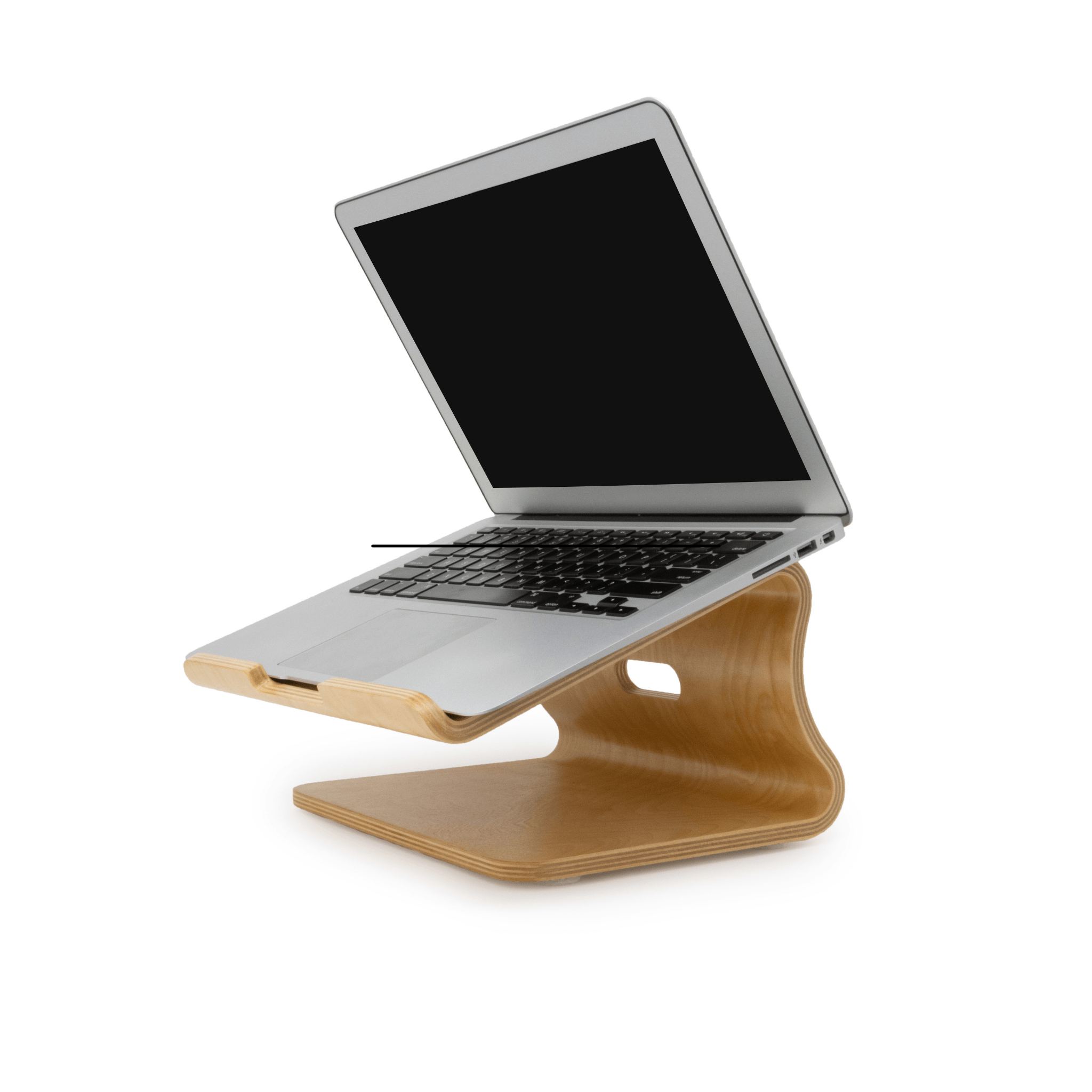
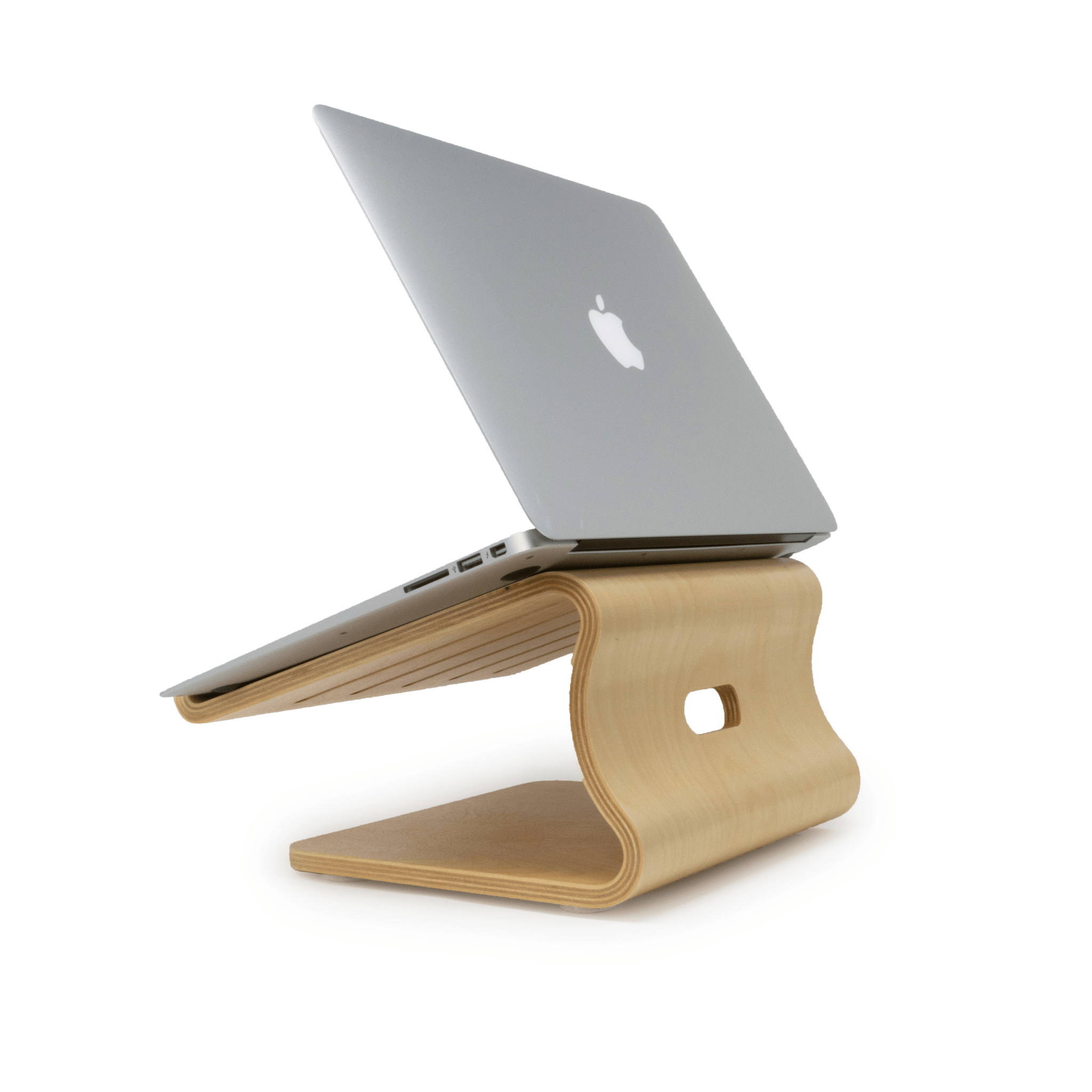
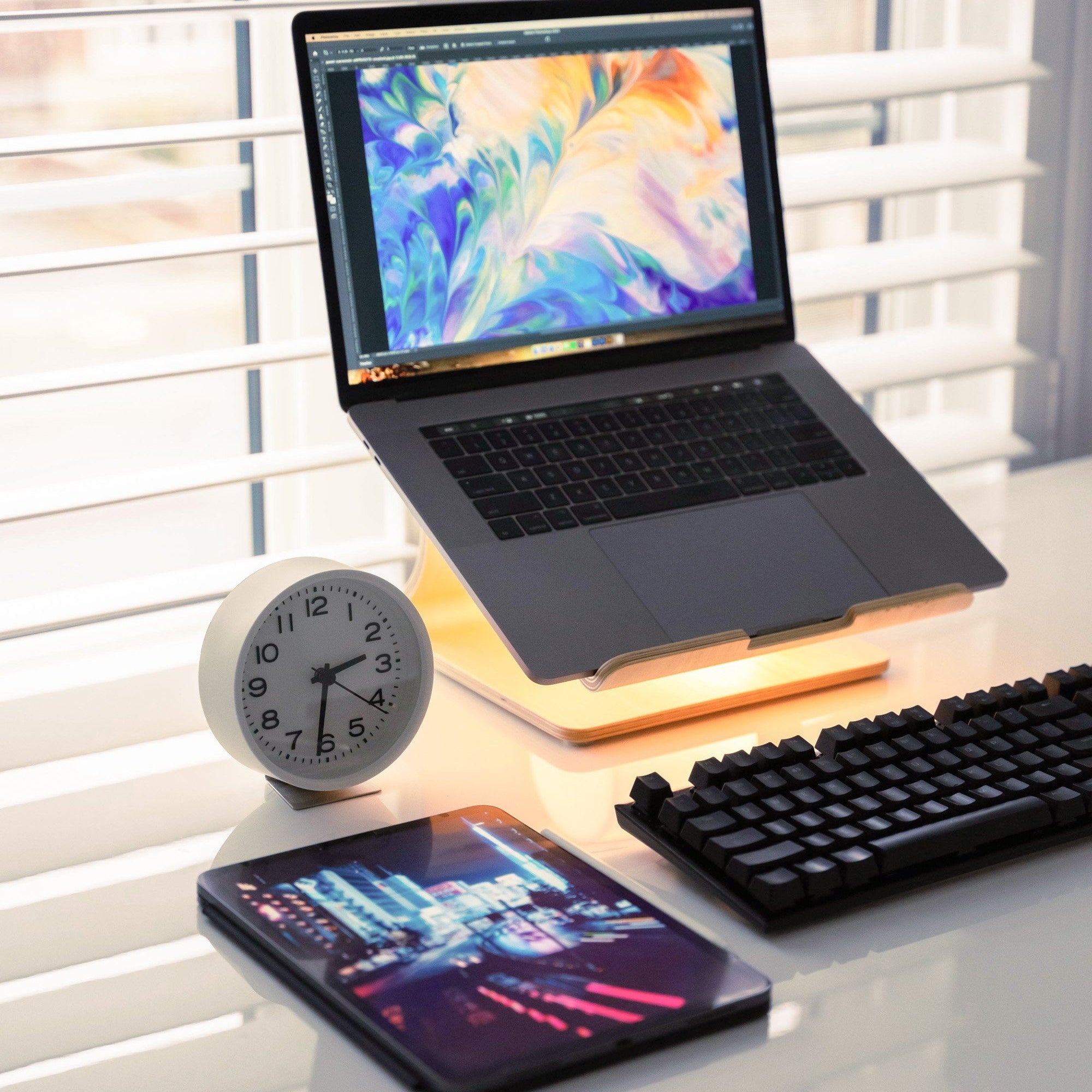
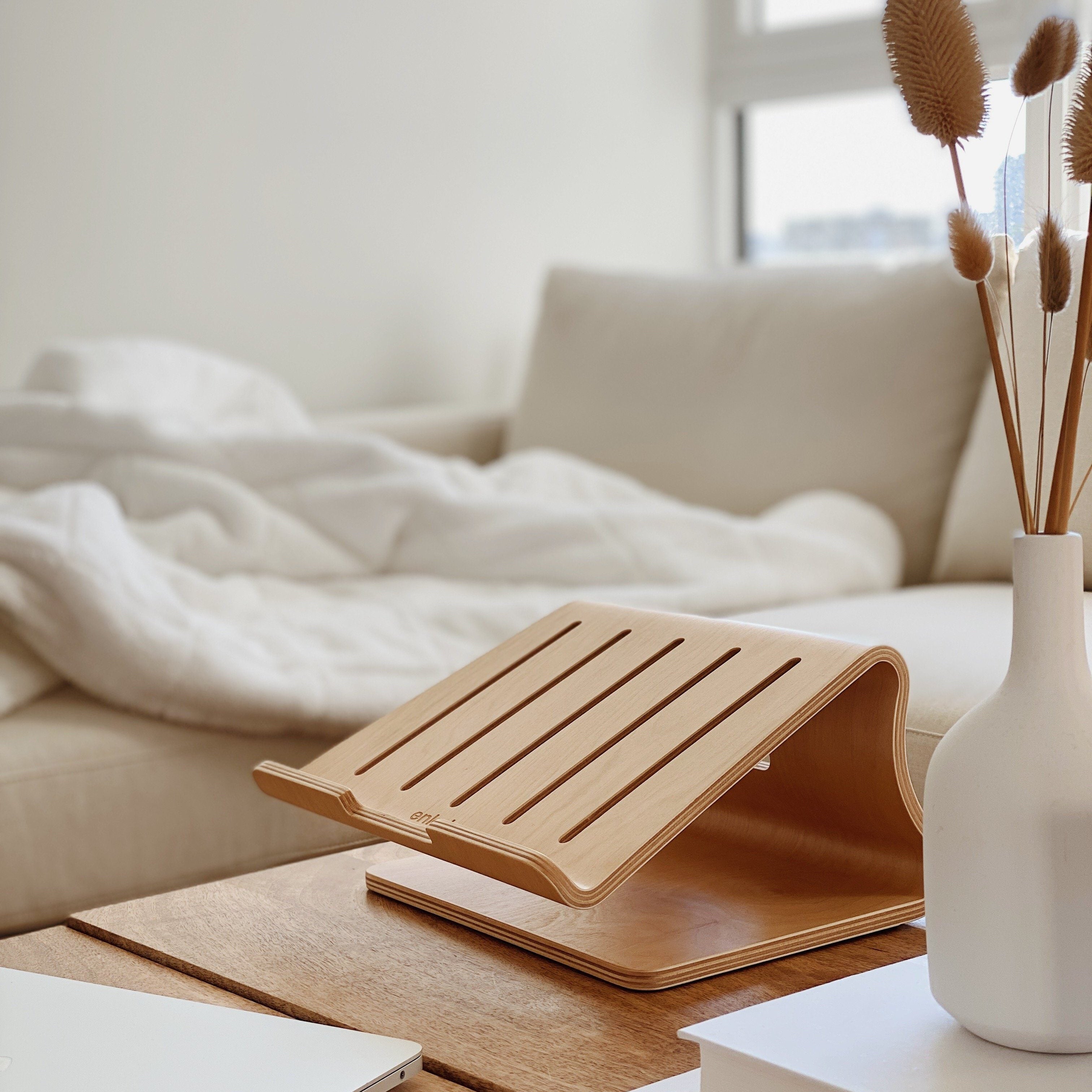
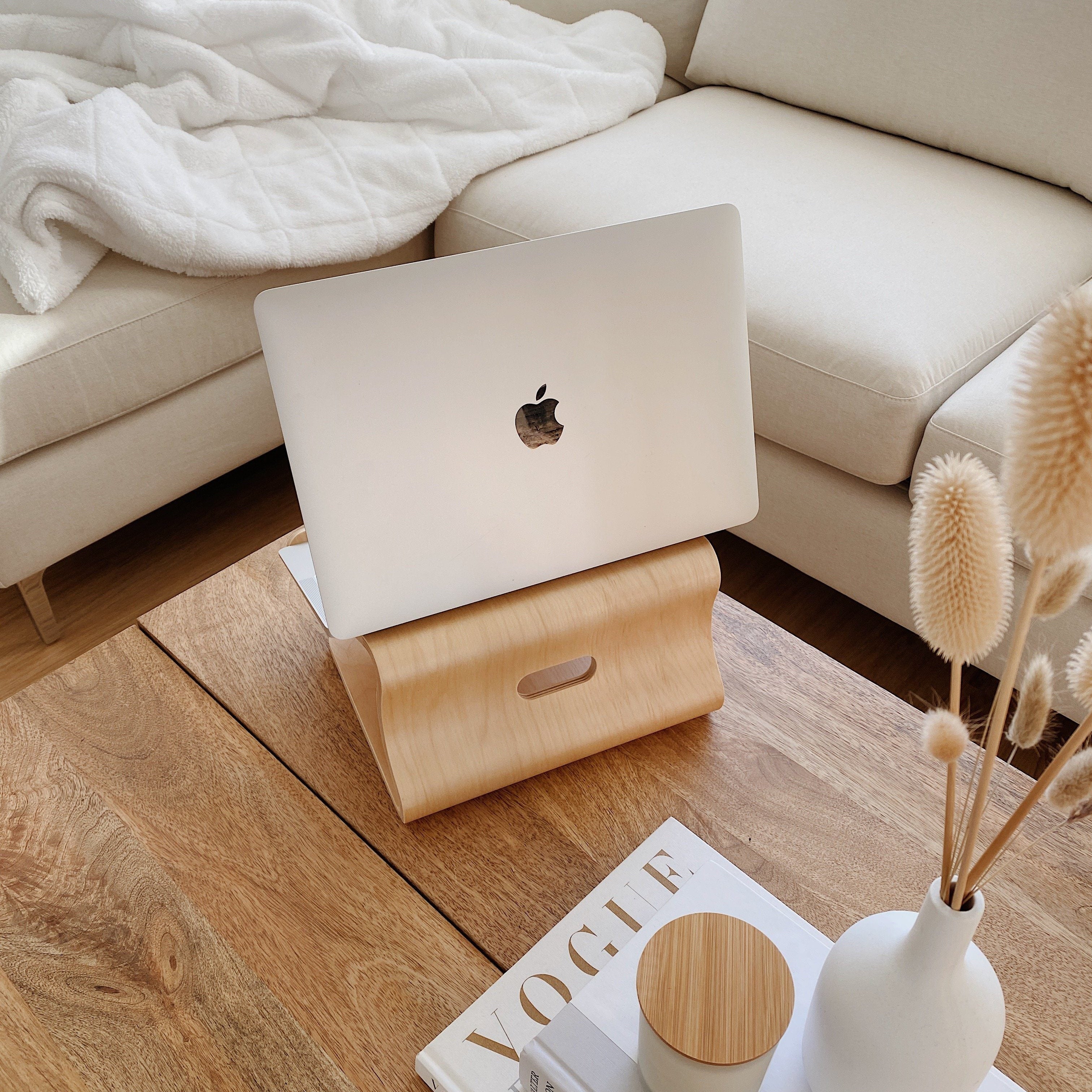
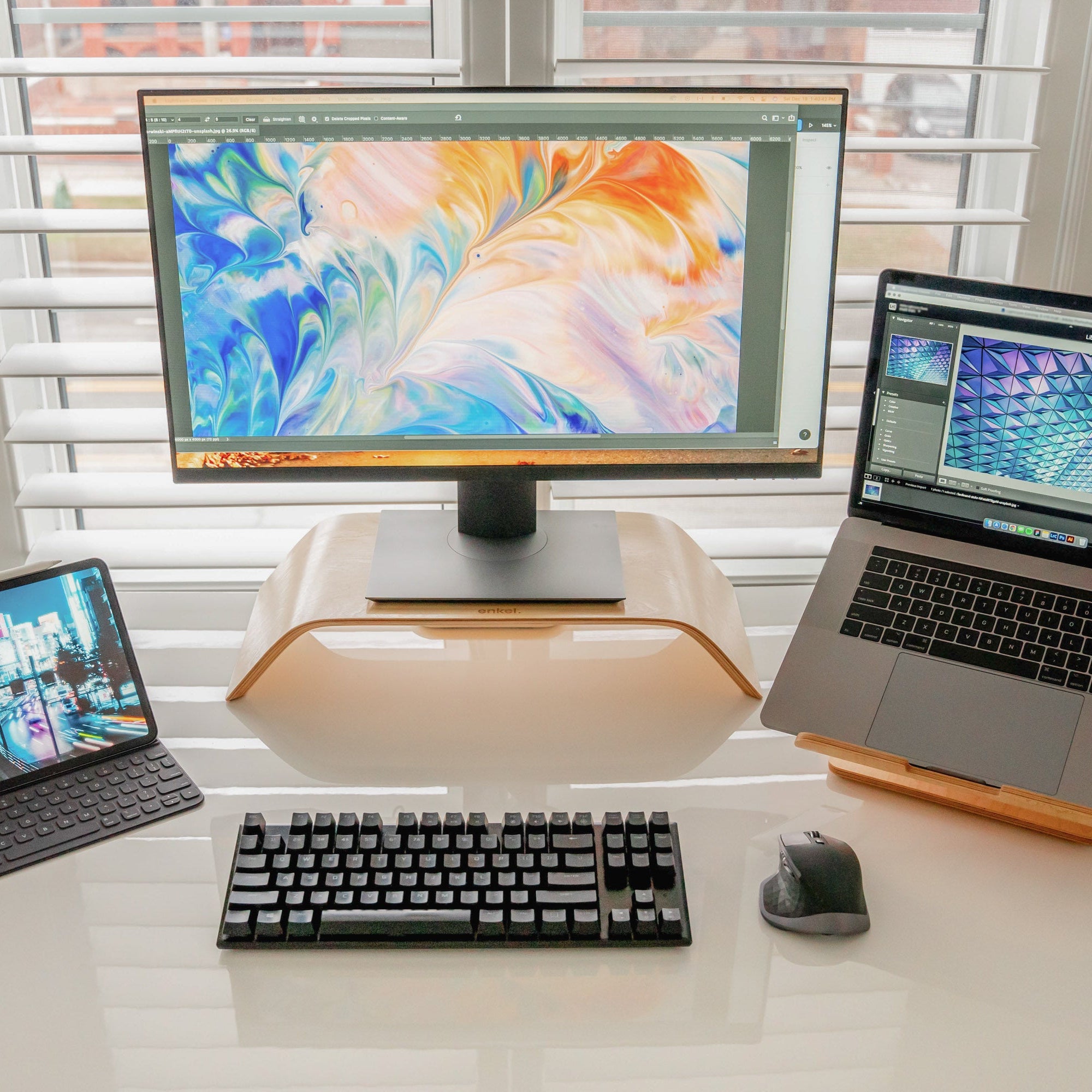
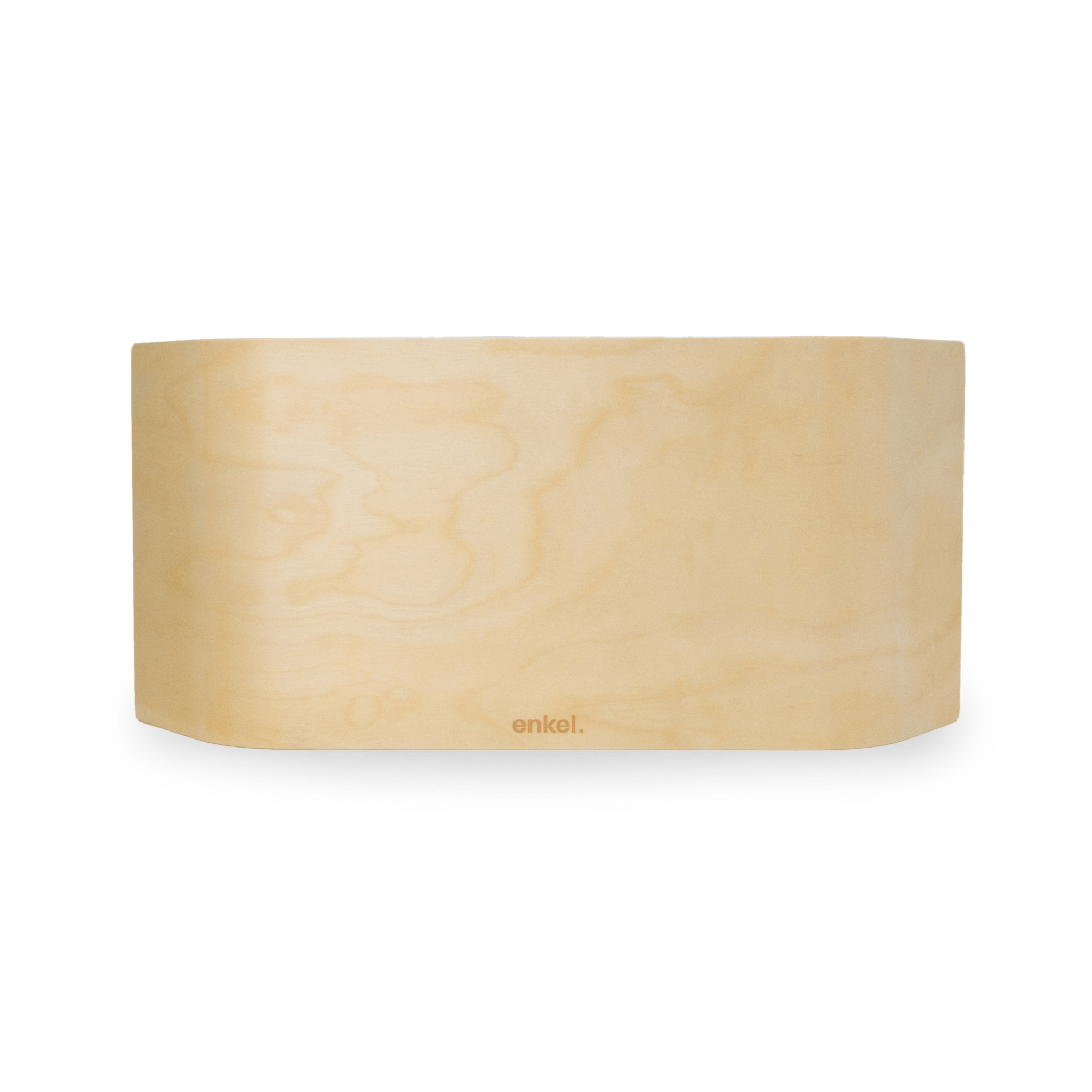
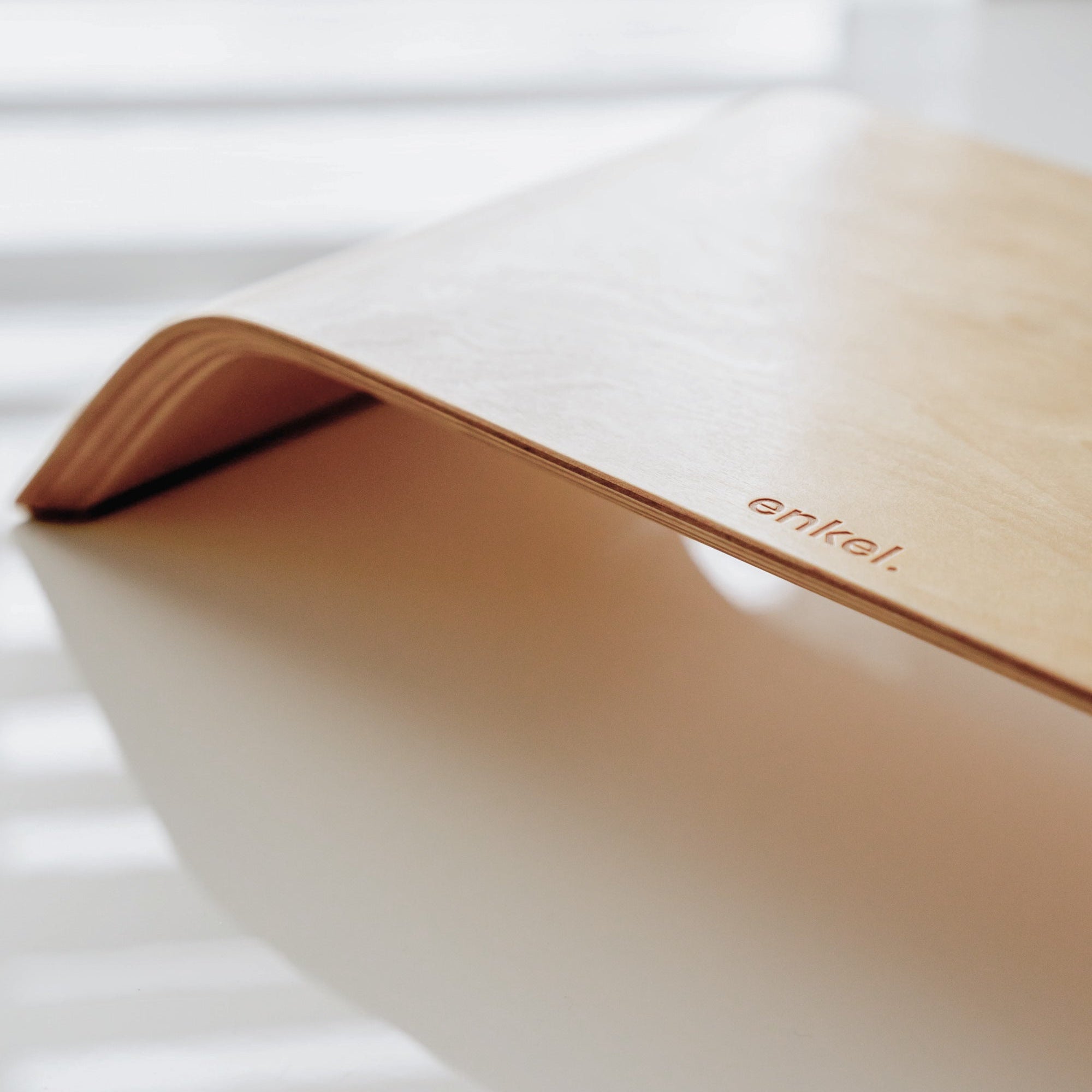
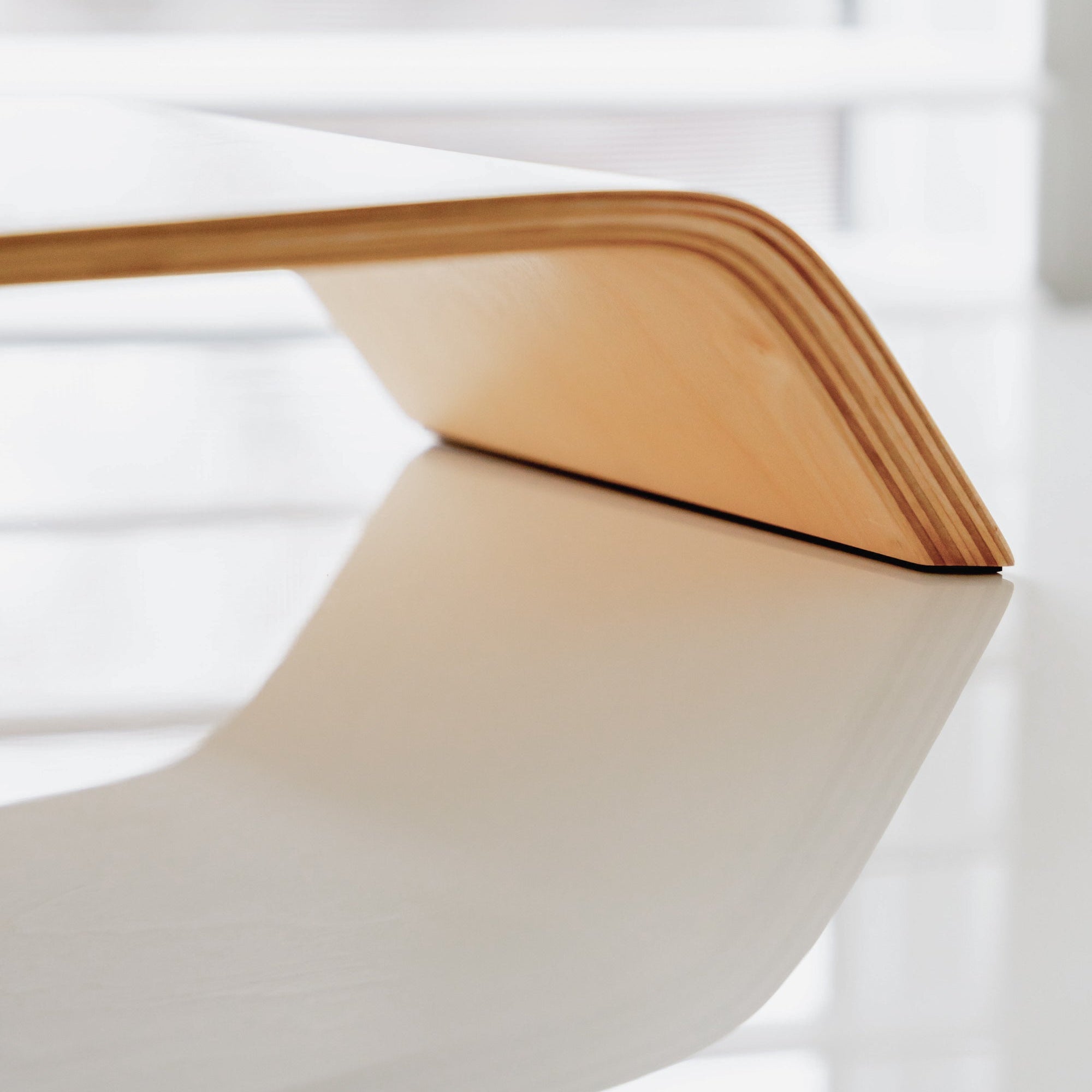
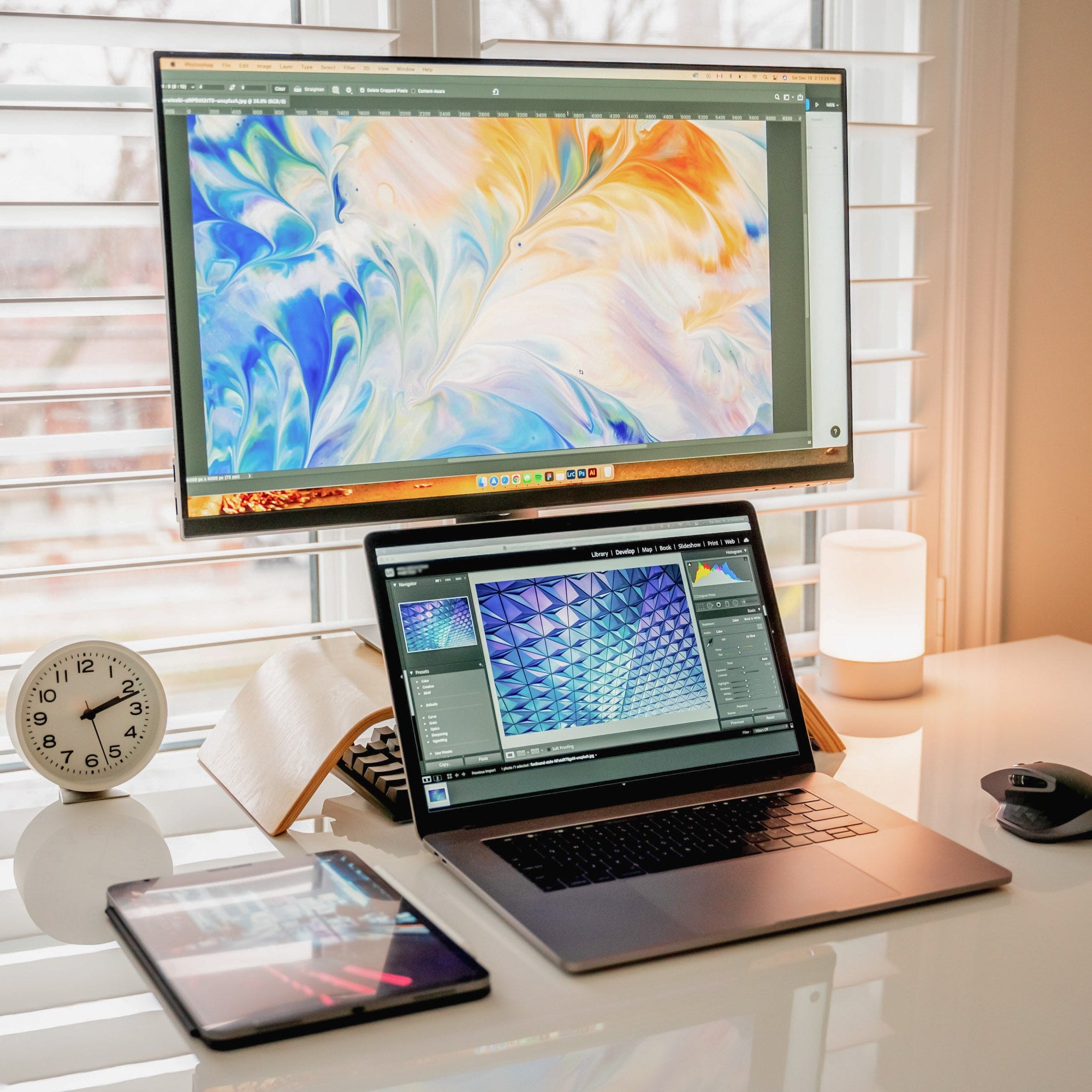
Screen height is the single biggest ergonomic problem at most desks, and the cheapest one to fix. The accessories in this collection raise your laptop or monitor to eye level so your neck stays neutral through the day.
Done right, it's the upgrade that makes the largest daily-comfort difference at a desk, often more than the chair or the desk itself.
What screen height does for your day
A laptop or monitor at eye level keeps your neck neutral through the day. Looking down at a screen strains the upper back and neck in a way that's easy to ignore until the soreness builds up.
For most desk setups, a laptop or monitor stand is the cheapest ergonomic upgrade and the one that makes the largest difference in daily comfort.
Laptop stands versus monitor stands
The two solve different parts of the same problem.
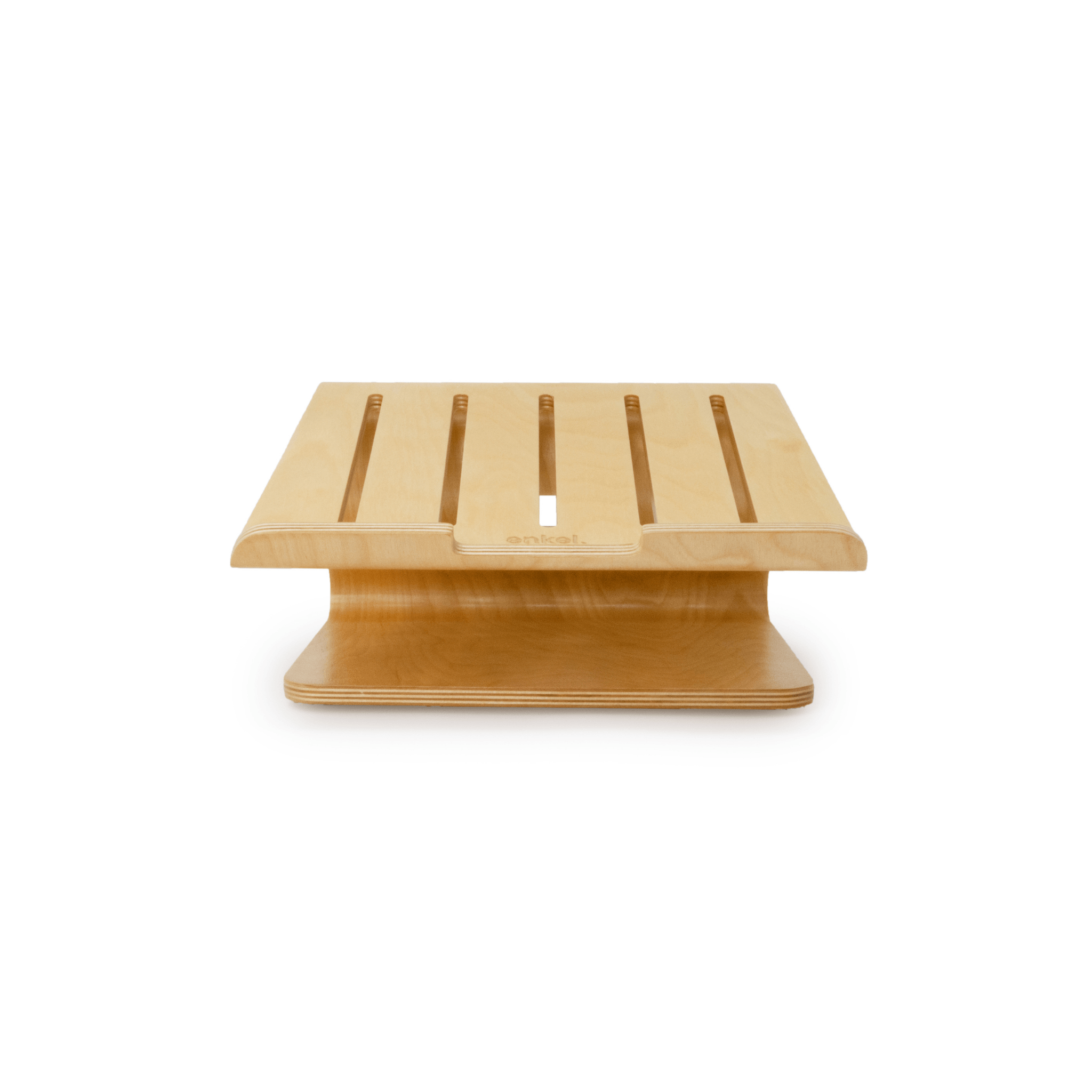
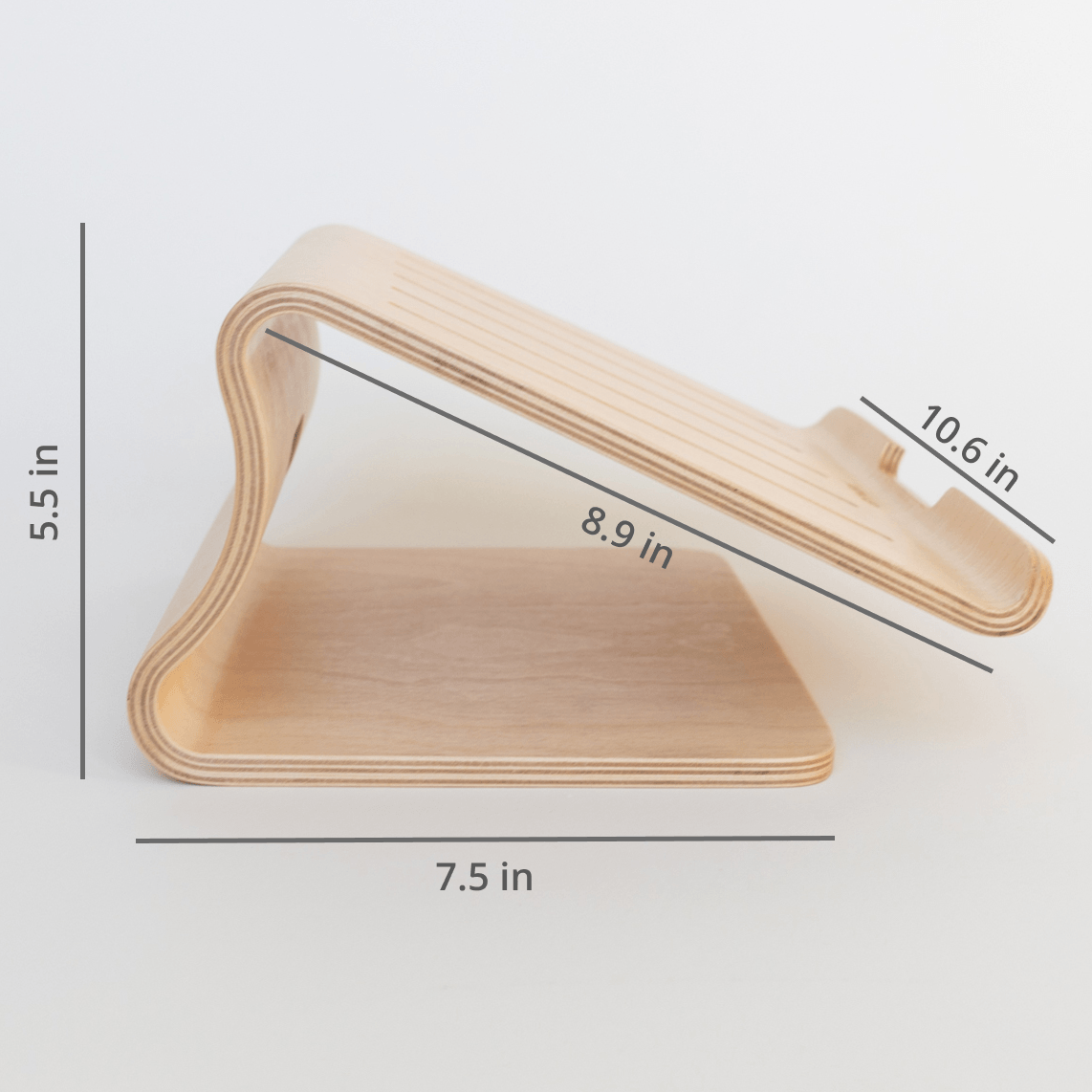
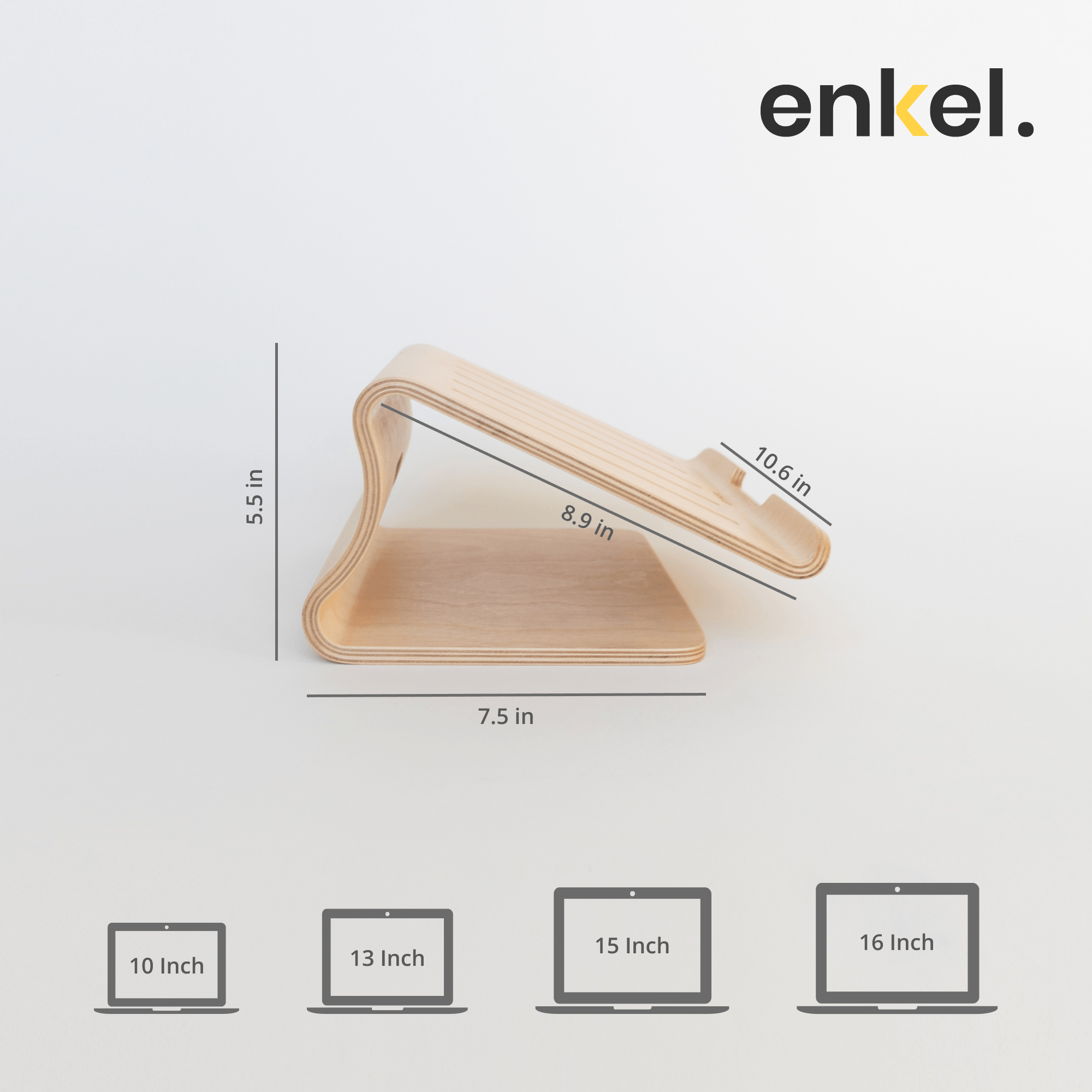
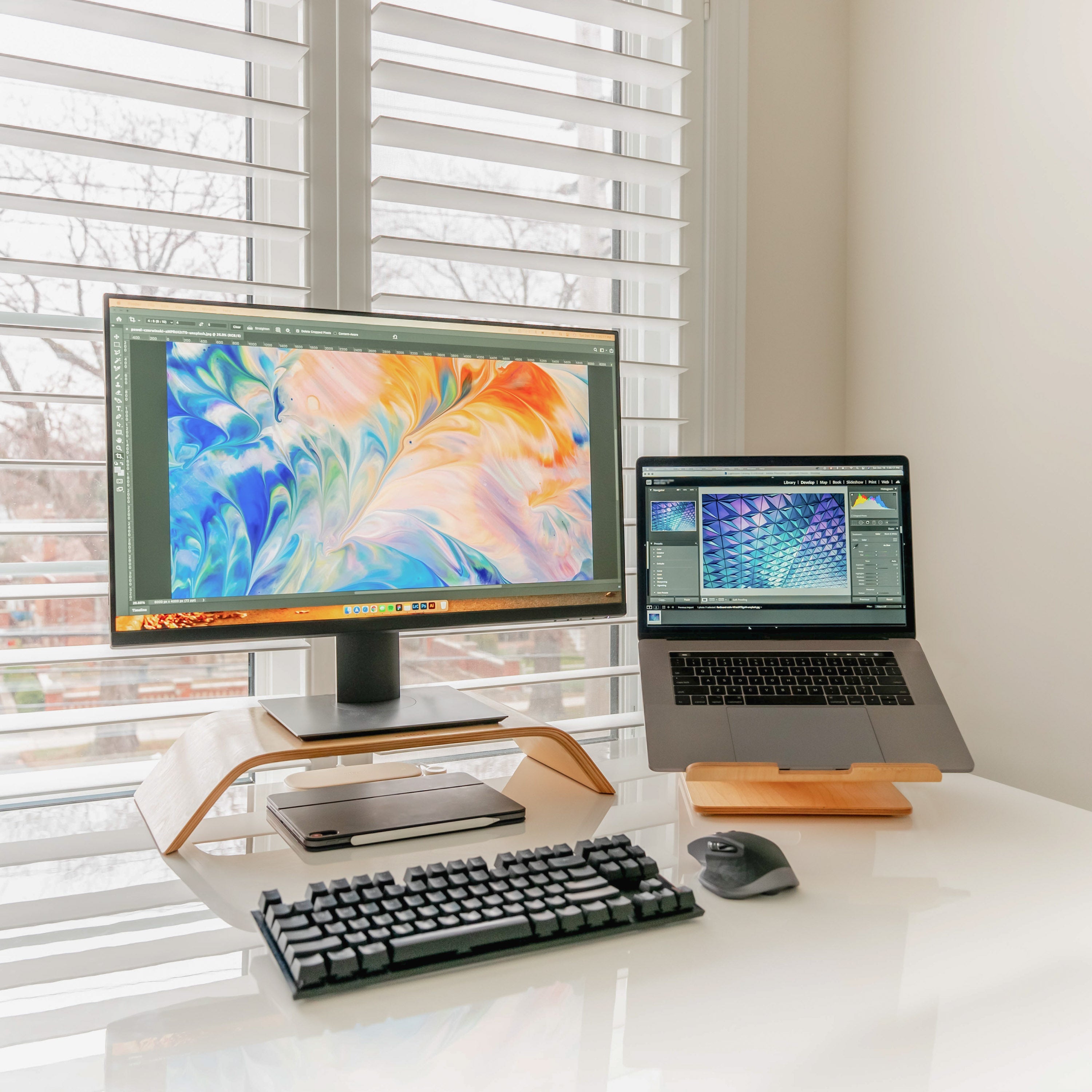
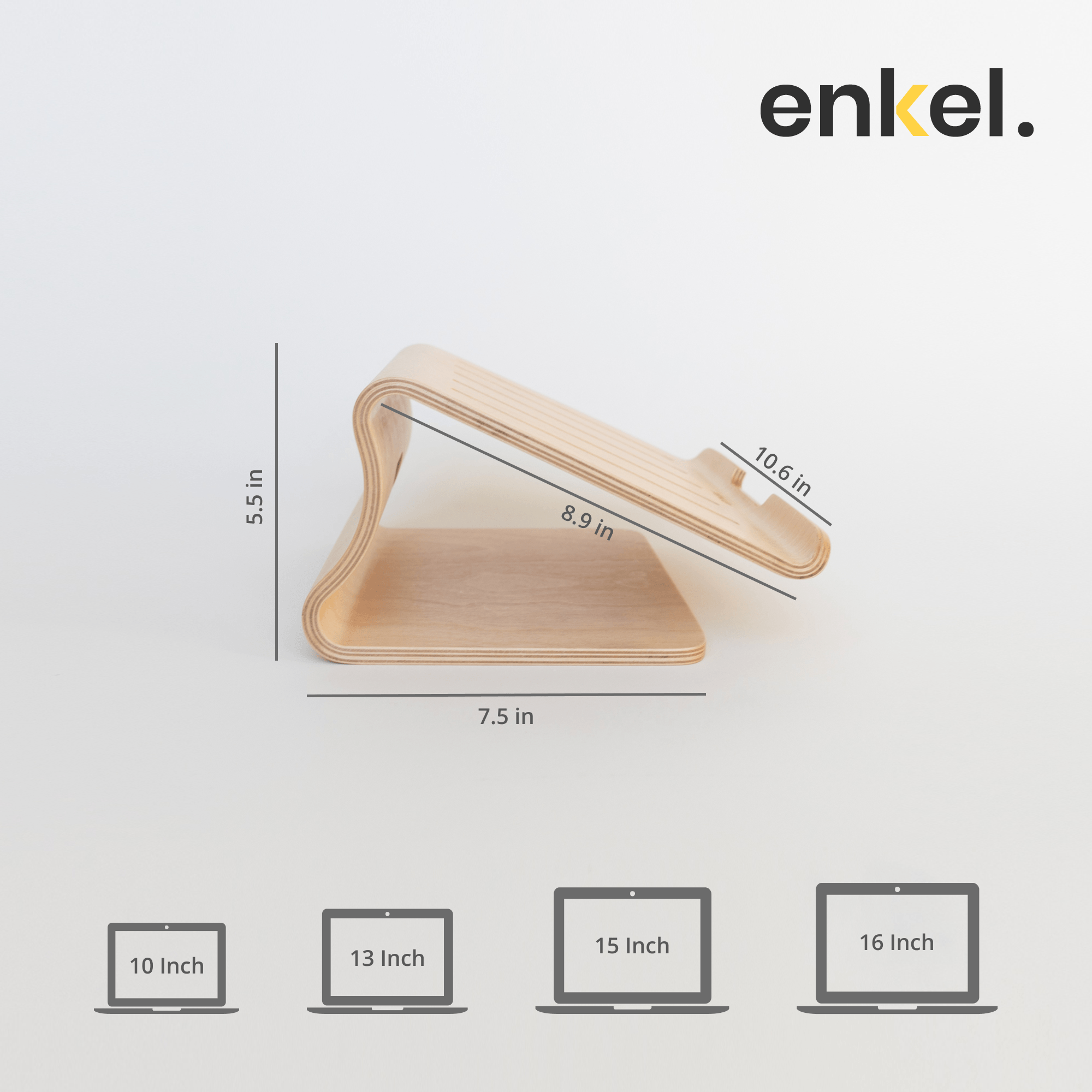
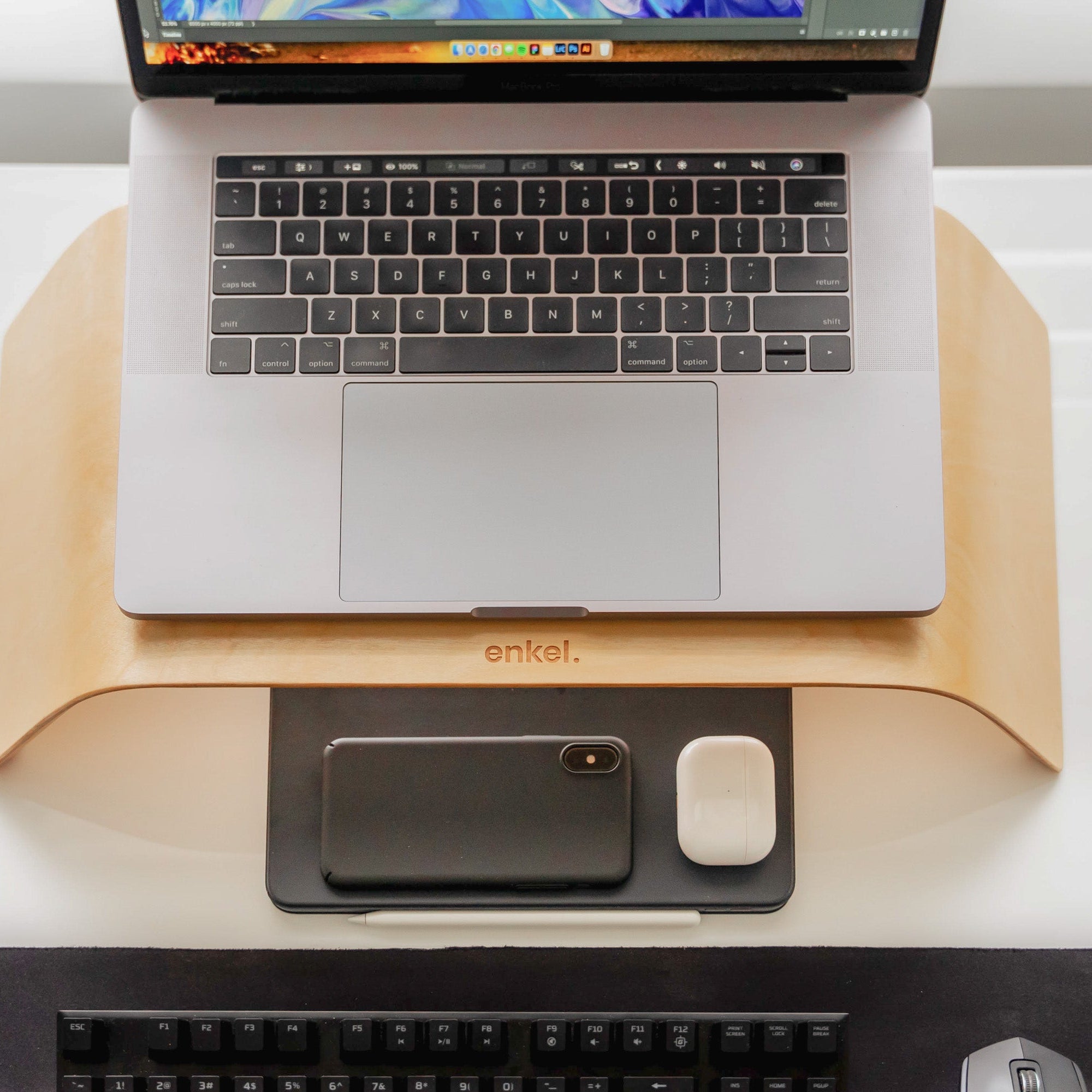
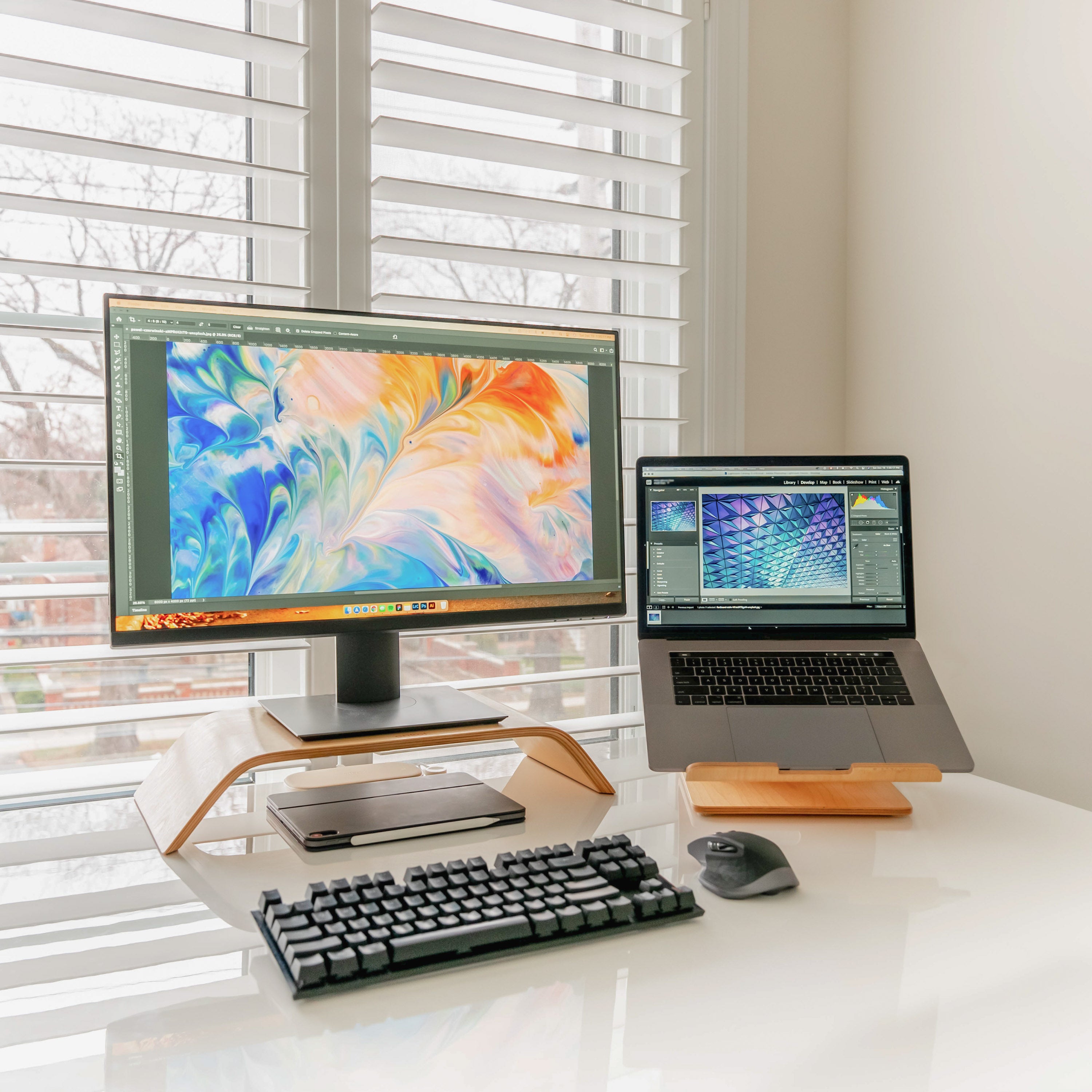
- Laptop stand: lifts the laptop screen up to eye level when you're working directly on the laptop. Best paired with an external keyboard so your wrists stay neutral while the screen sits up high.
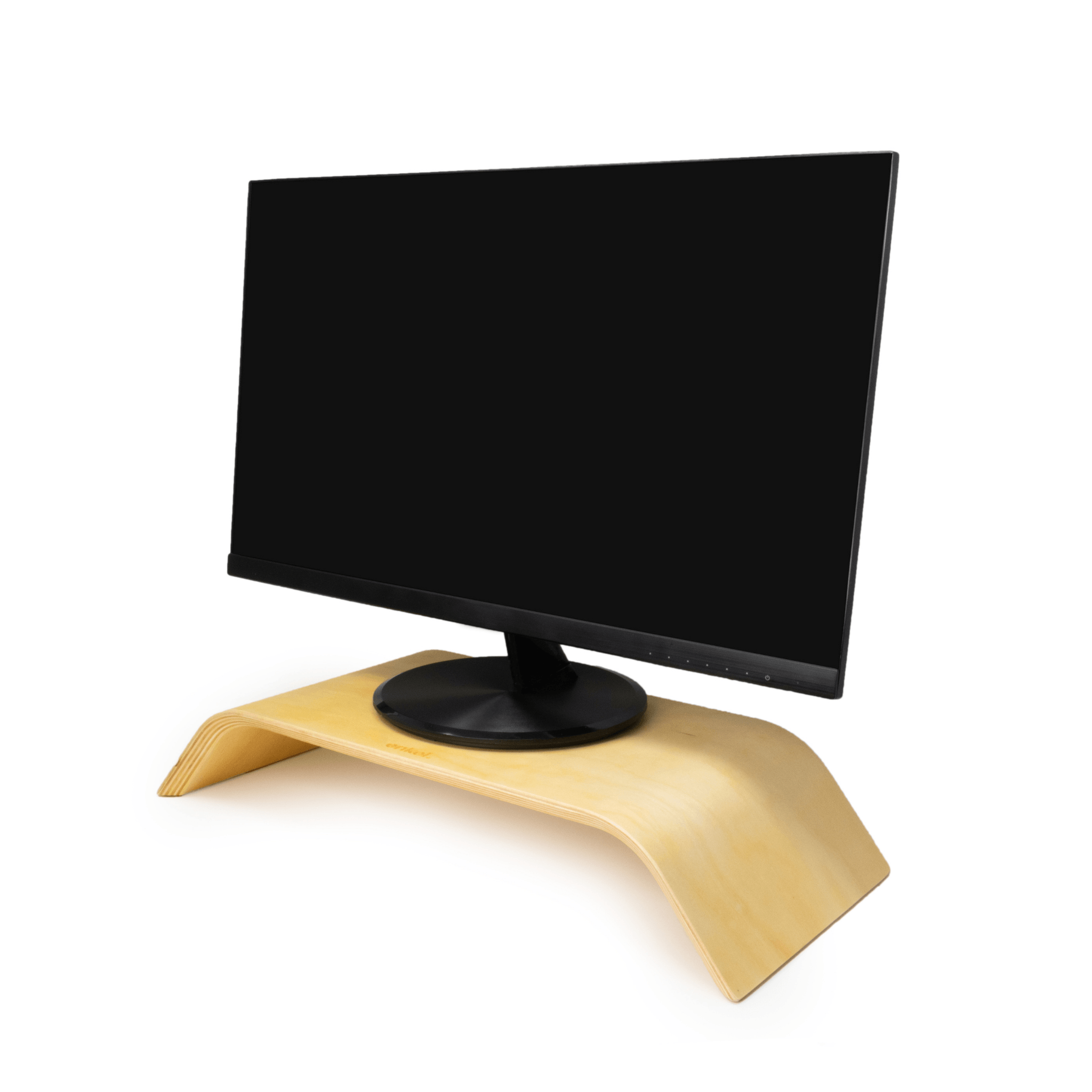
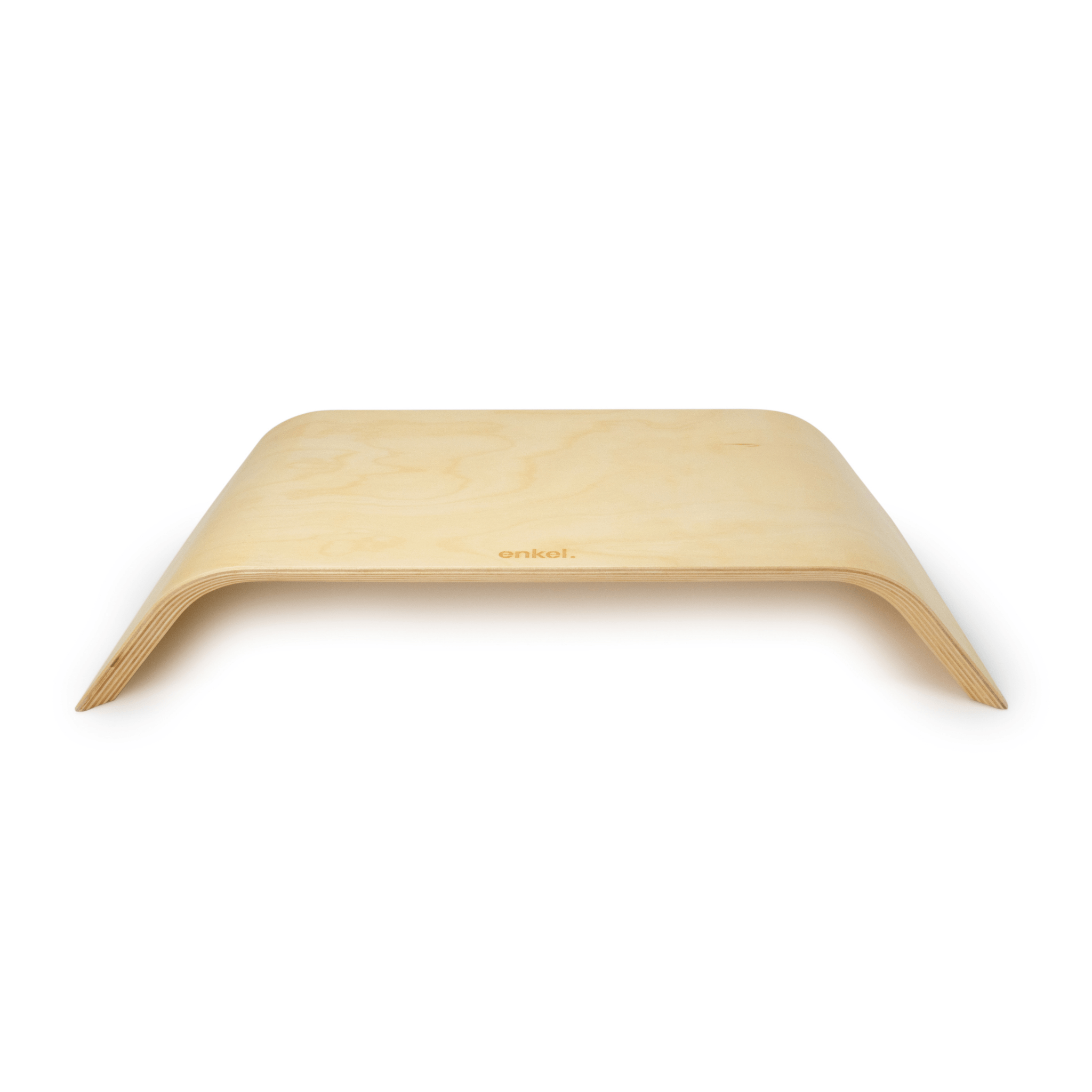
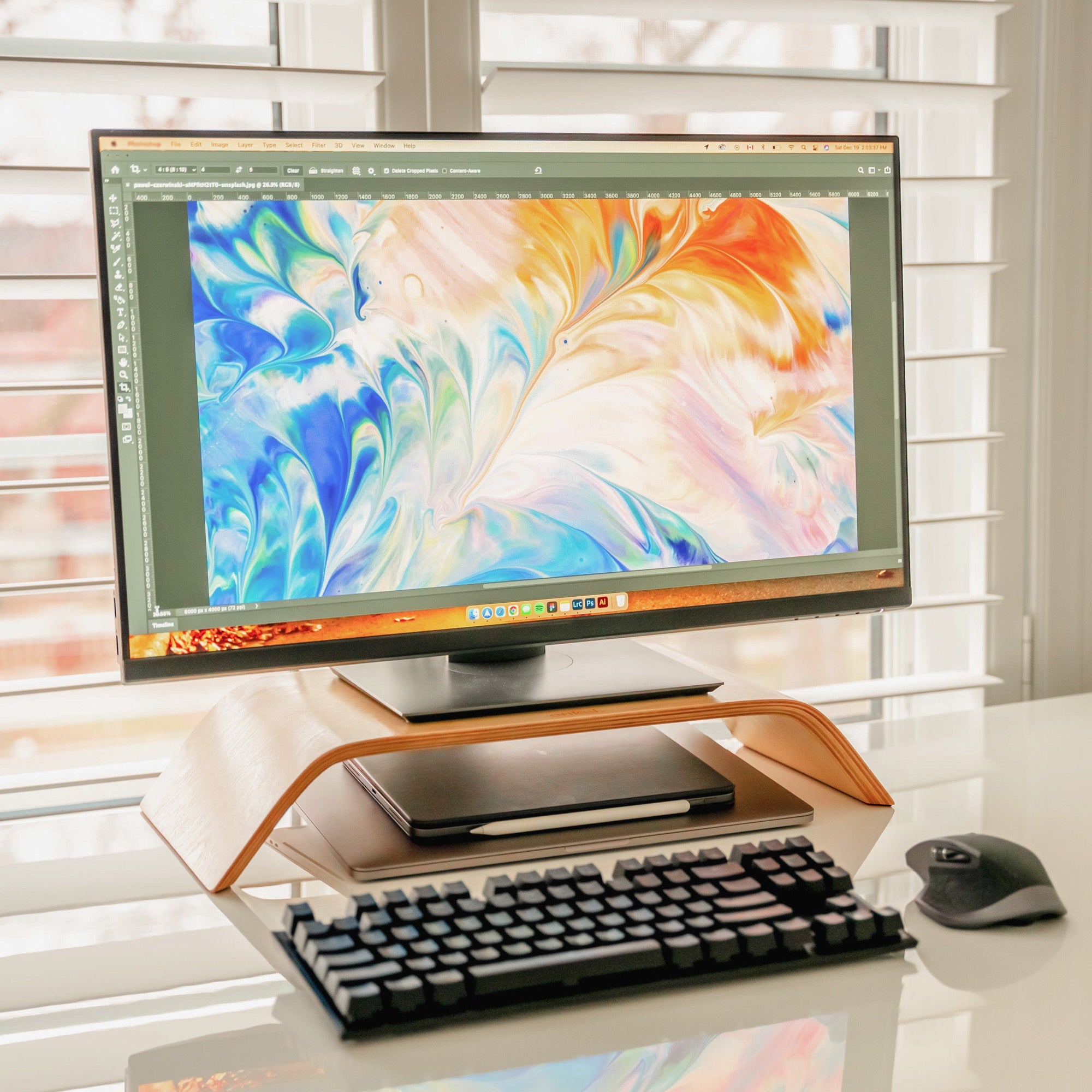
- Monitor stand: raises an external monitor and creates usable space underneath for a keyboard, notebook, or small items.
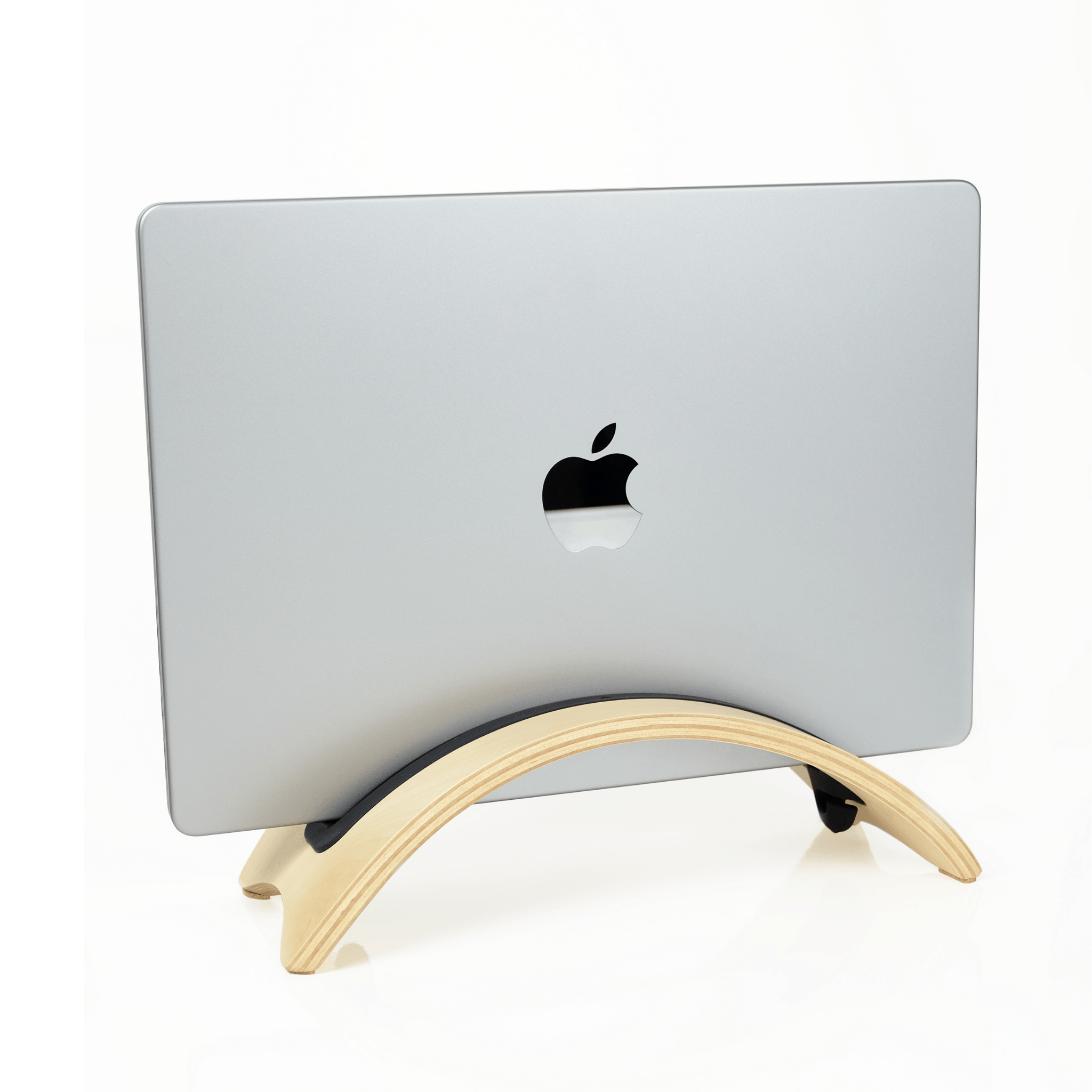
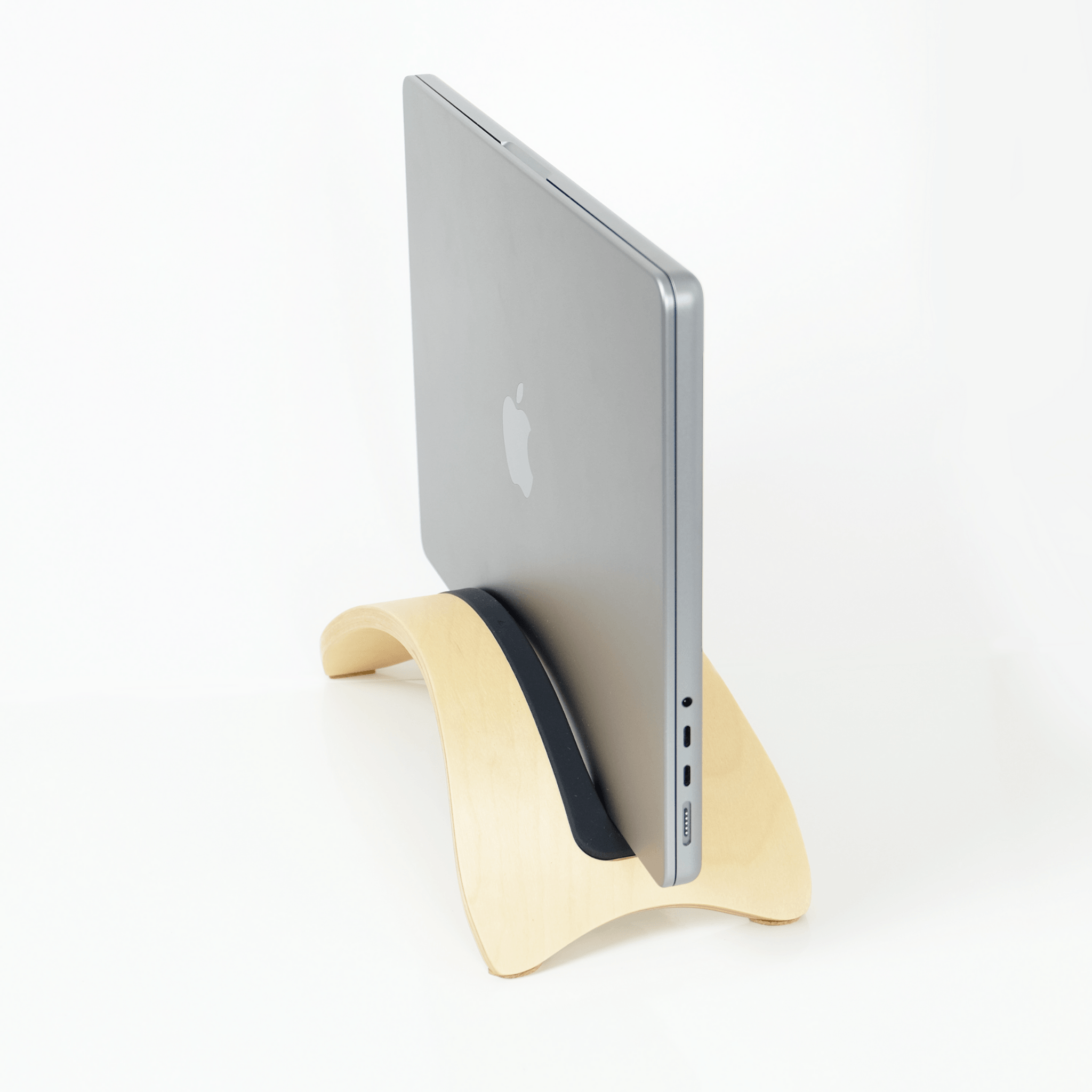
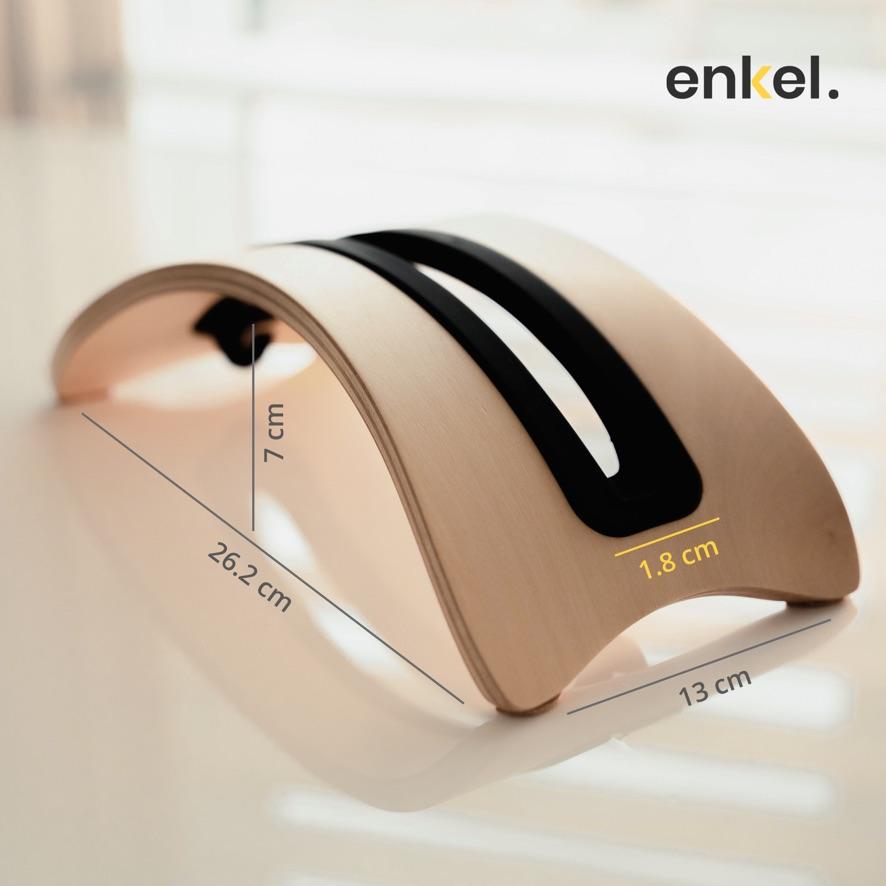
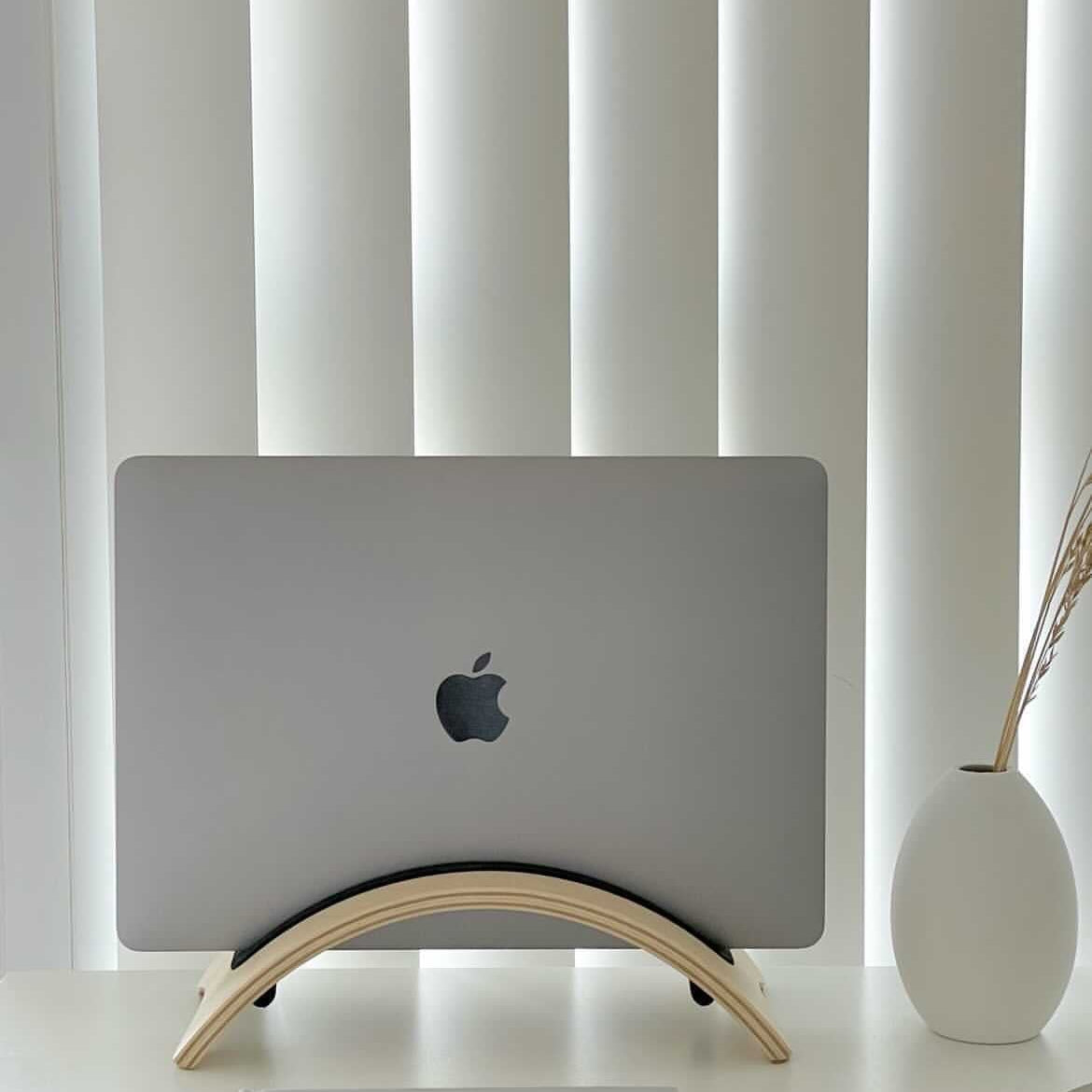
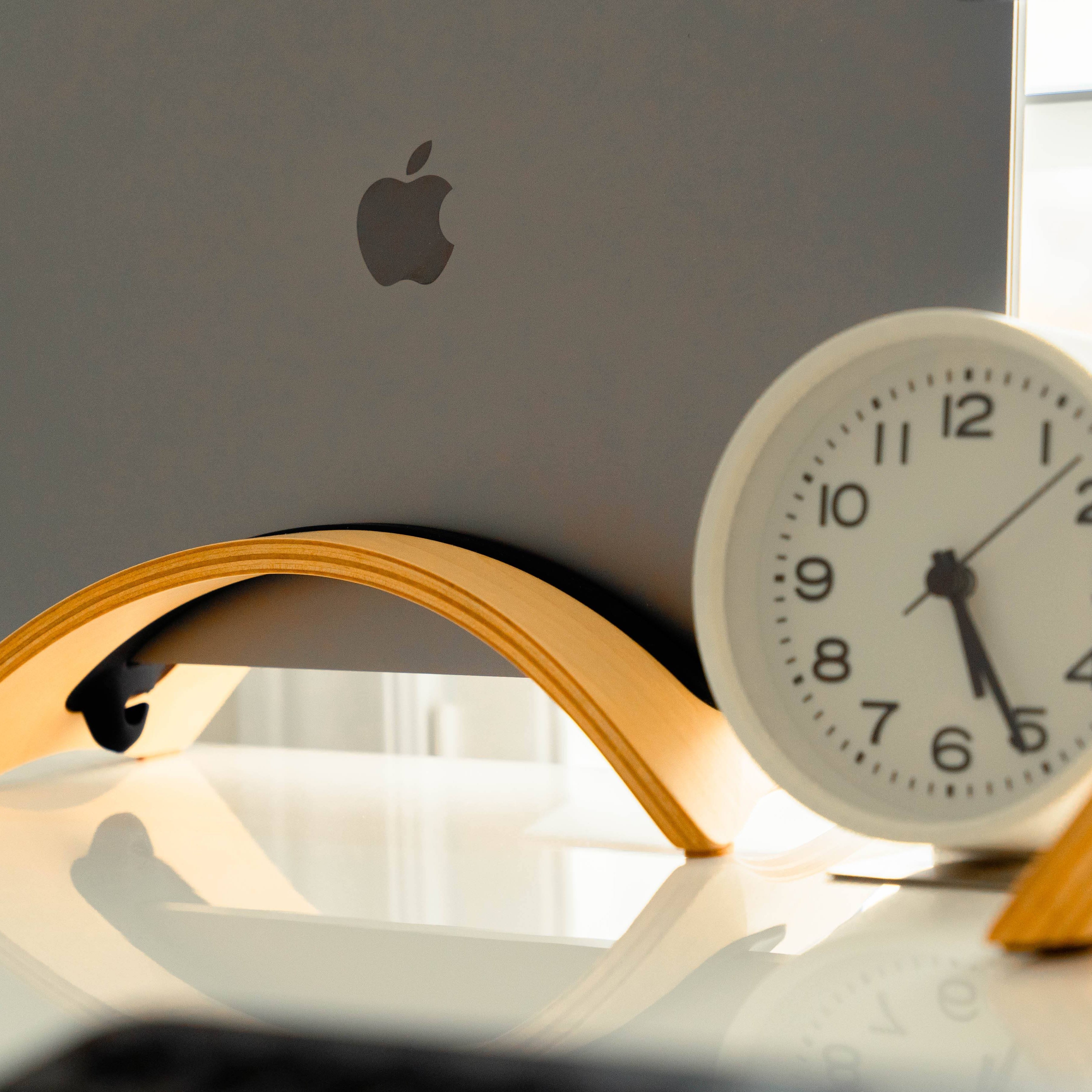
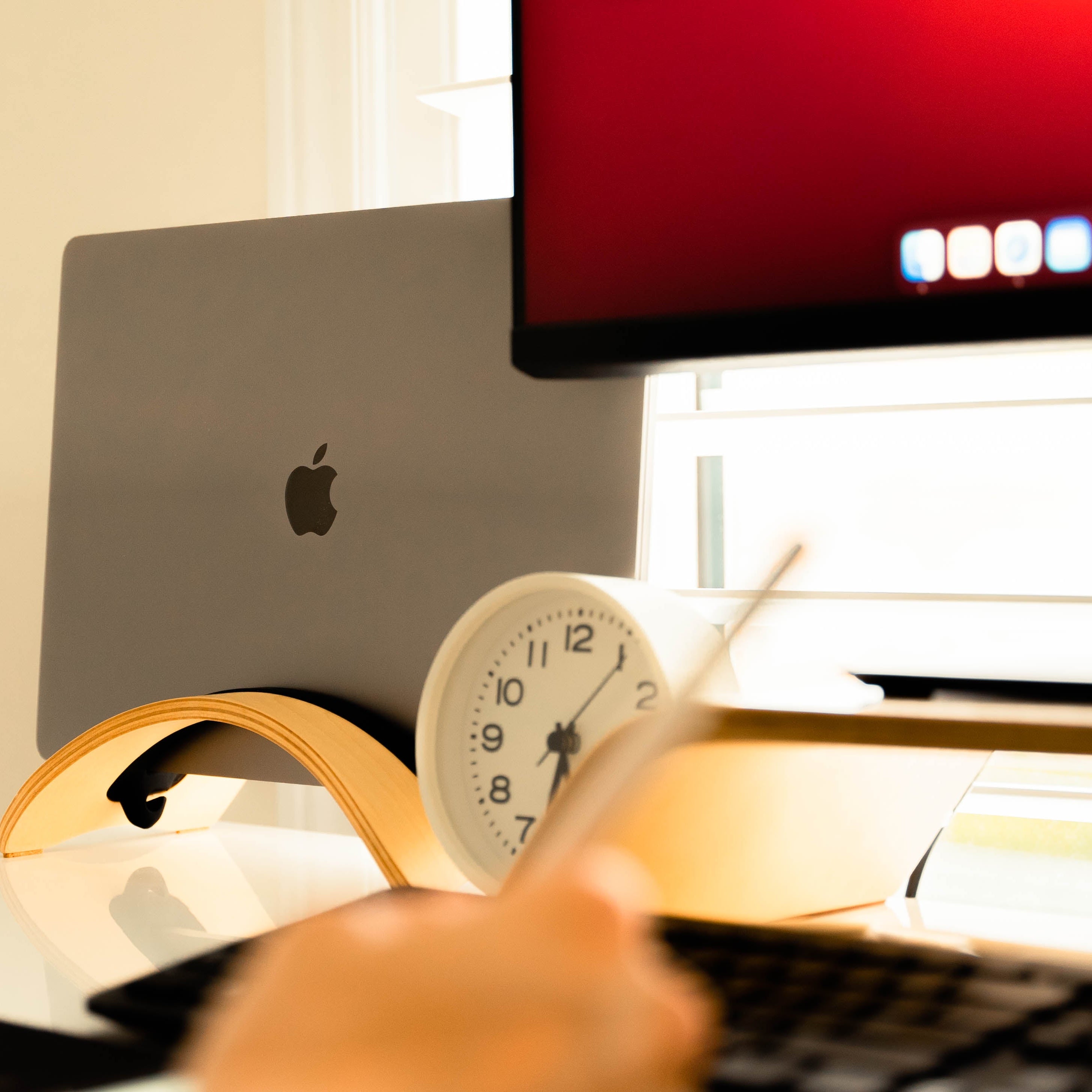
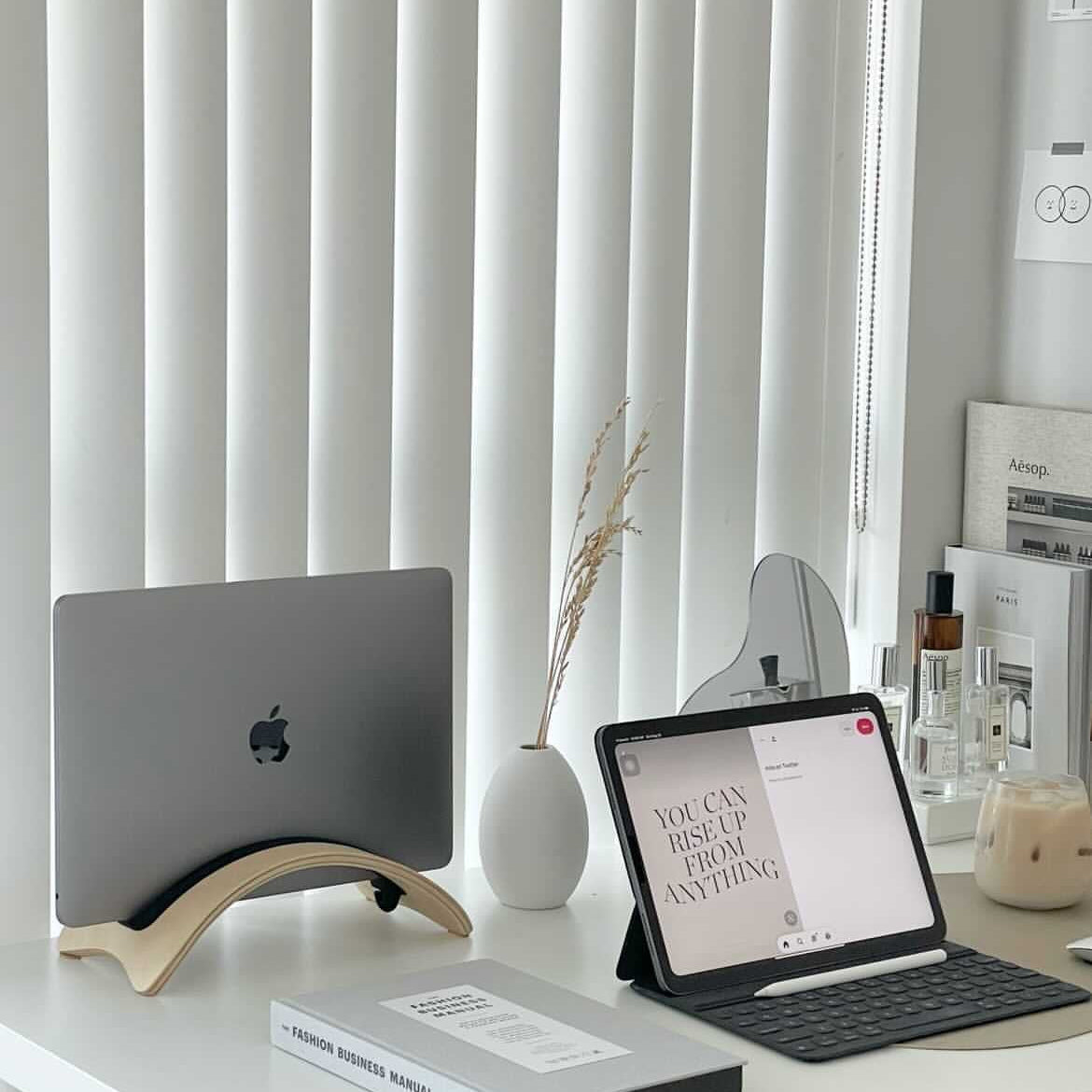
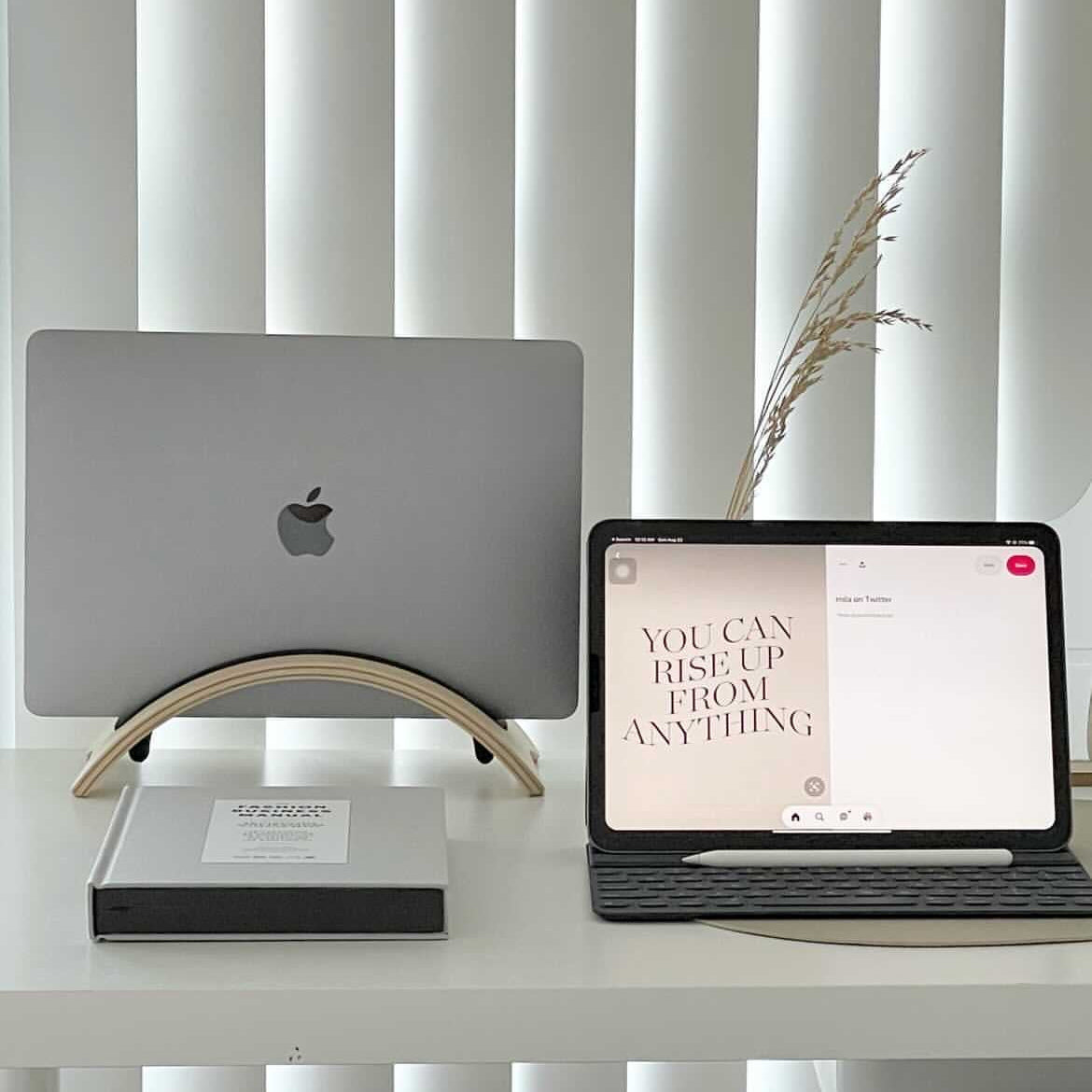
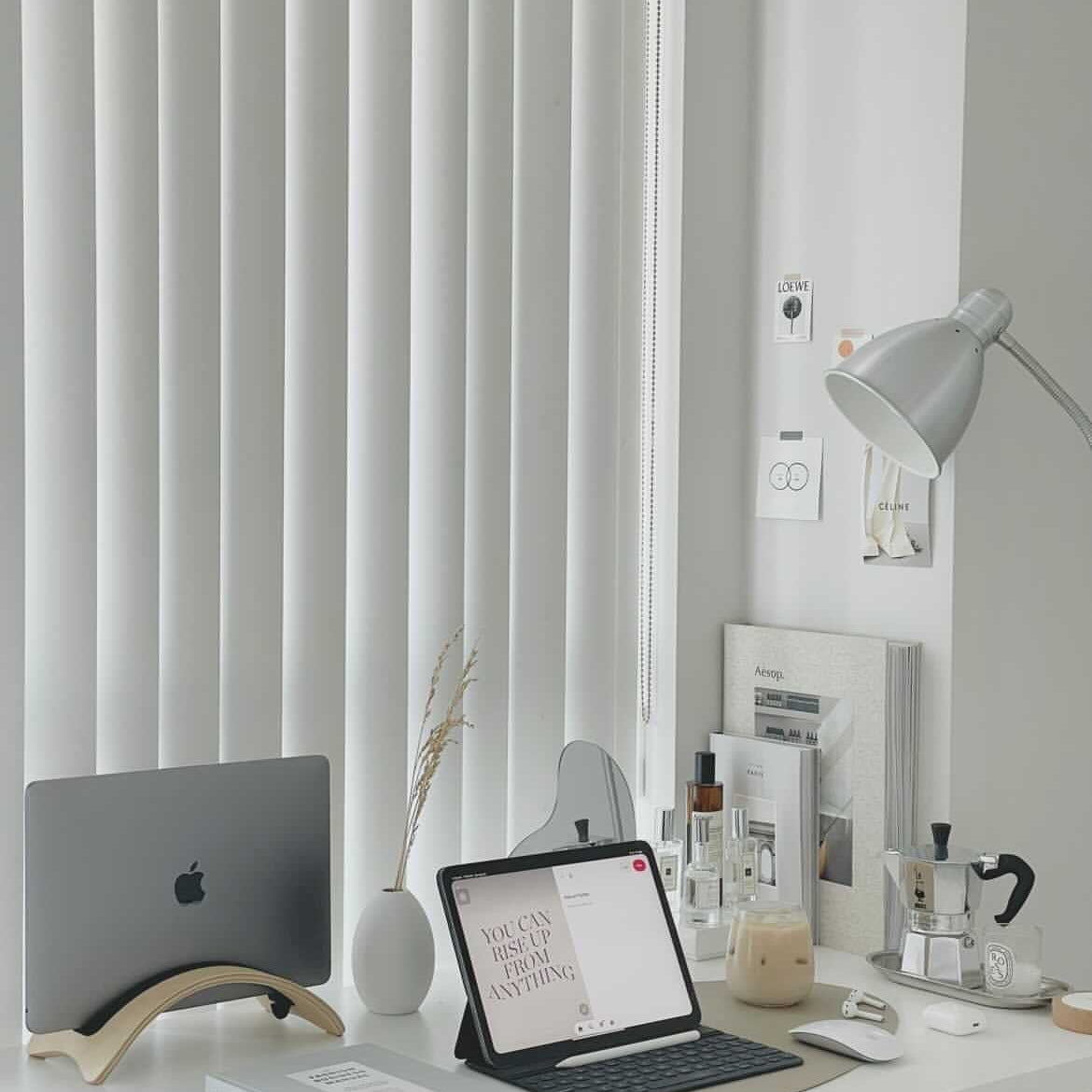
- Vertical laptop stand: holds a closed laptop on its side so it stores out of the way when you're docked to an external monitor.
Some setups use one, some use two together. If you alternate between laptop-only and docked configurations, both stands earn their place.
Pairing with the rest of your setup
A monitor stand works best with a chair built for full-workday seated use. For chairs, see Office Chairs and Active Chairs. For the broader accessories range including anti-fatigue mats, see Accessories.