Planning an office as a system
Setting up an office is a series of decisions that affect each other. The desk height range constrains which chair fits. The chair shapes how much floor clearance you need. The monitor stand brings the screen to the right height for that chair. The acoustic situation in the room decides whether dividers belong in the picture at all.
We grouped these pieces into the Office collection at Active Goods so you can think about them together instead of finding out the chair doesn't reach standing height after the desk arrives.
Building an office in phases
Most office setups come together in a sequence, which helps when budget or space limits what you can change at once.
- Start with the chair: it's the piece you spend the most time in. A good chair improves a less-than-ideal desk more than a great desk fixes a bad chair.
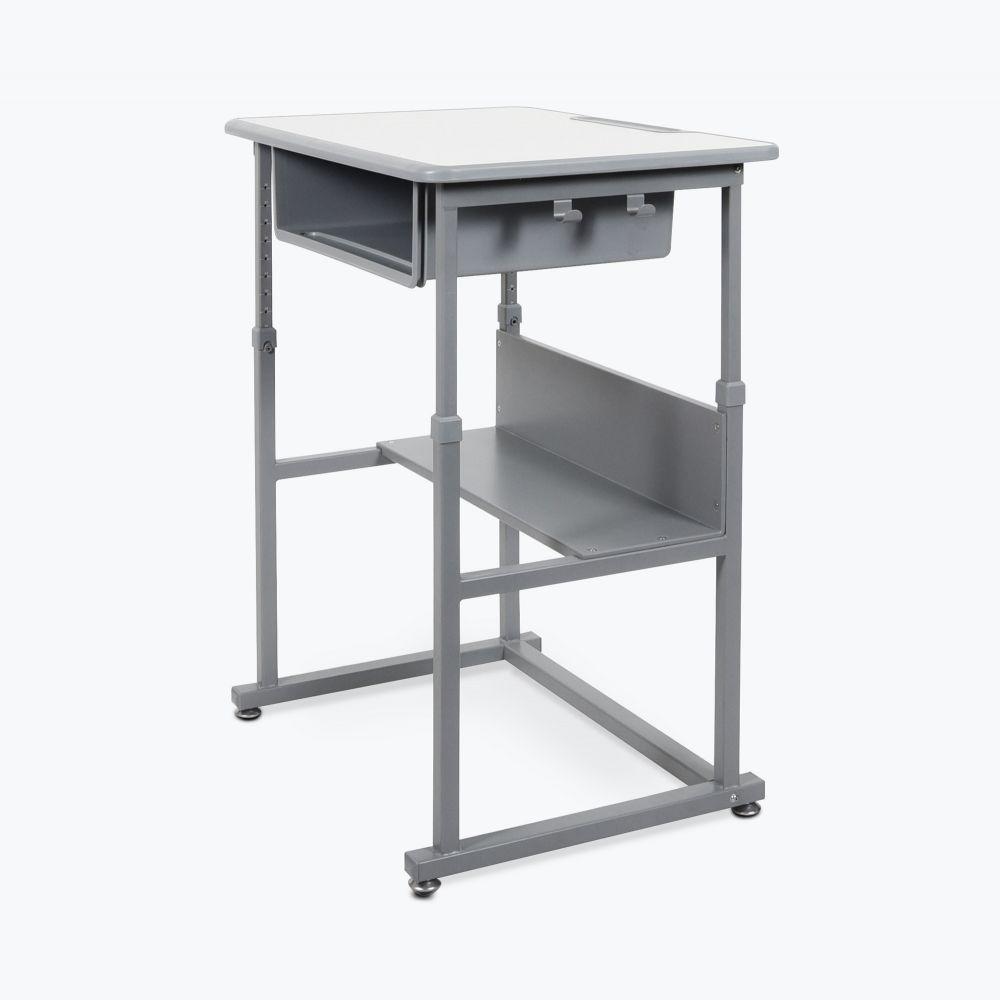
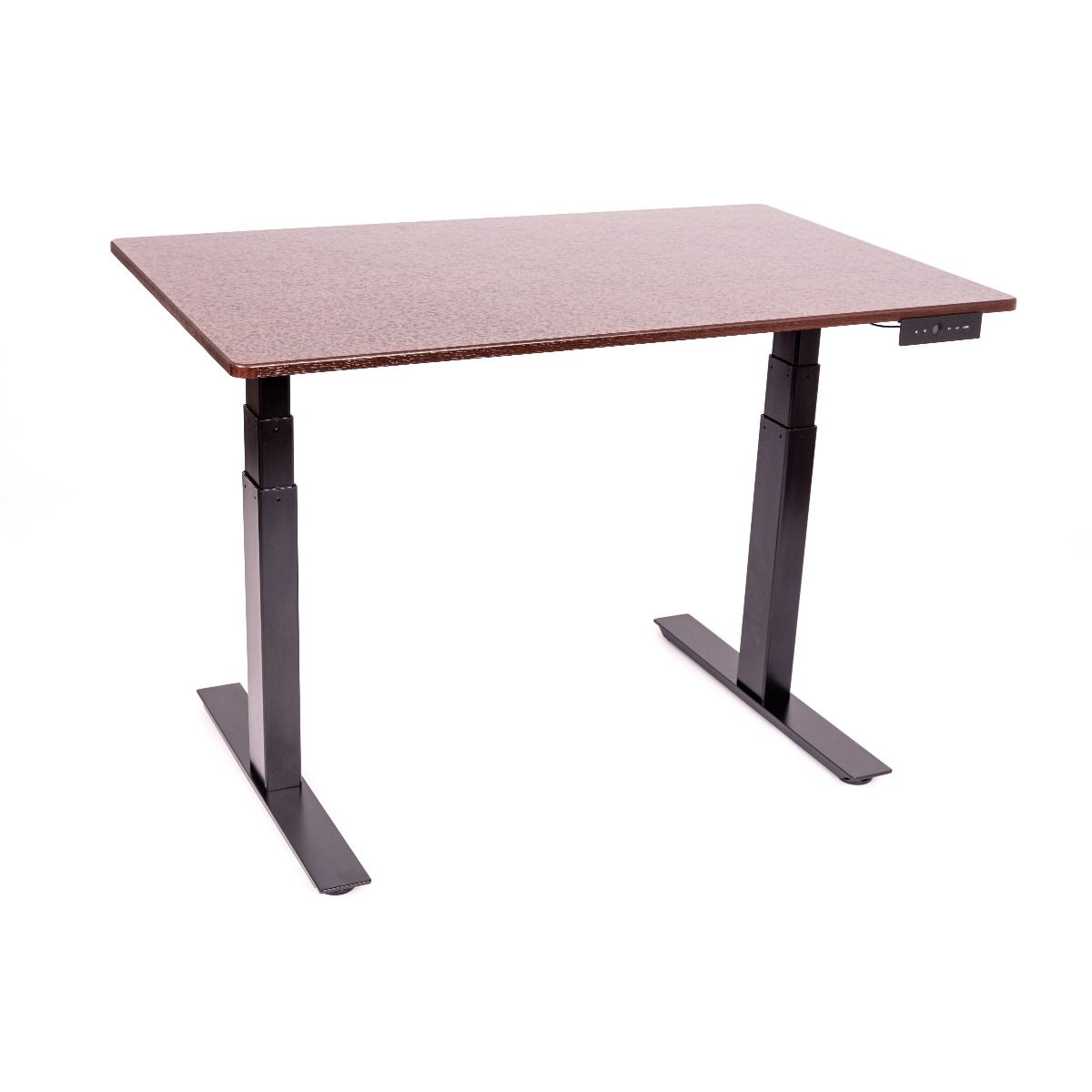
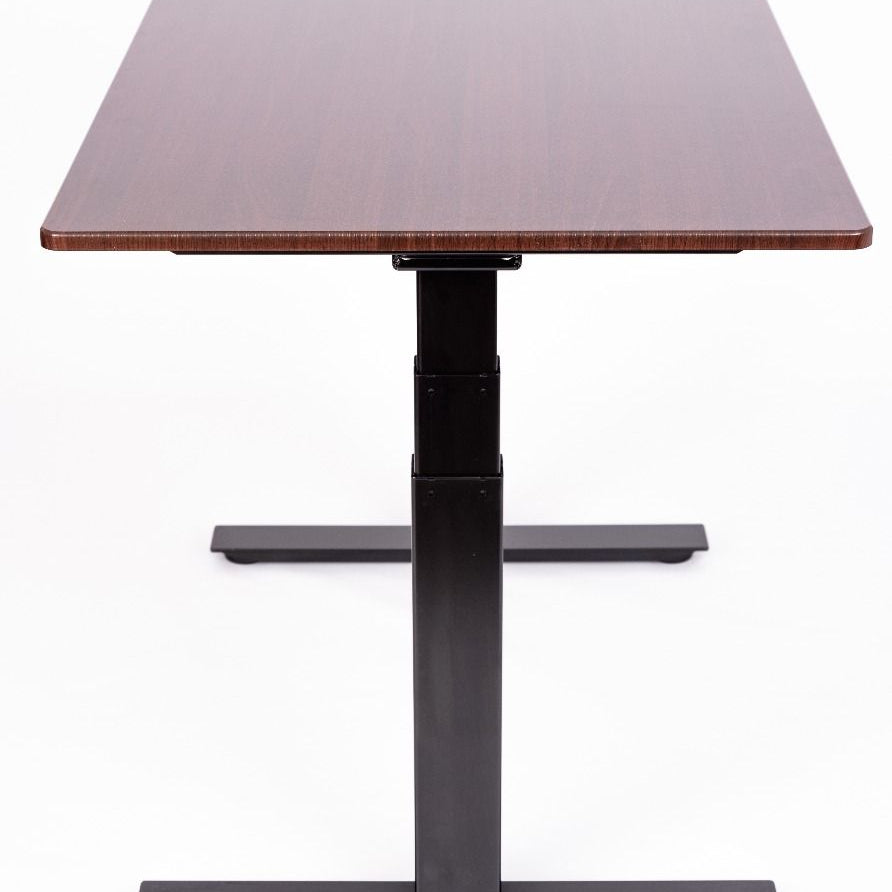
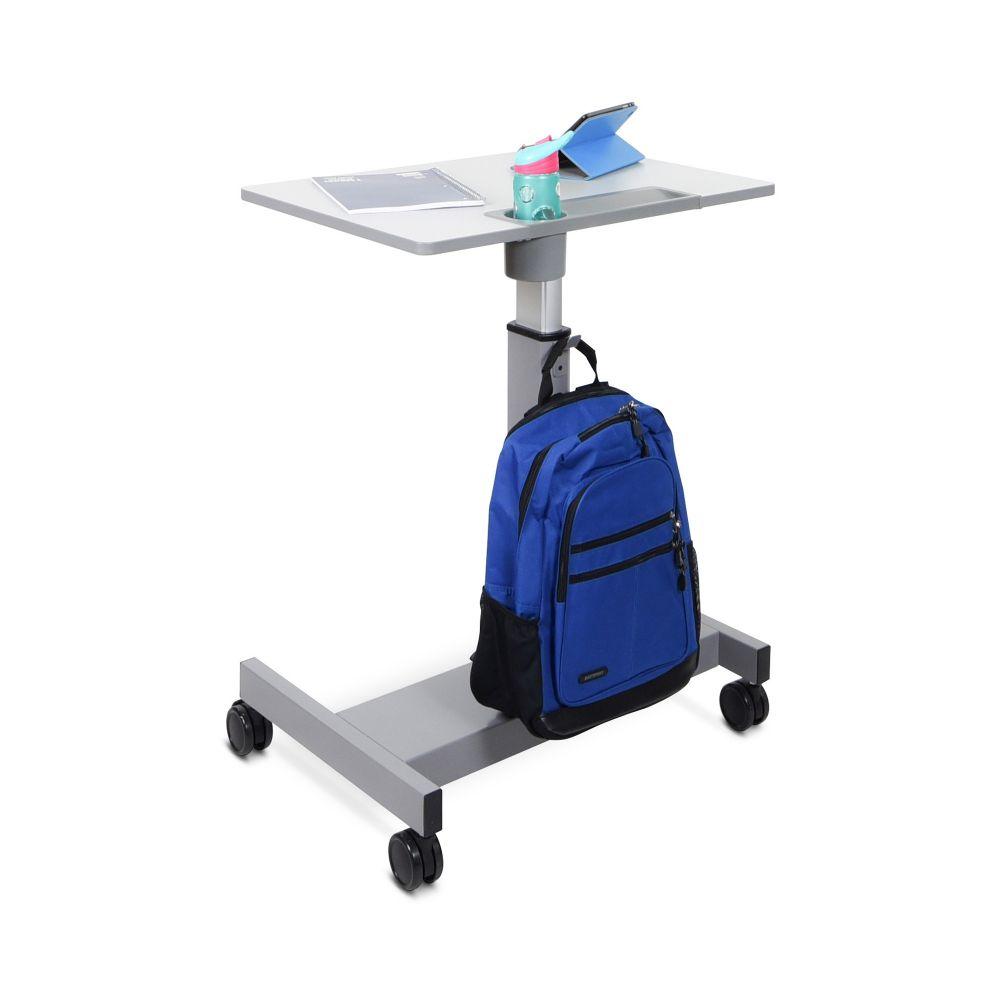
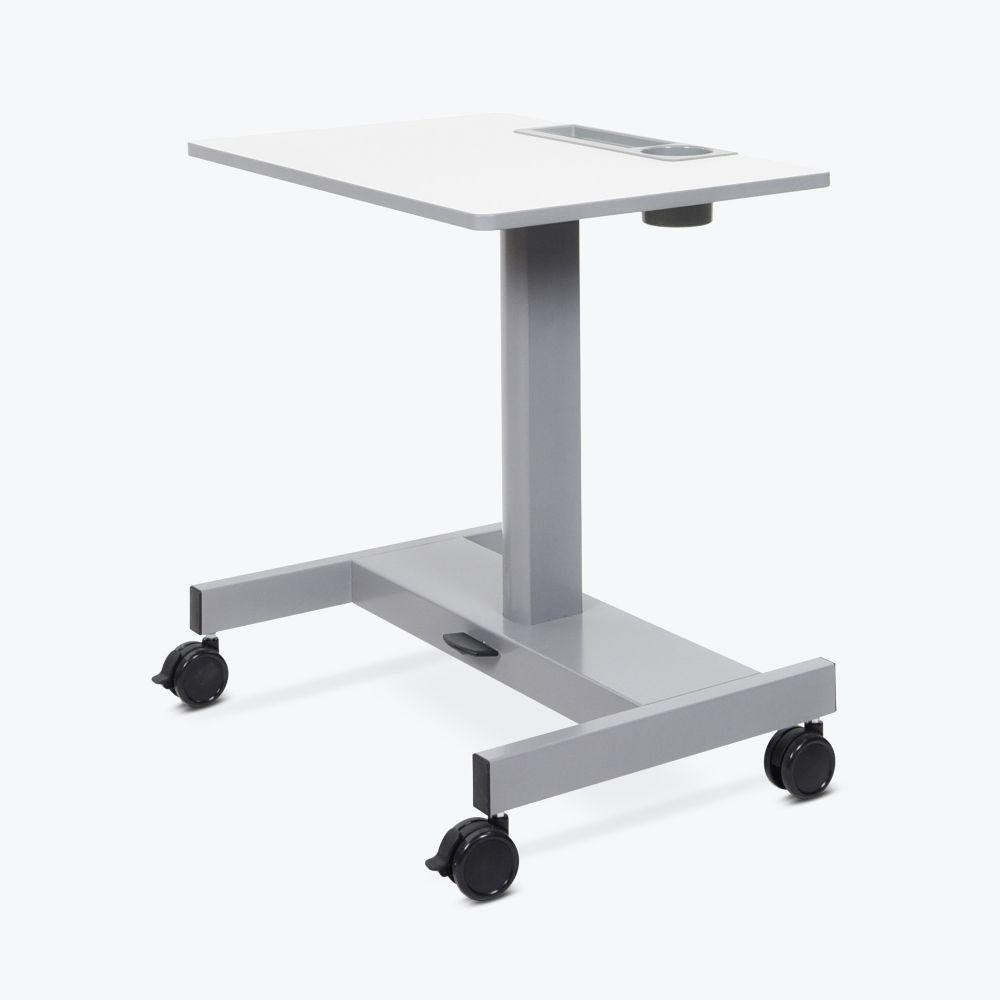
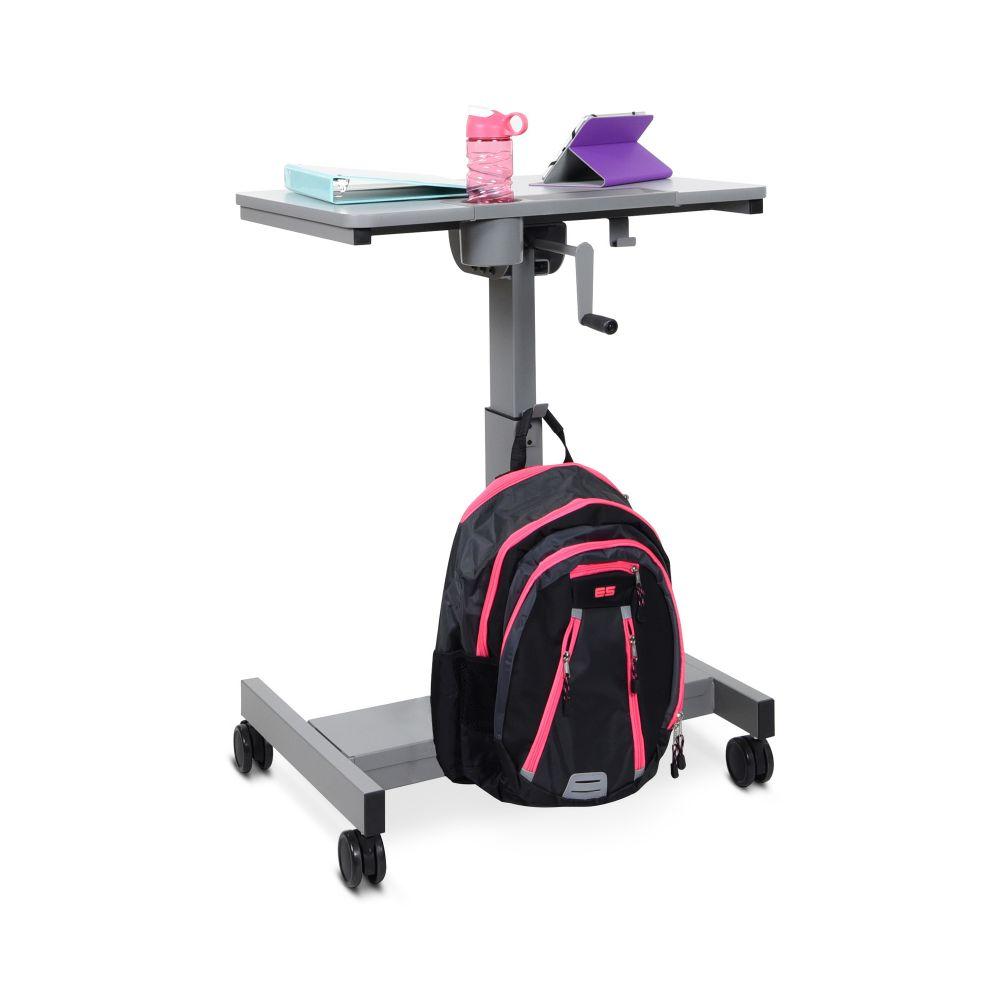
- Add the desk next: a sit-stand desk replaces the work surface, a desktop converter sits on the one you already have.
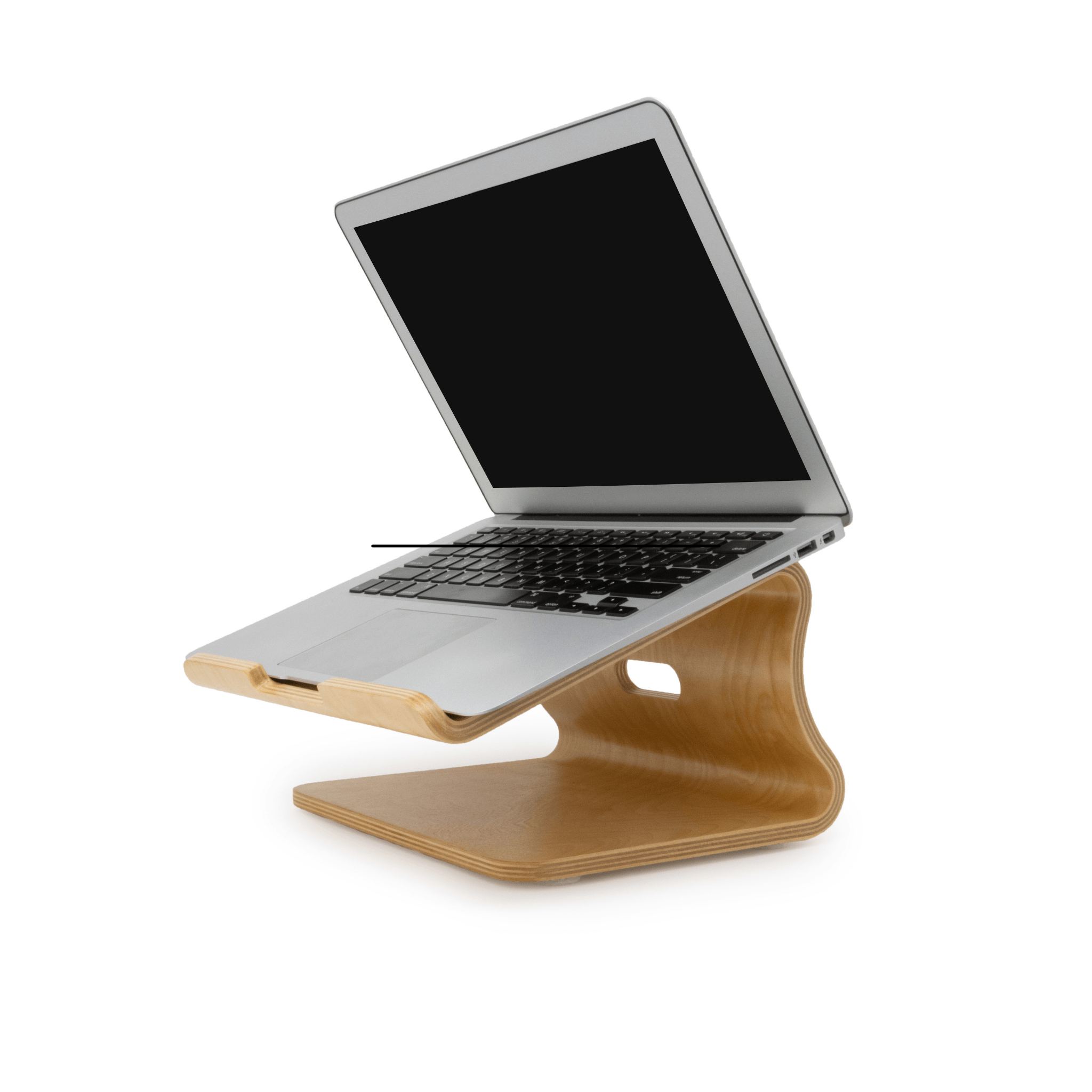
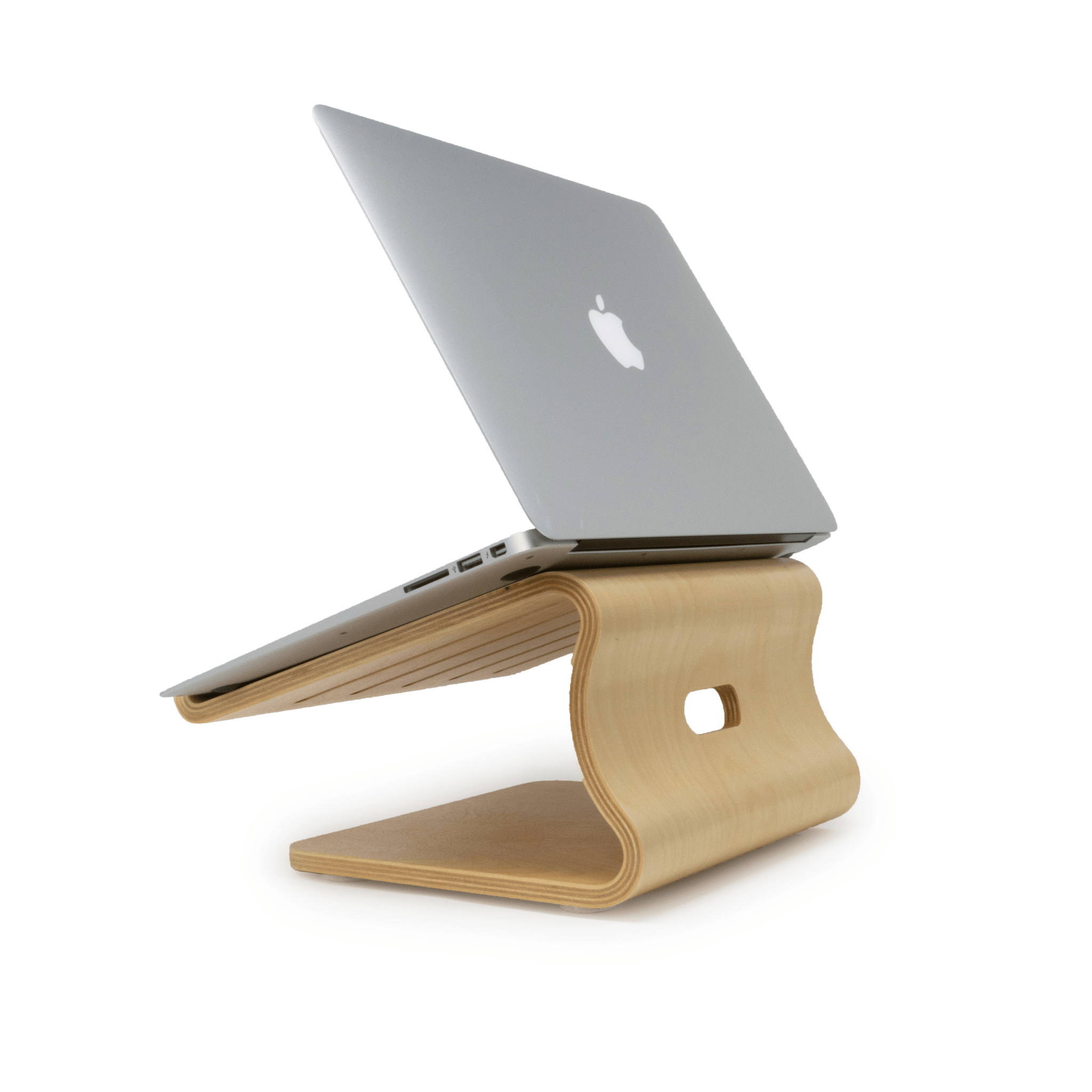
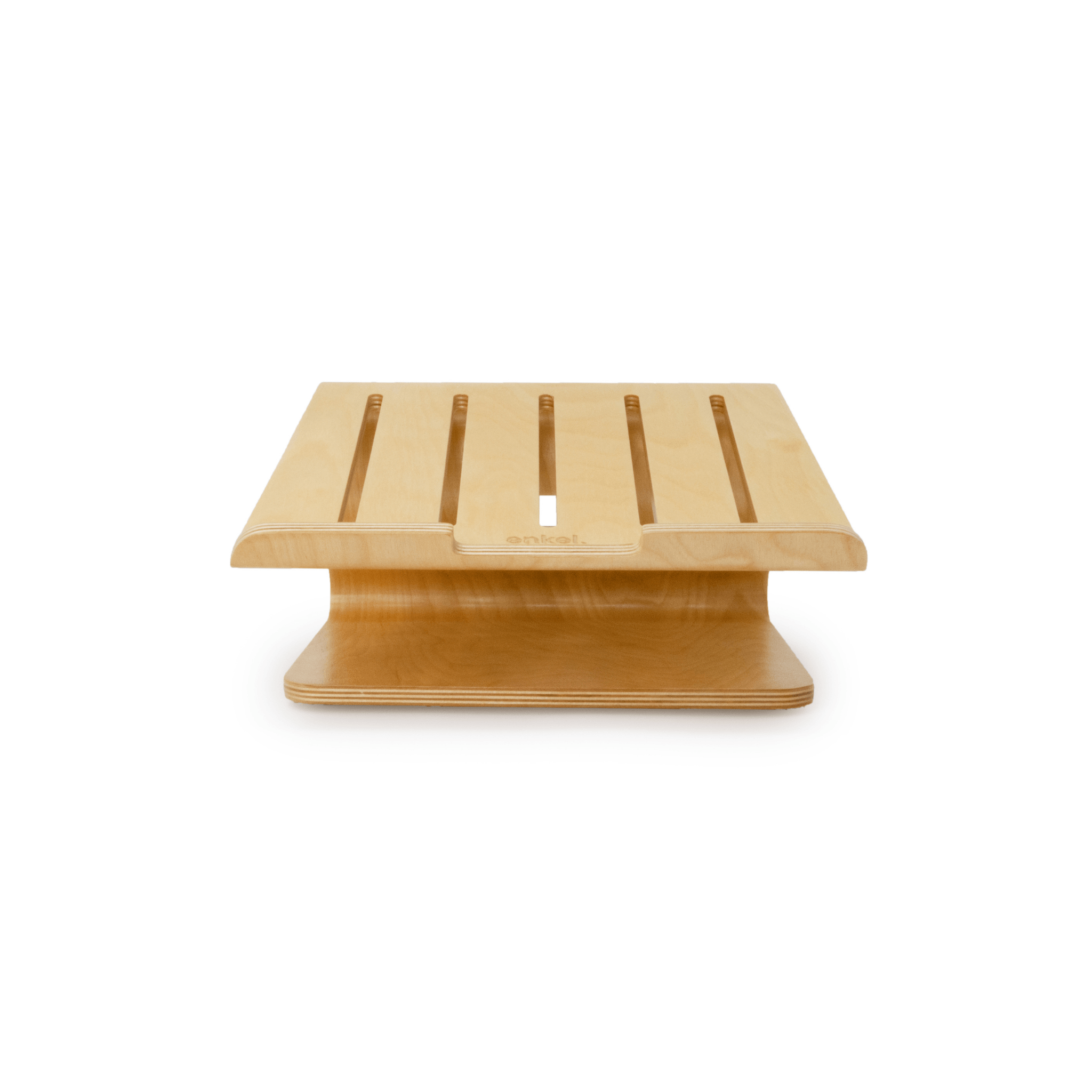
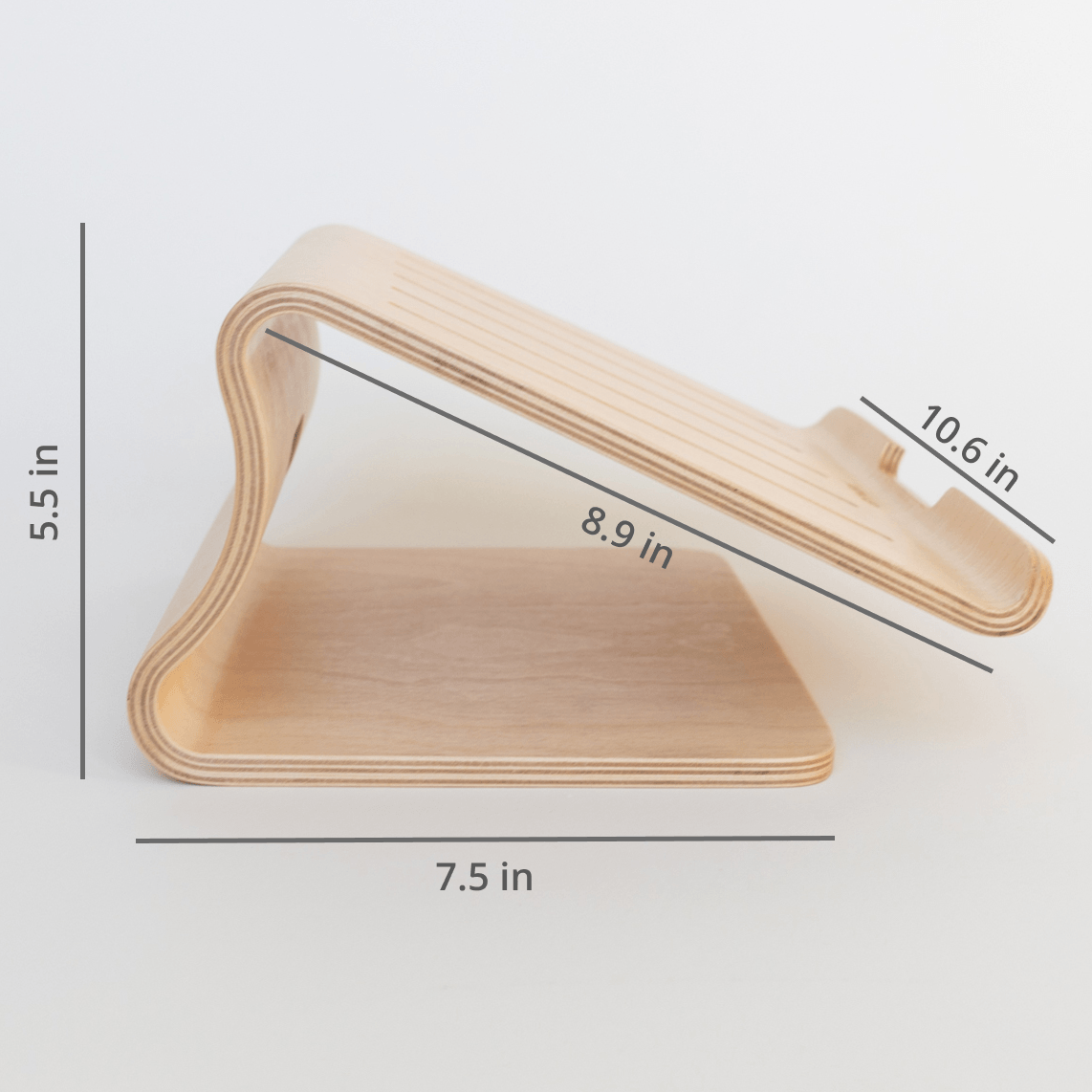
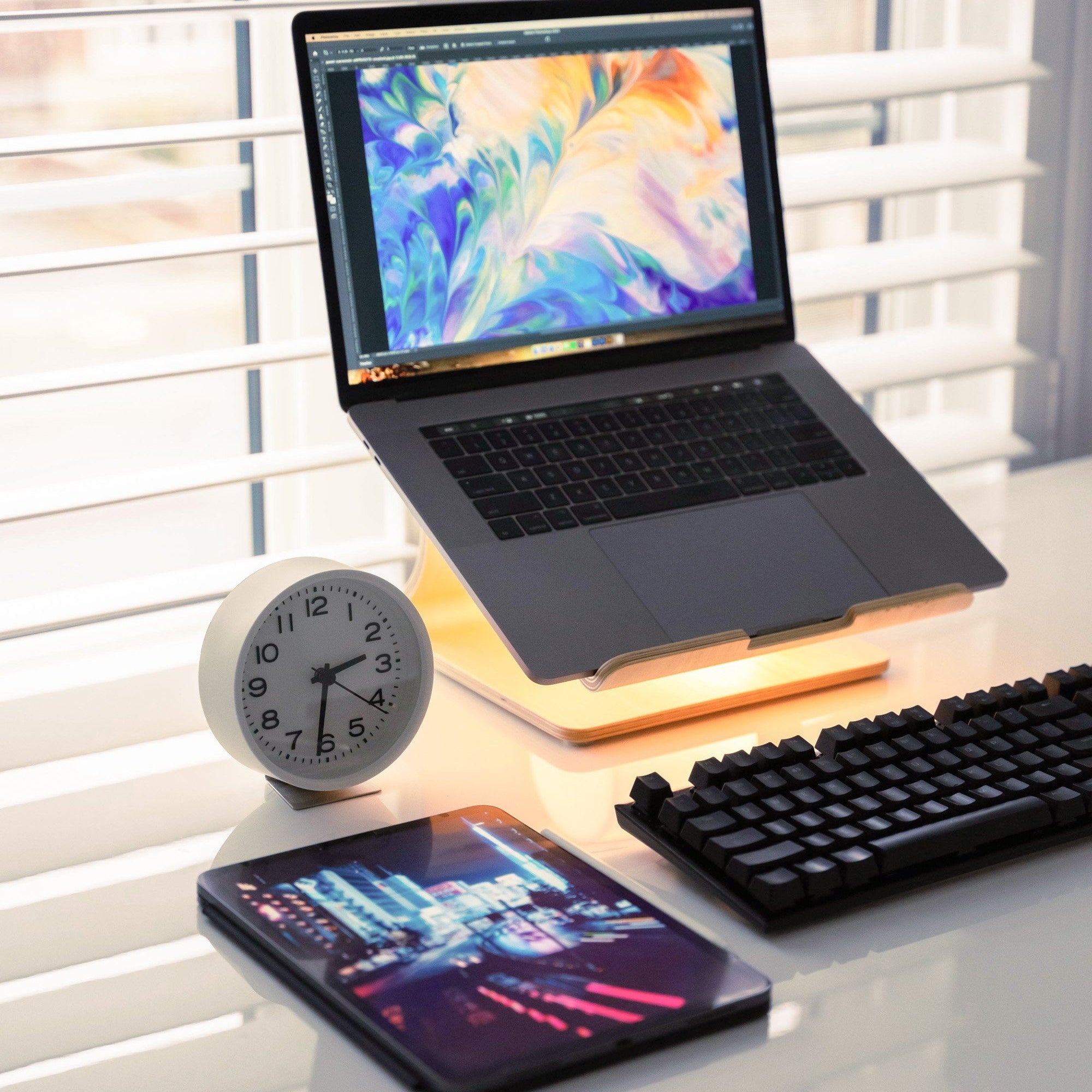
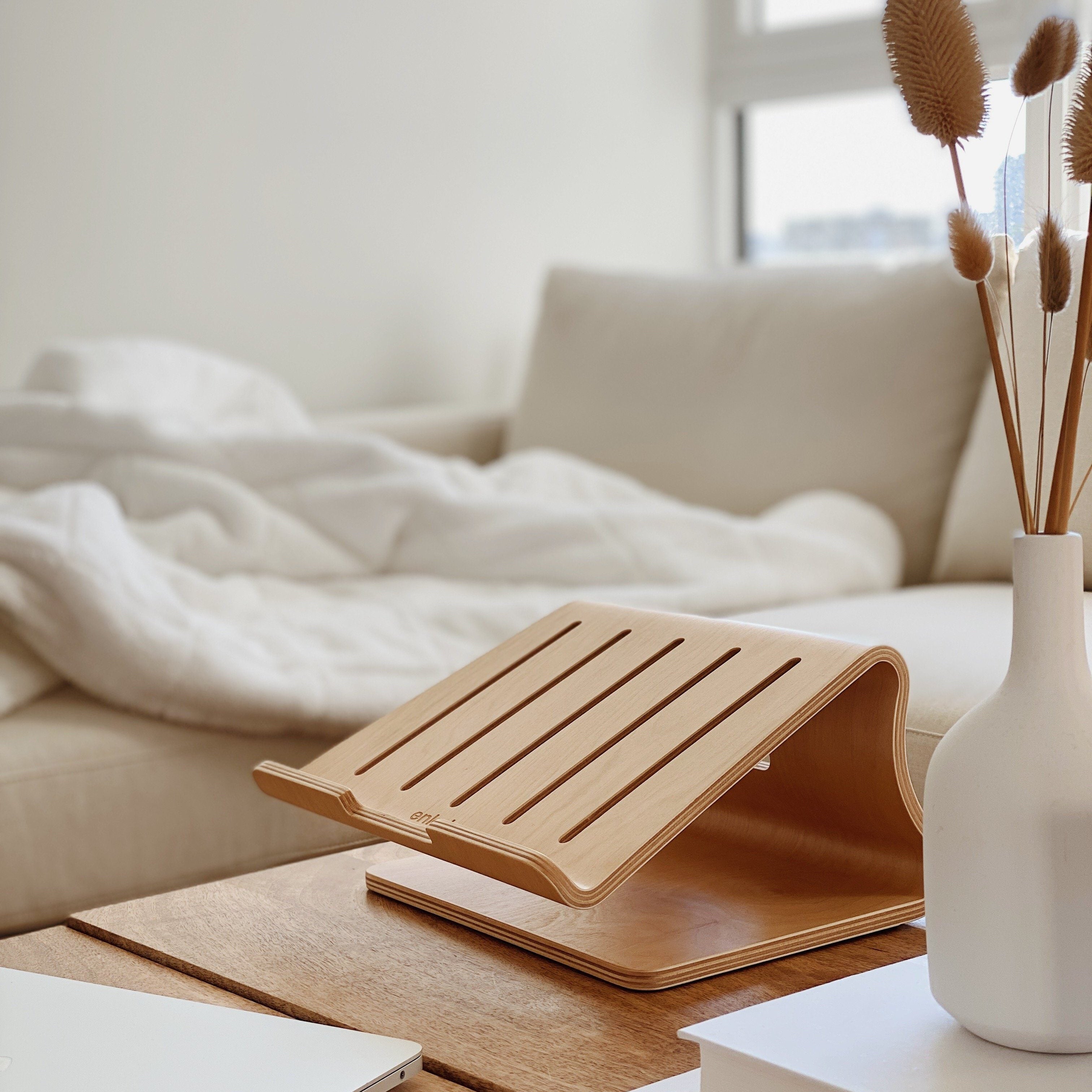
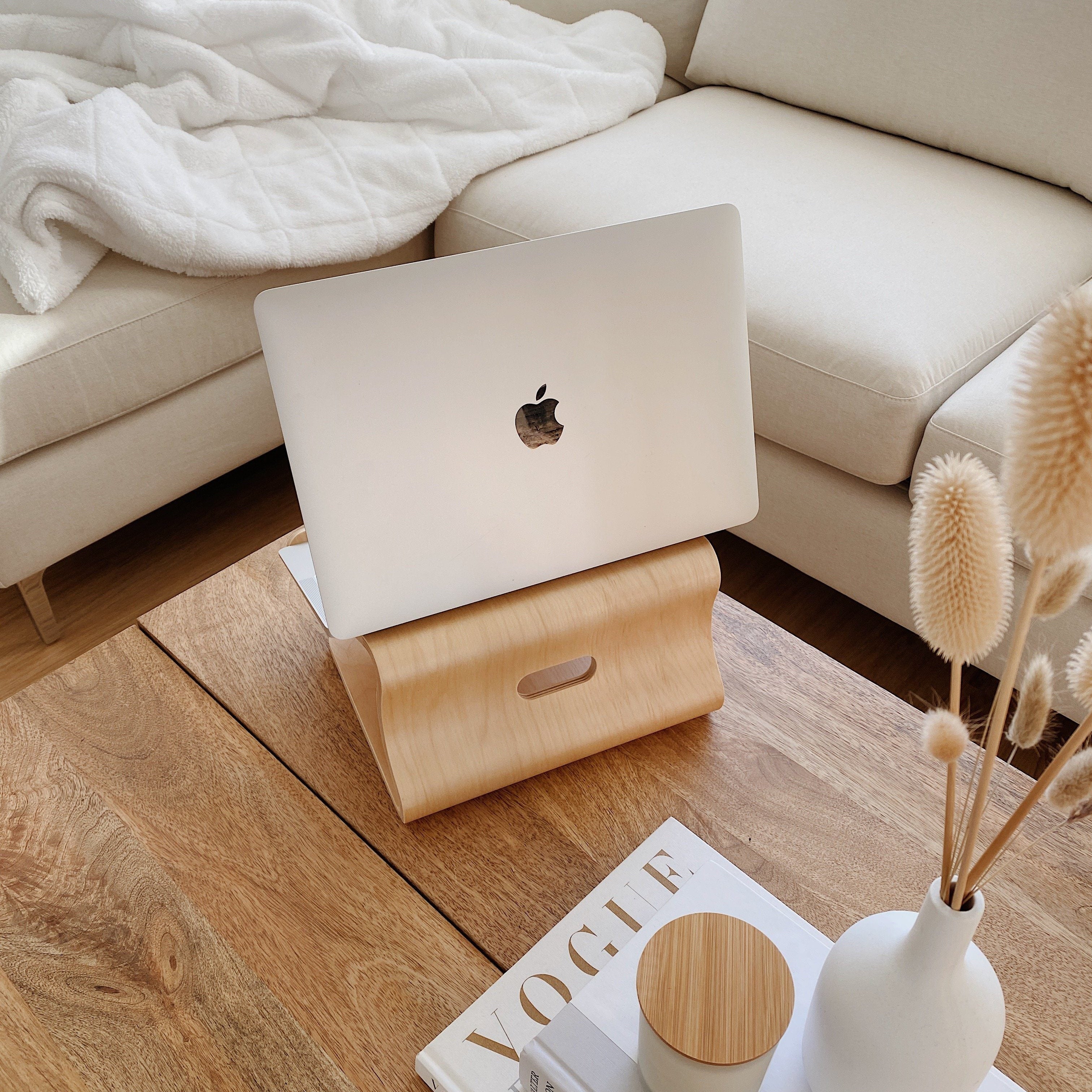
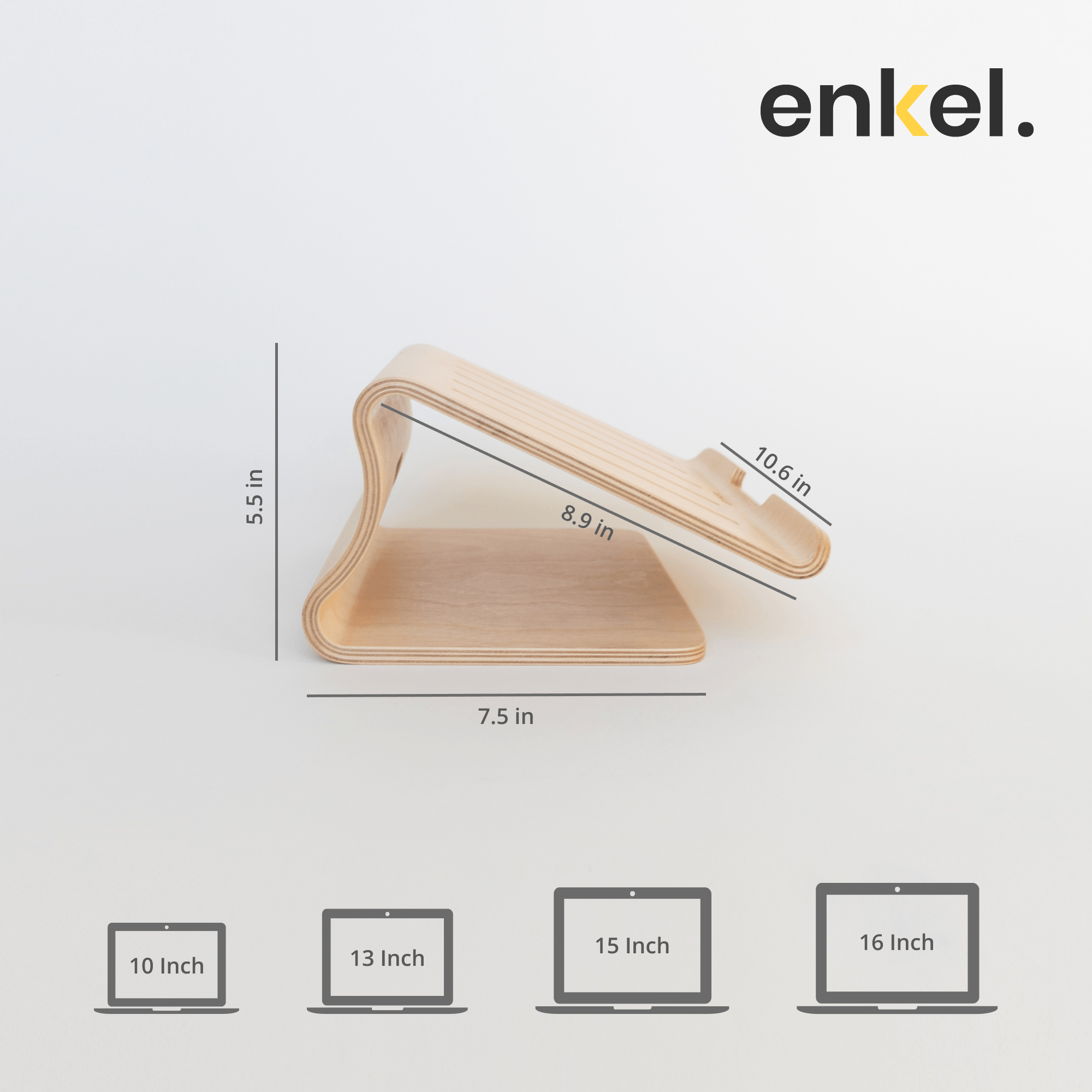
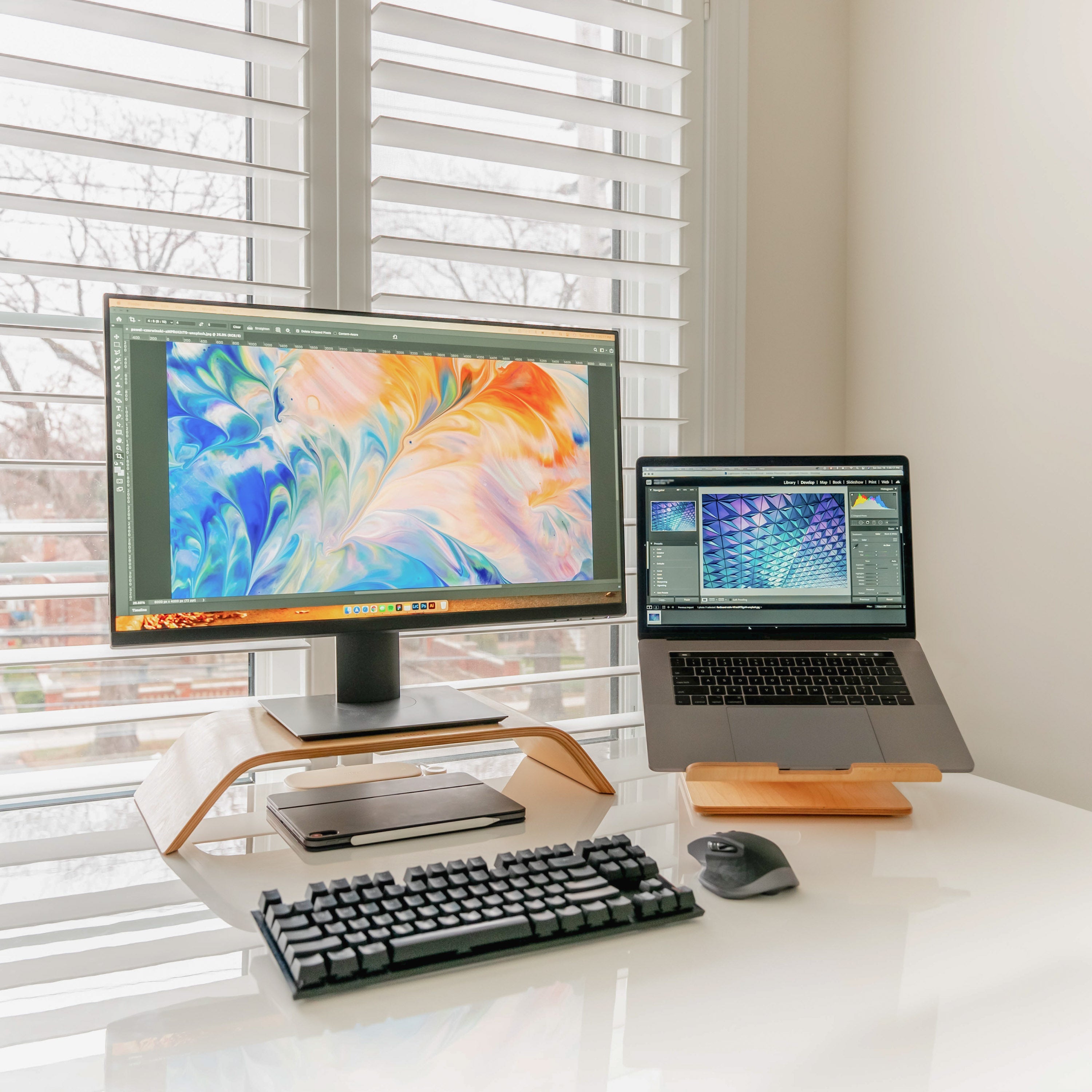
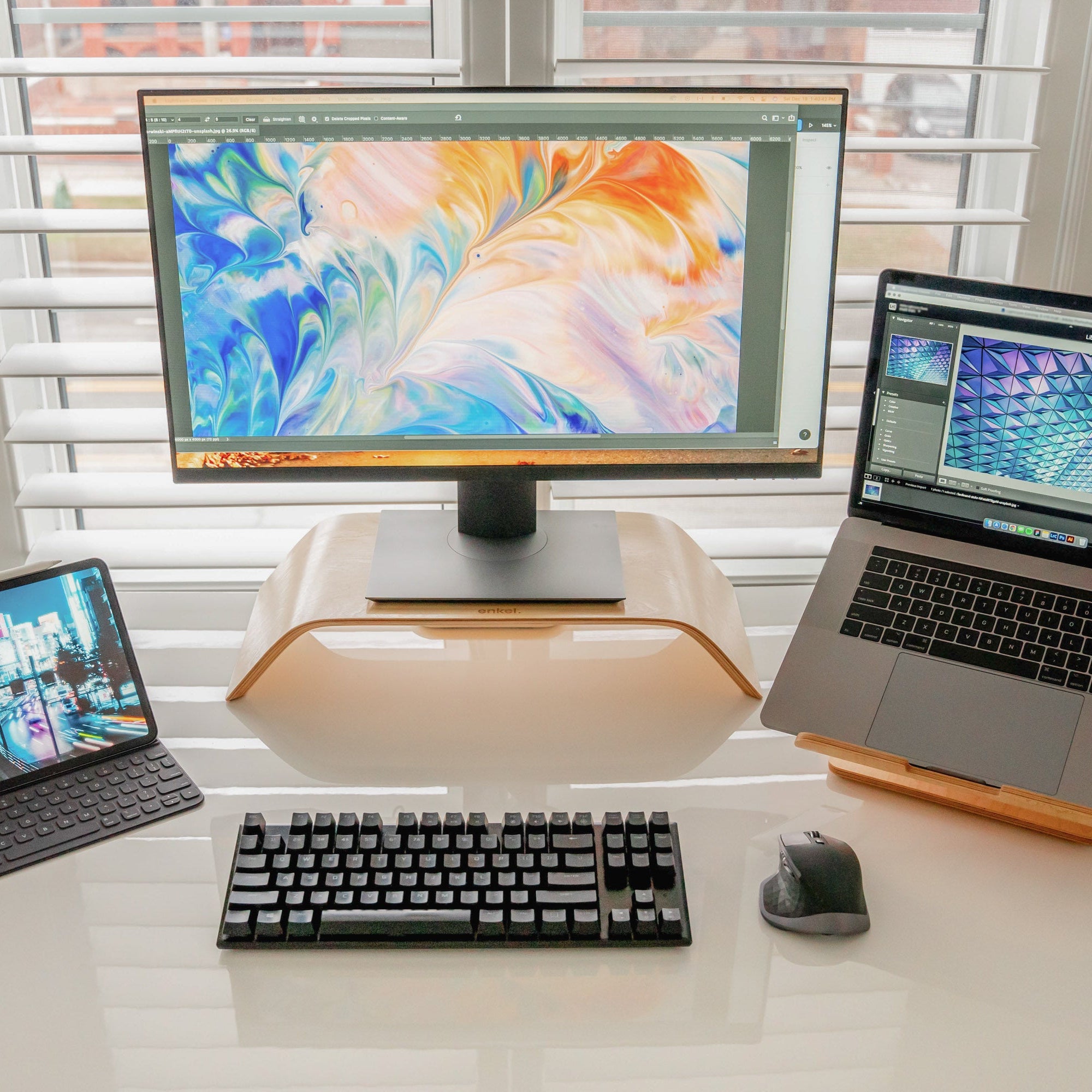
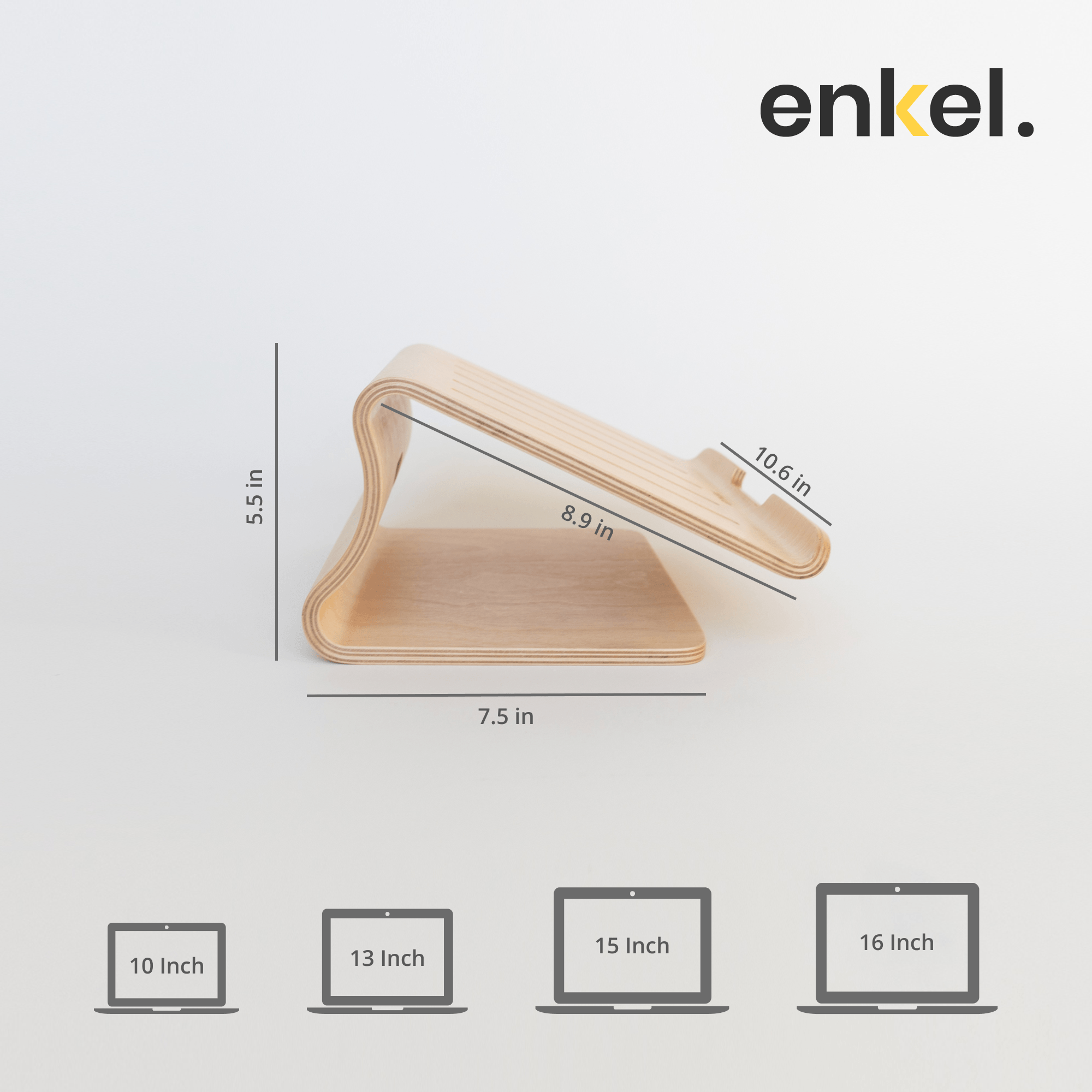
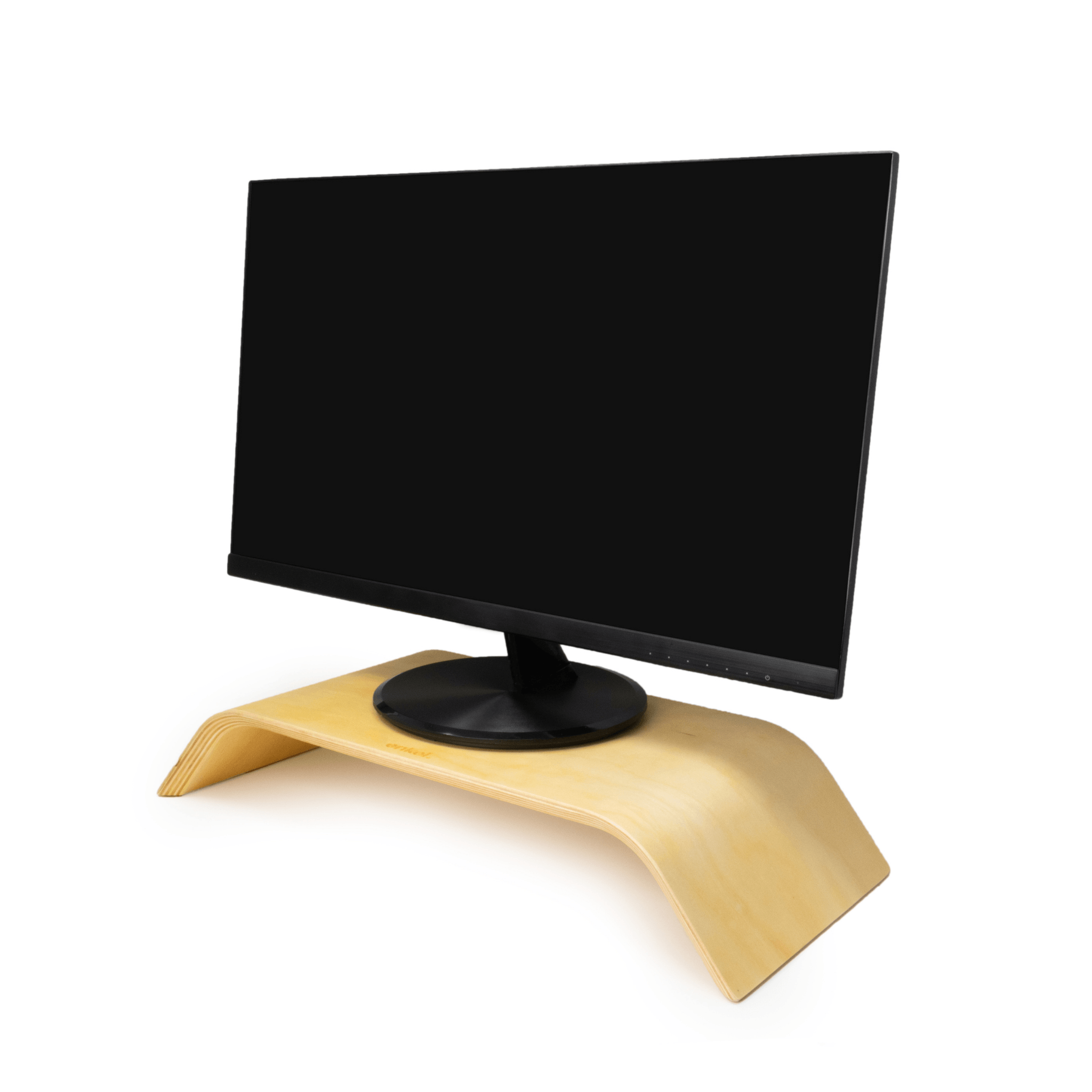
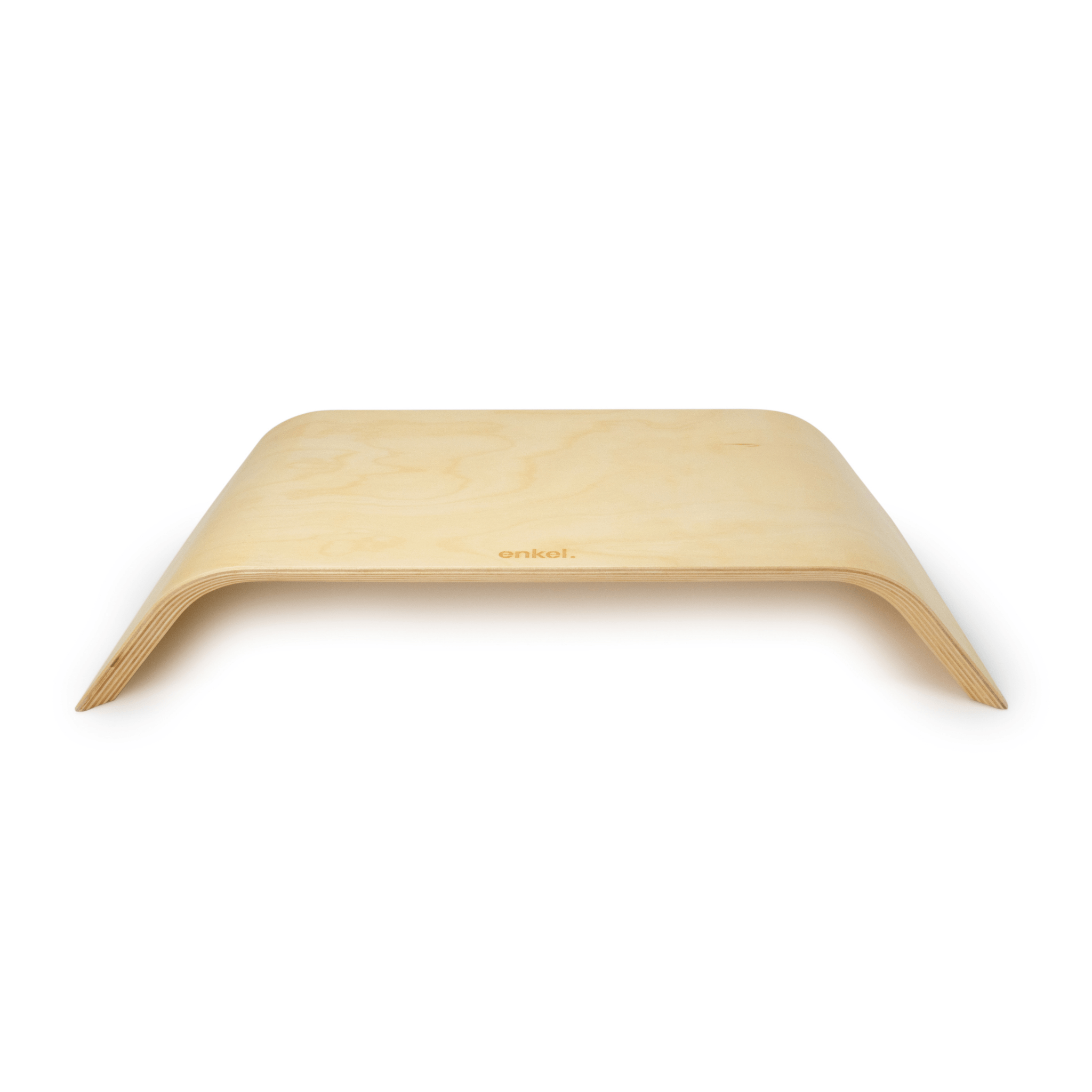
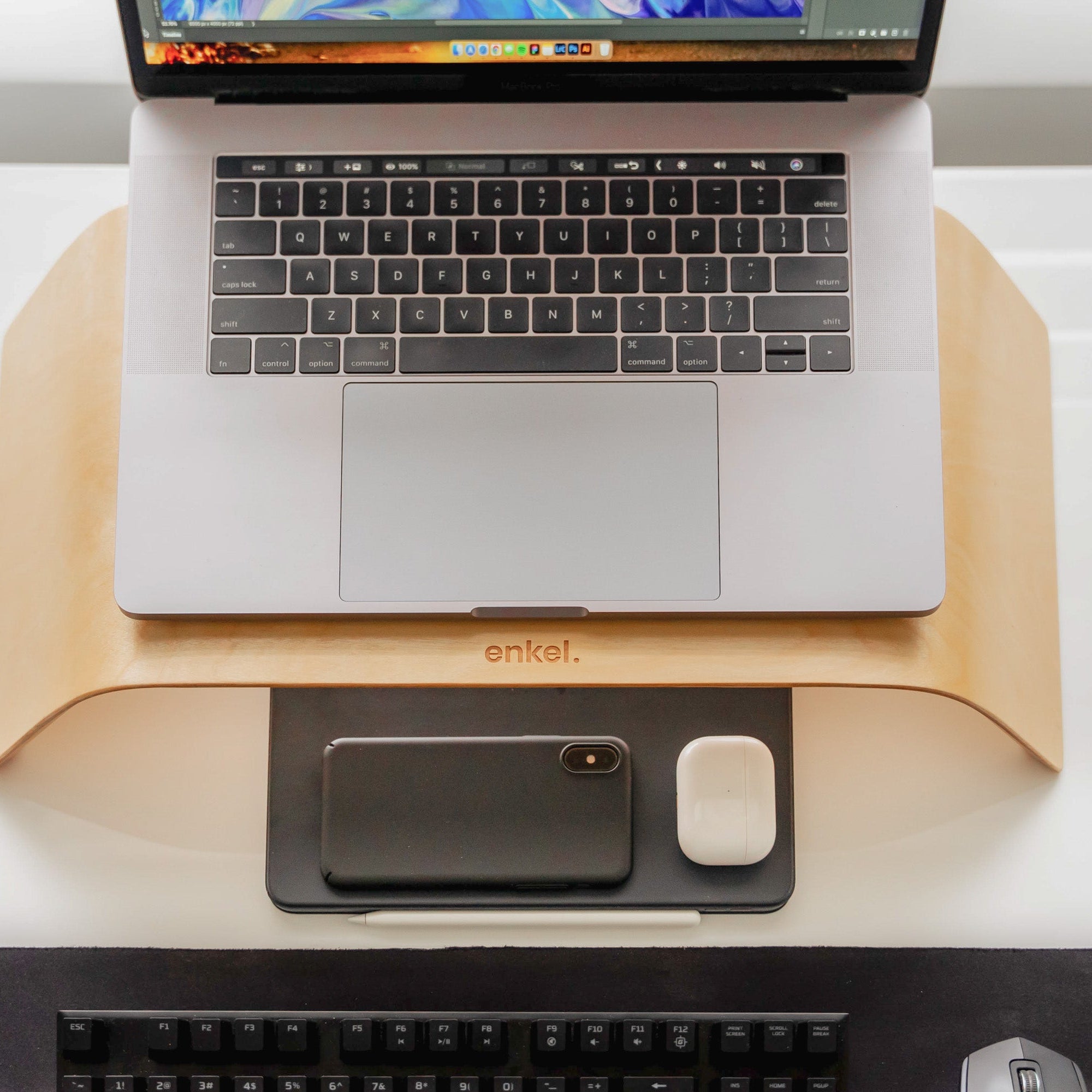
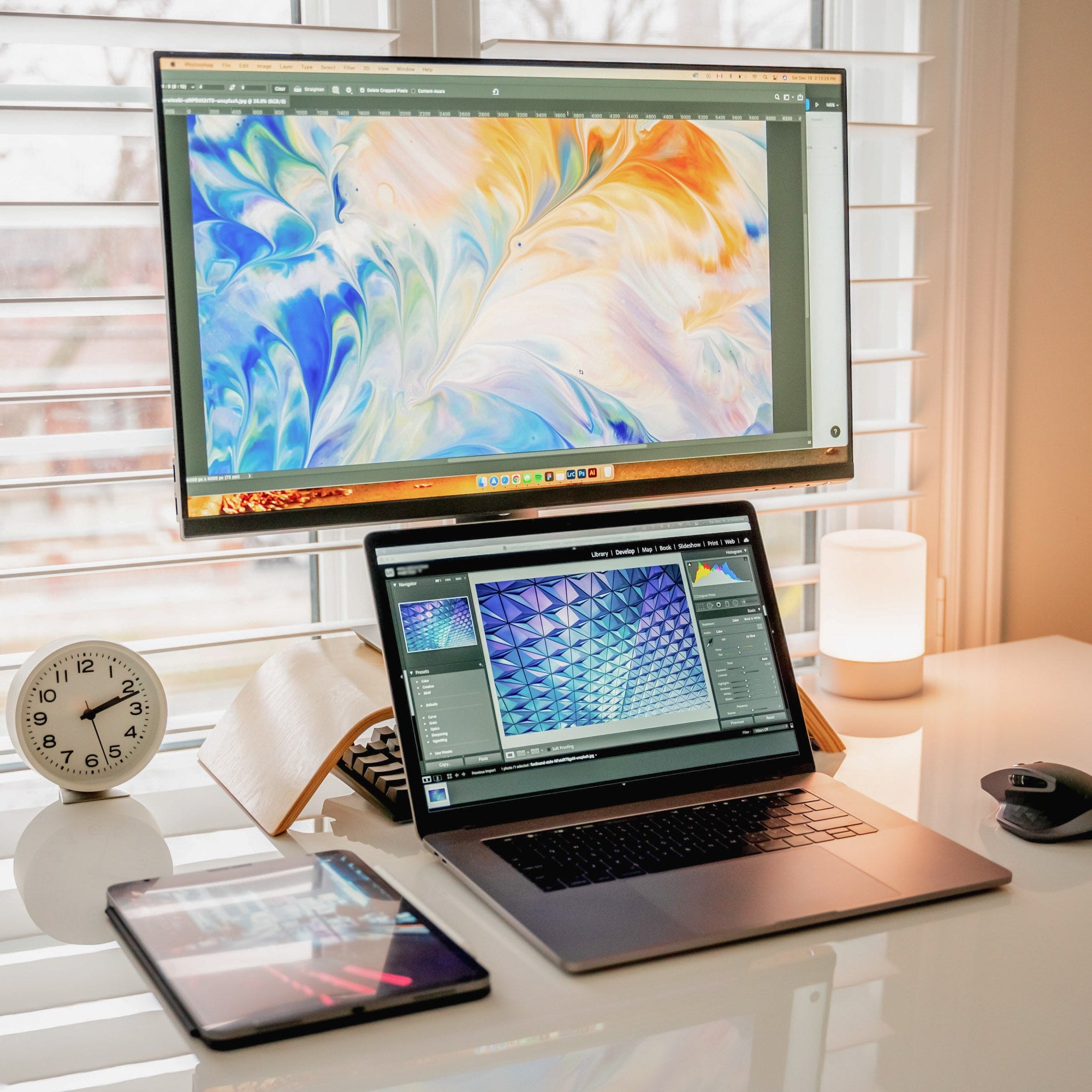
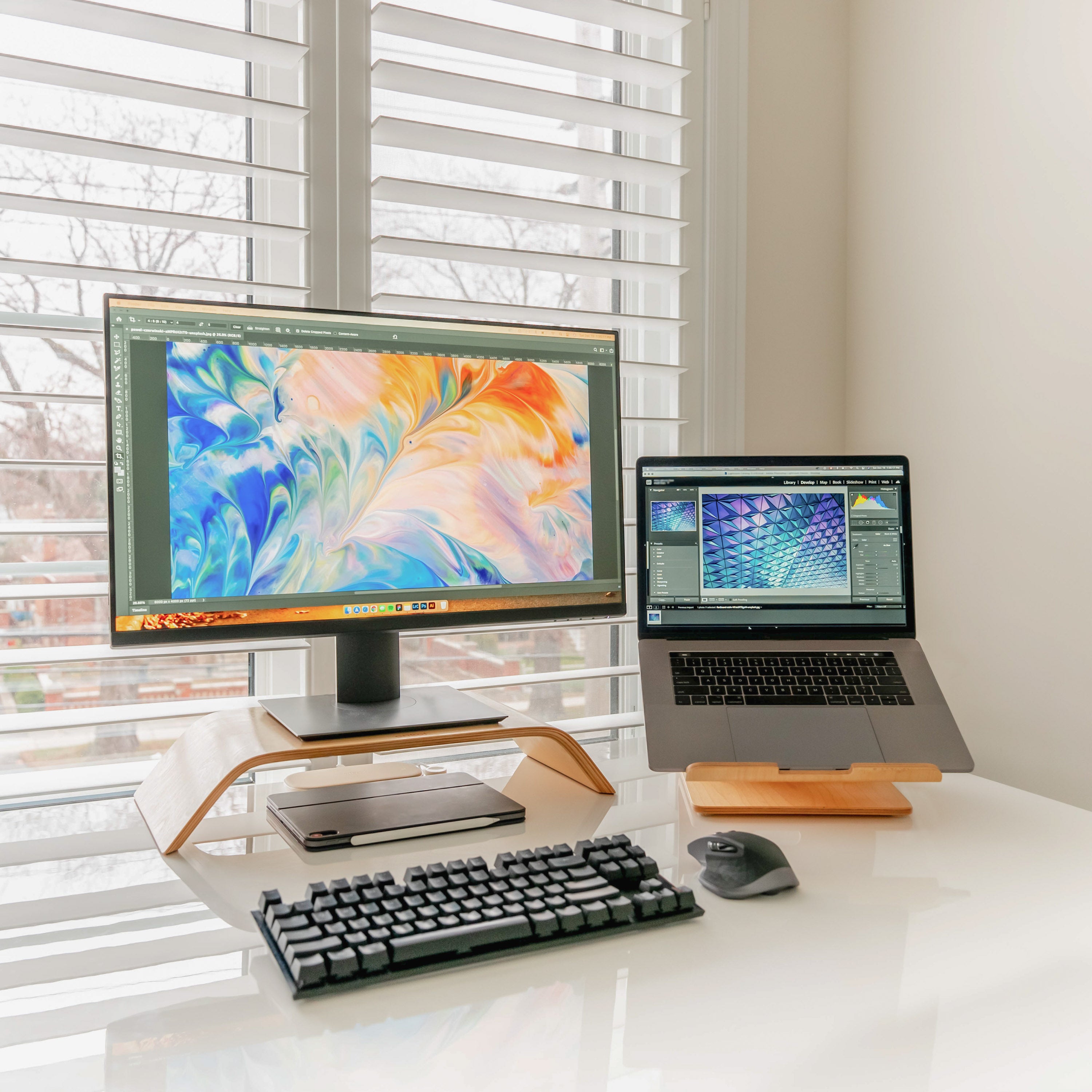
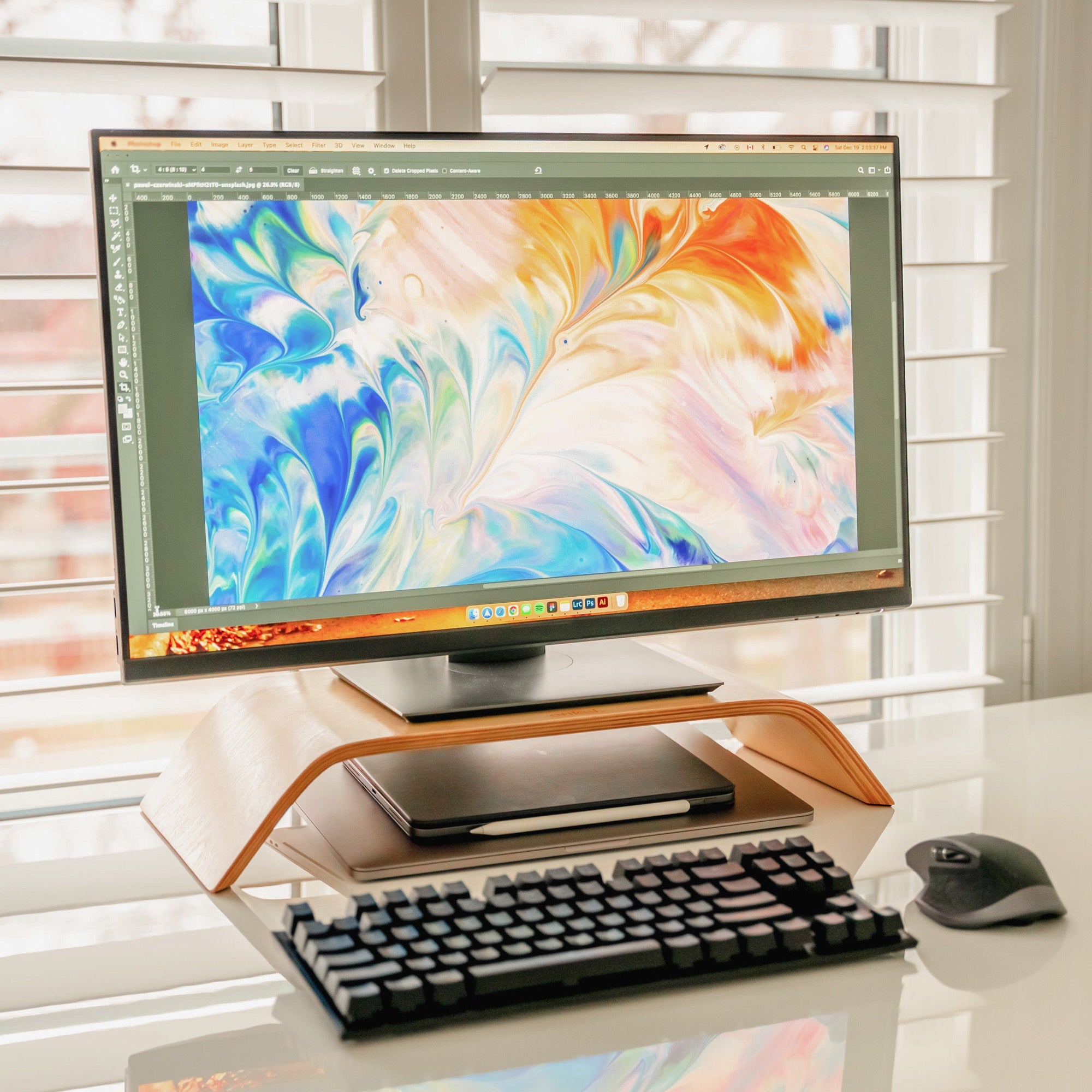
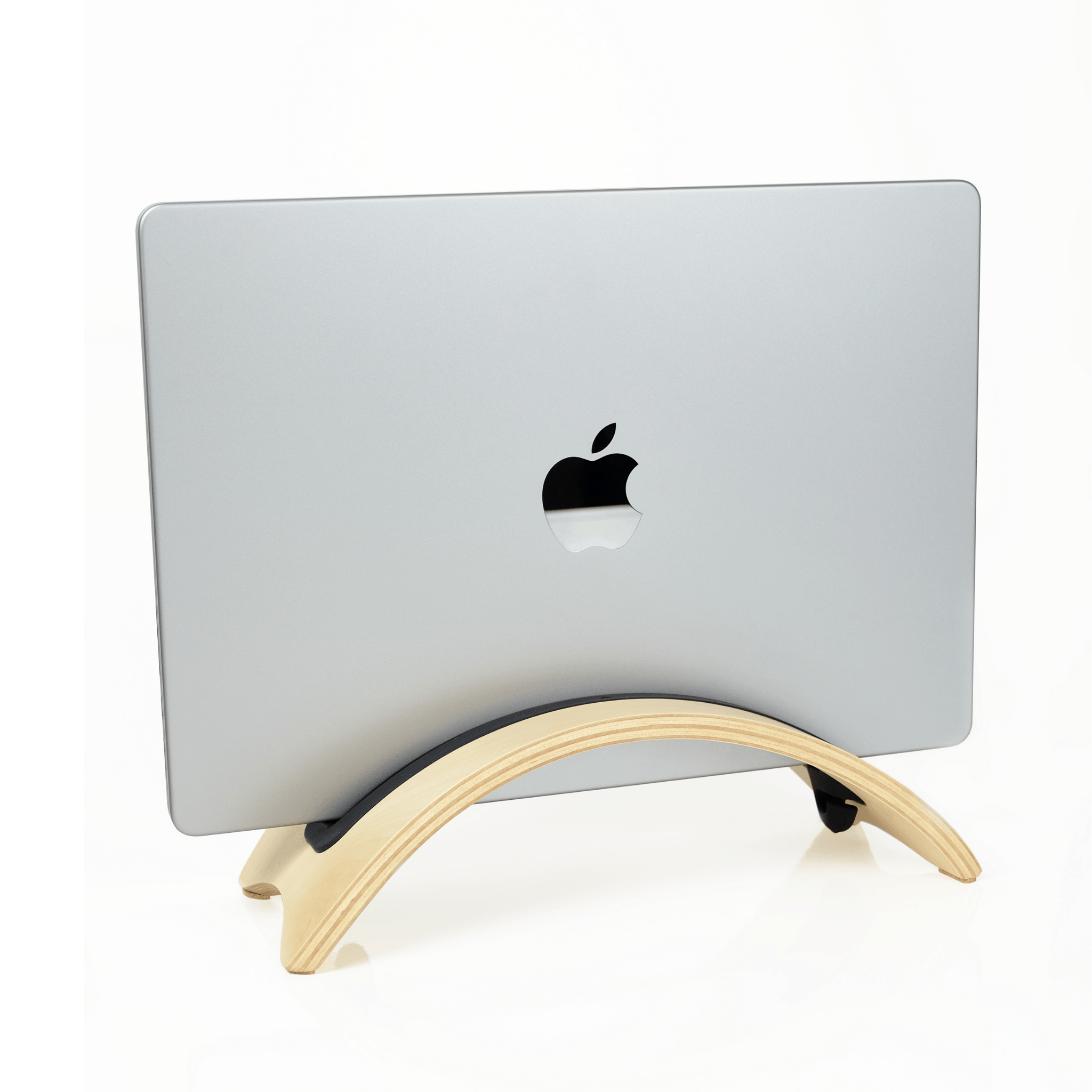
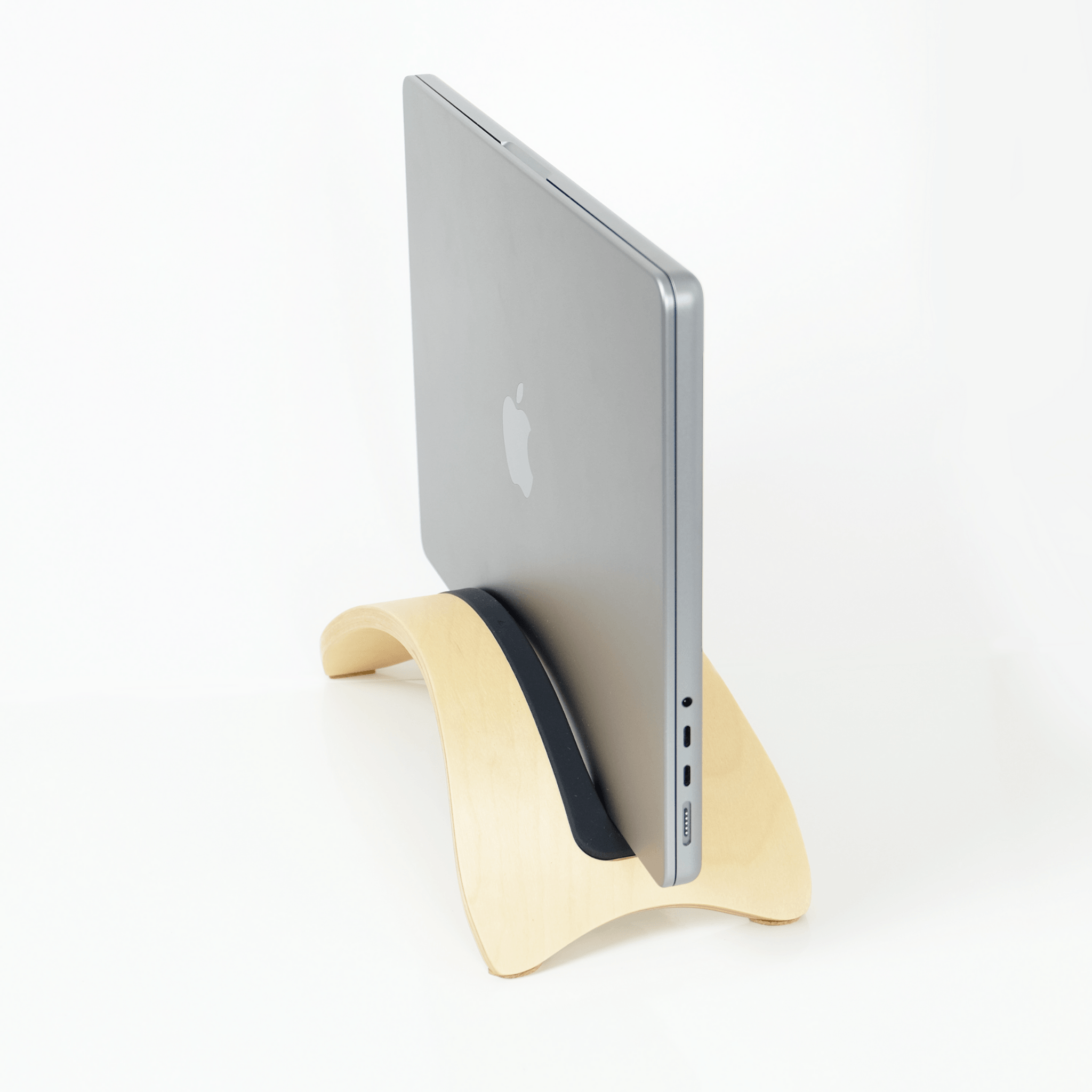
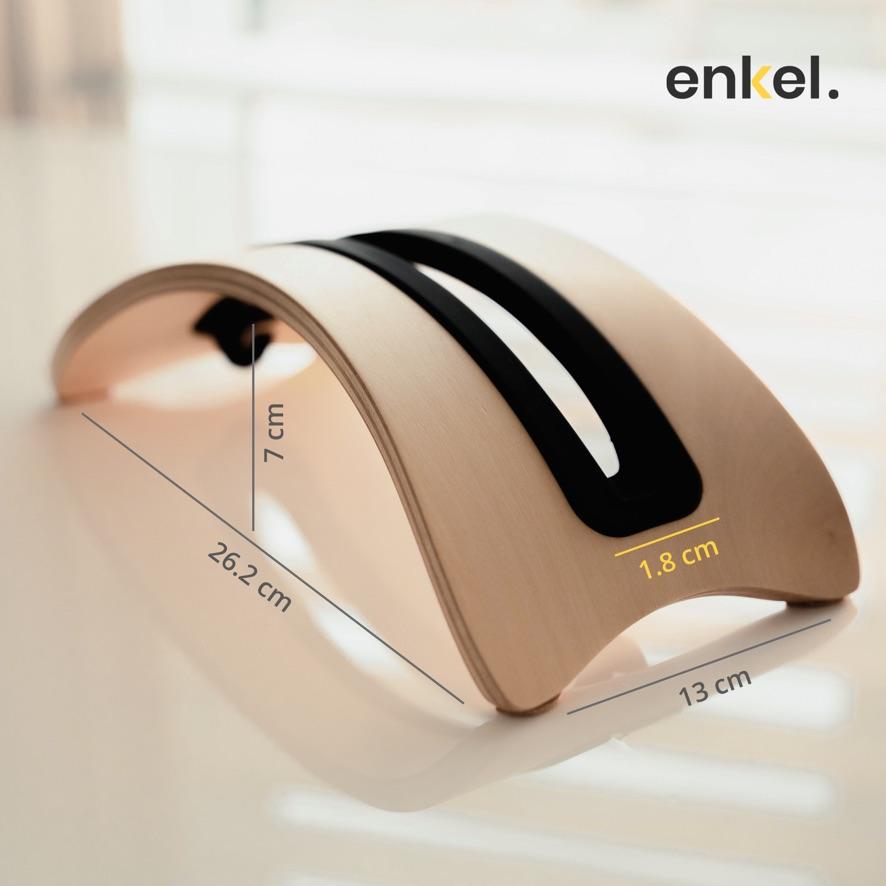
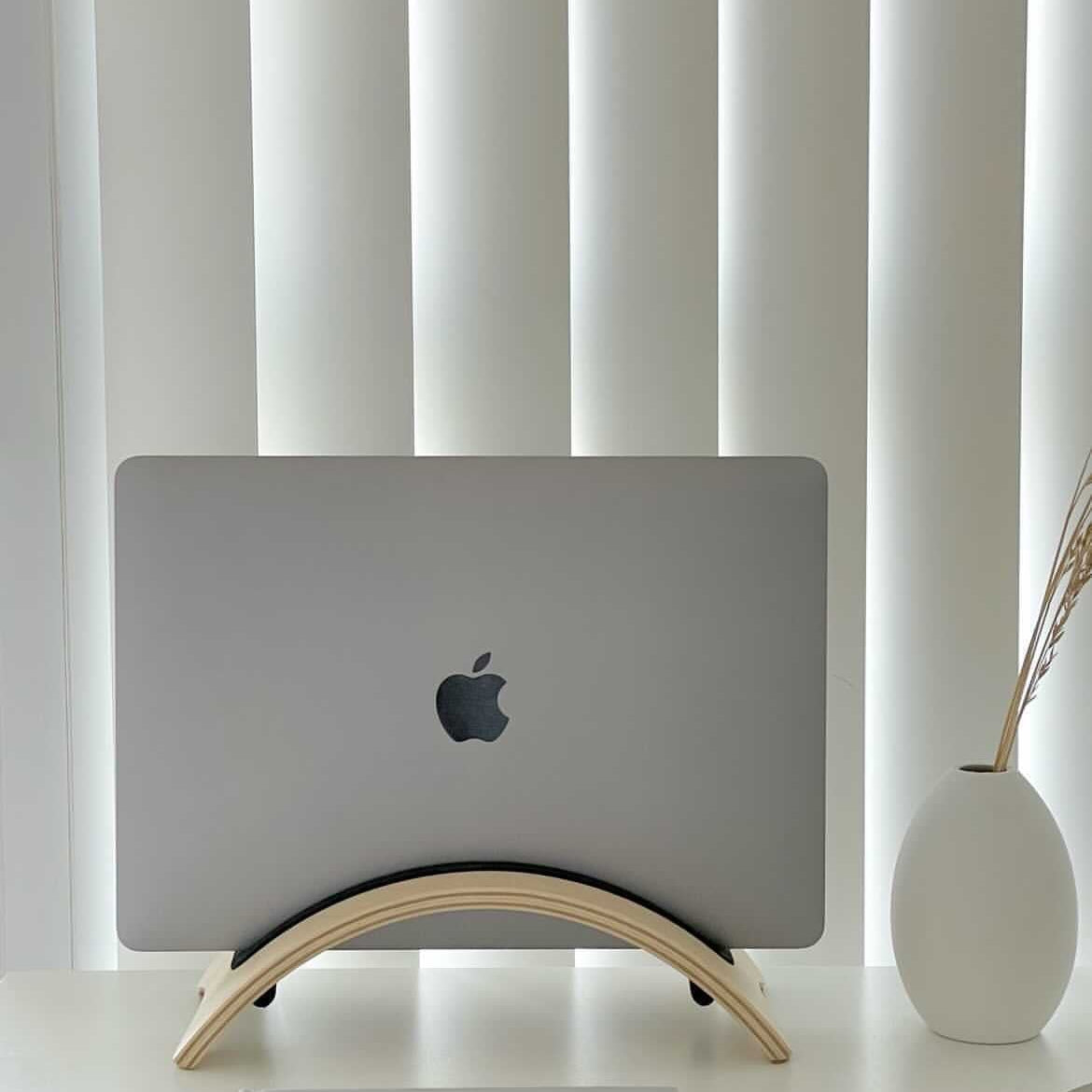
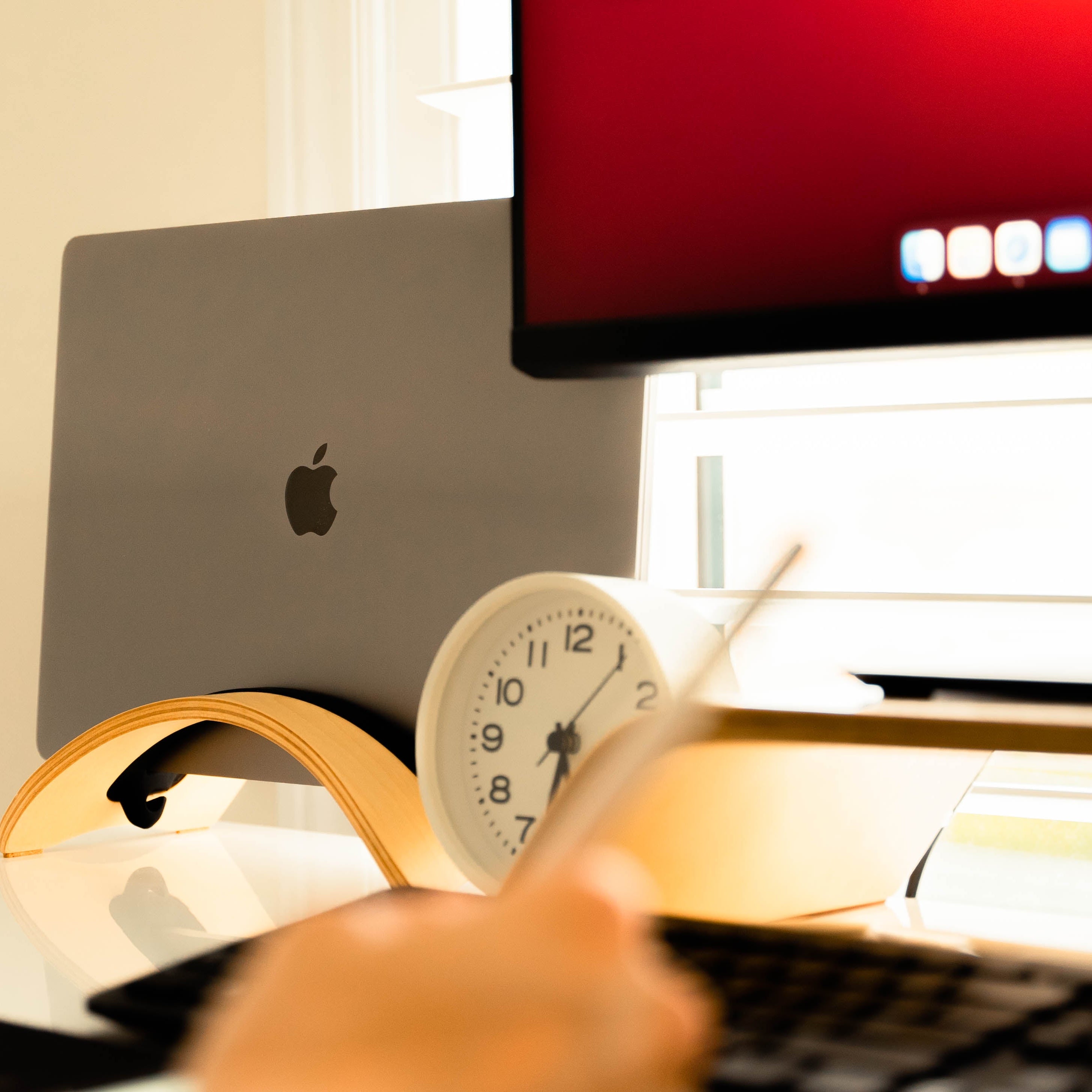
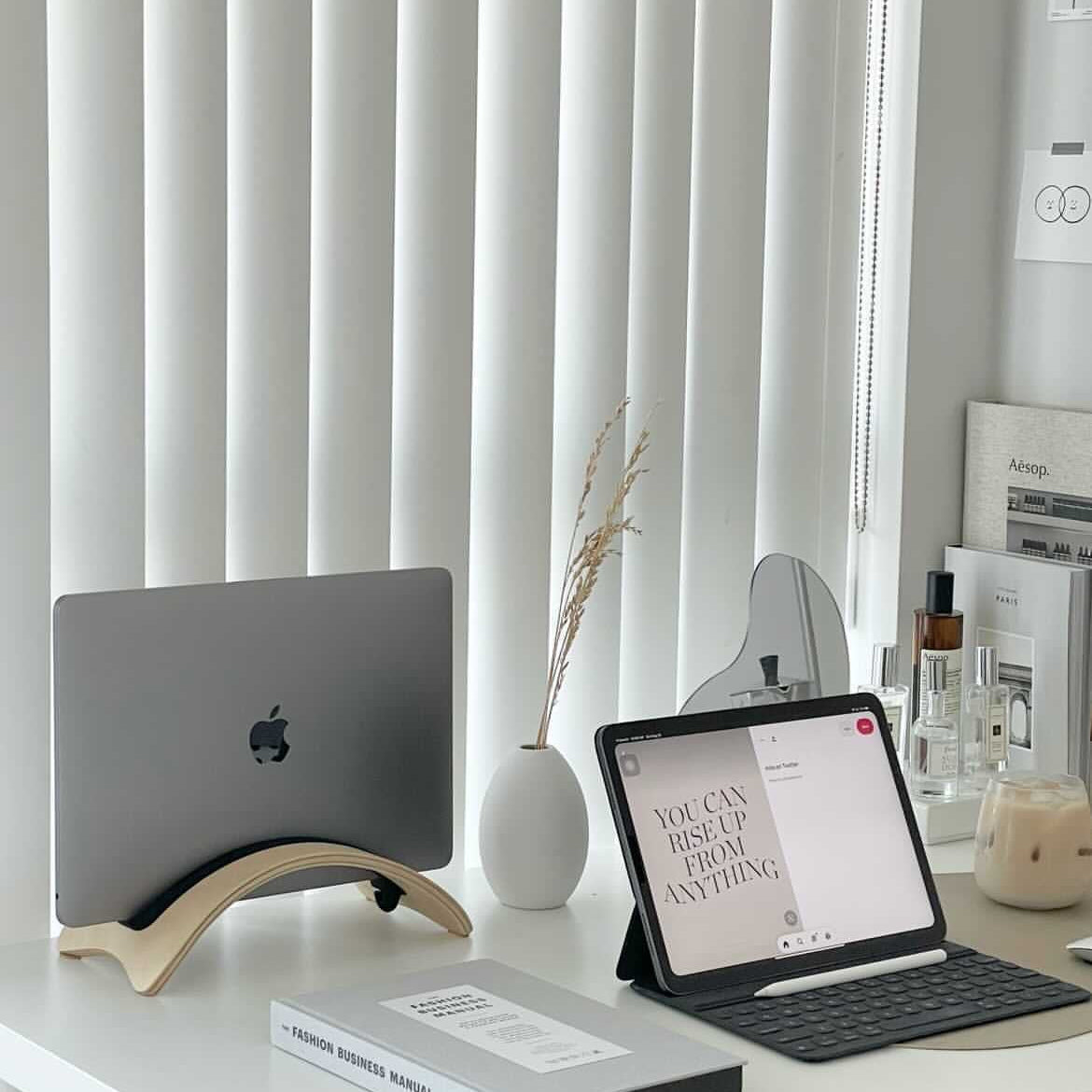
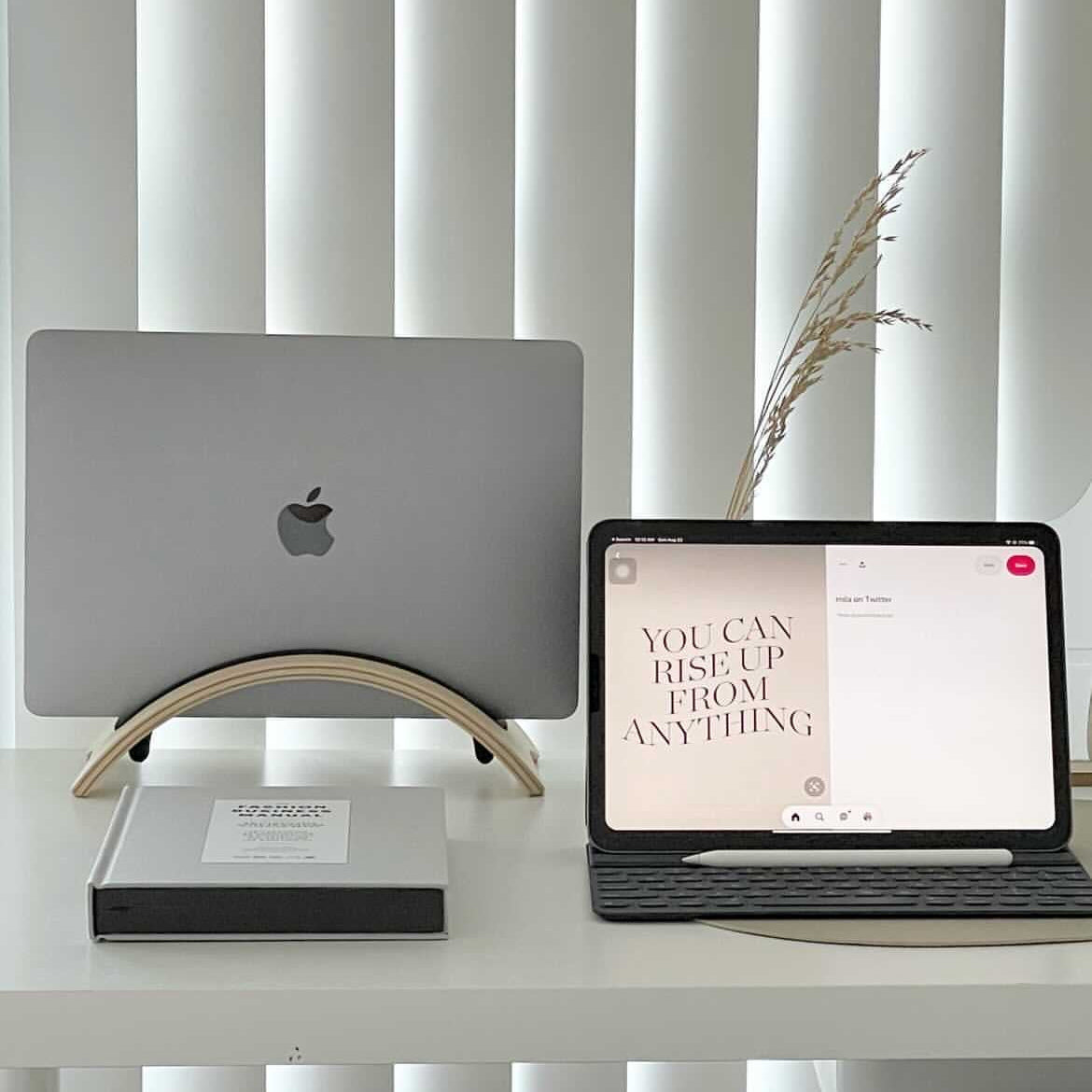
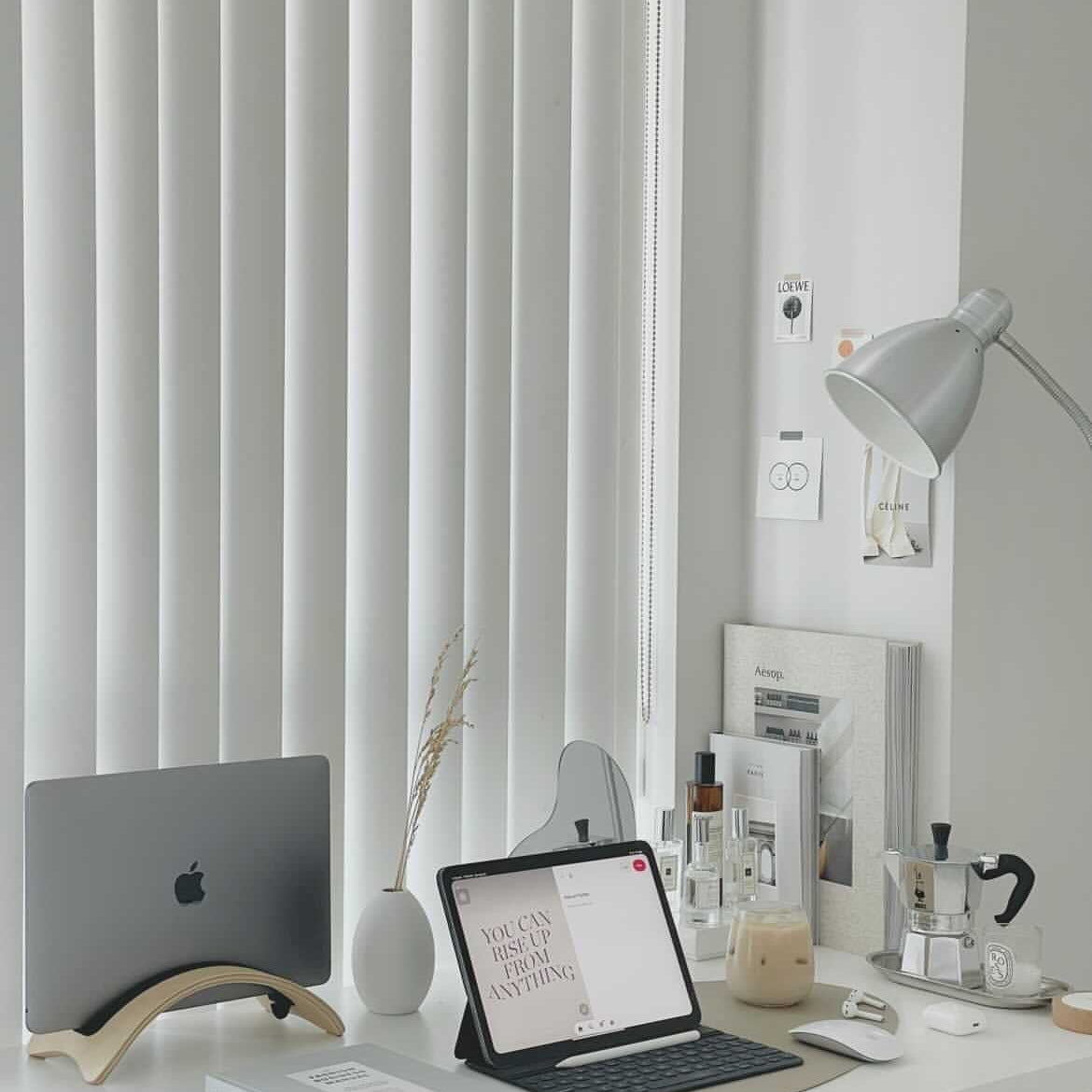
- Bring the screen to eye level: monitor and laptop stands in Desktop Ergonomics put the top of your display at or just below eye level.
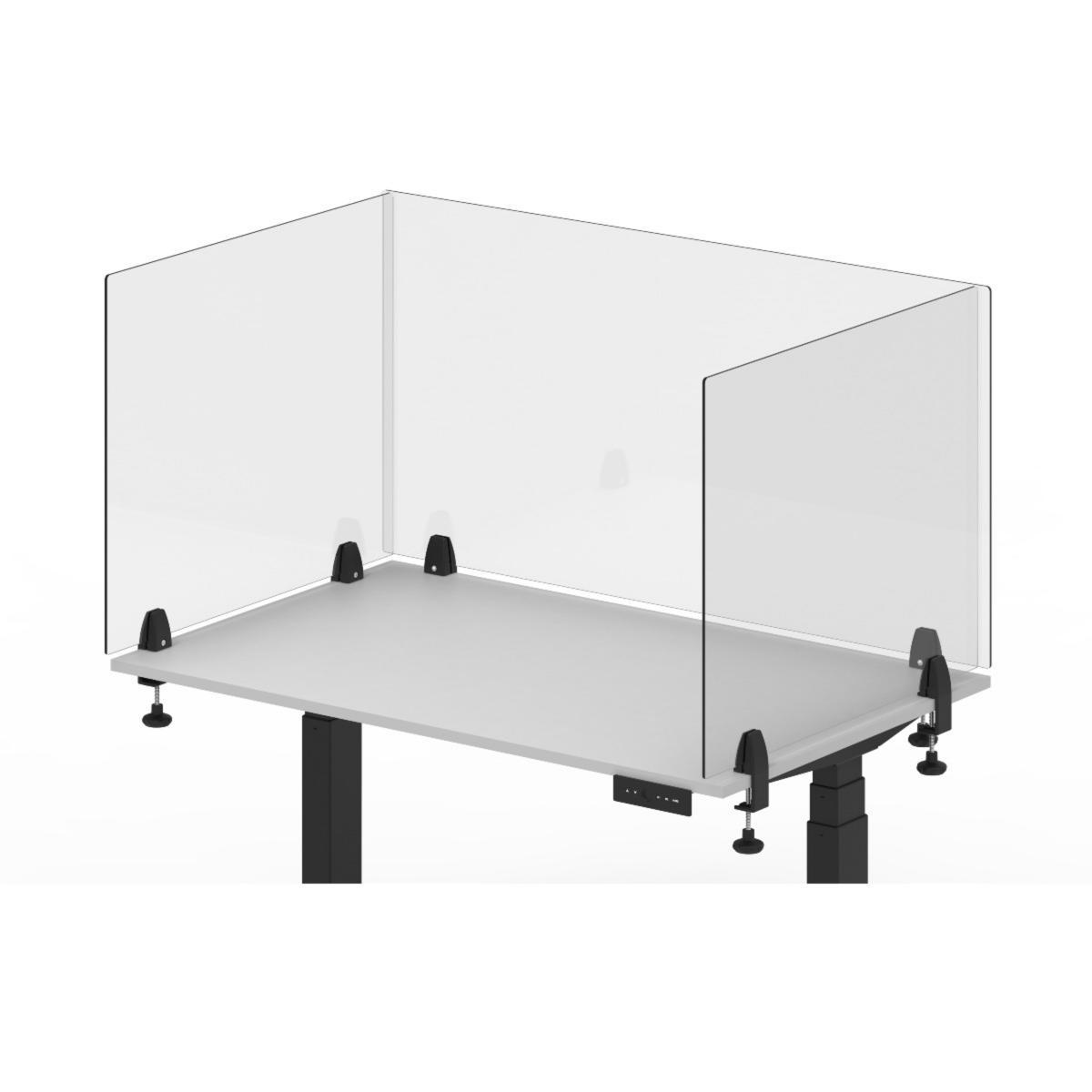
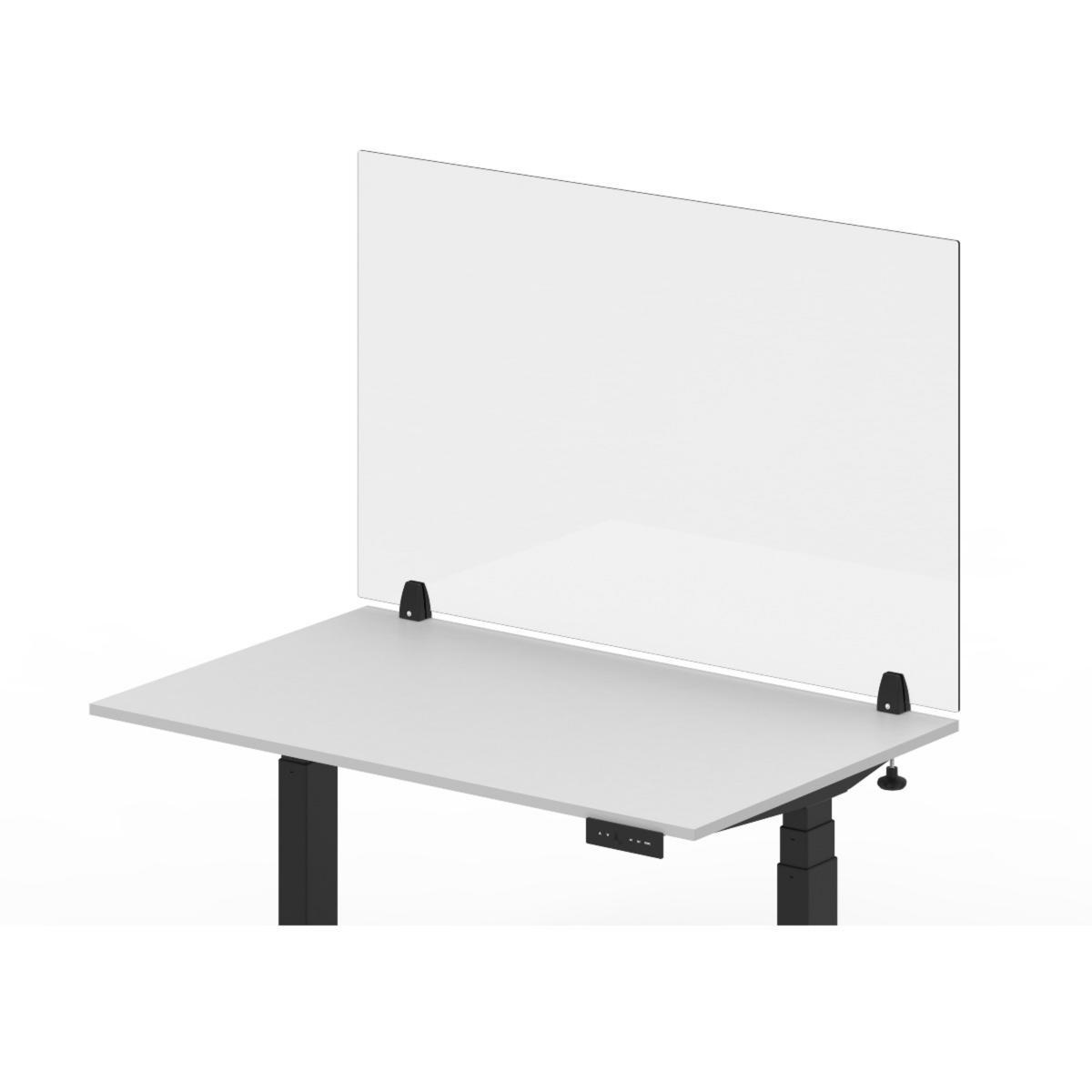
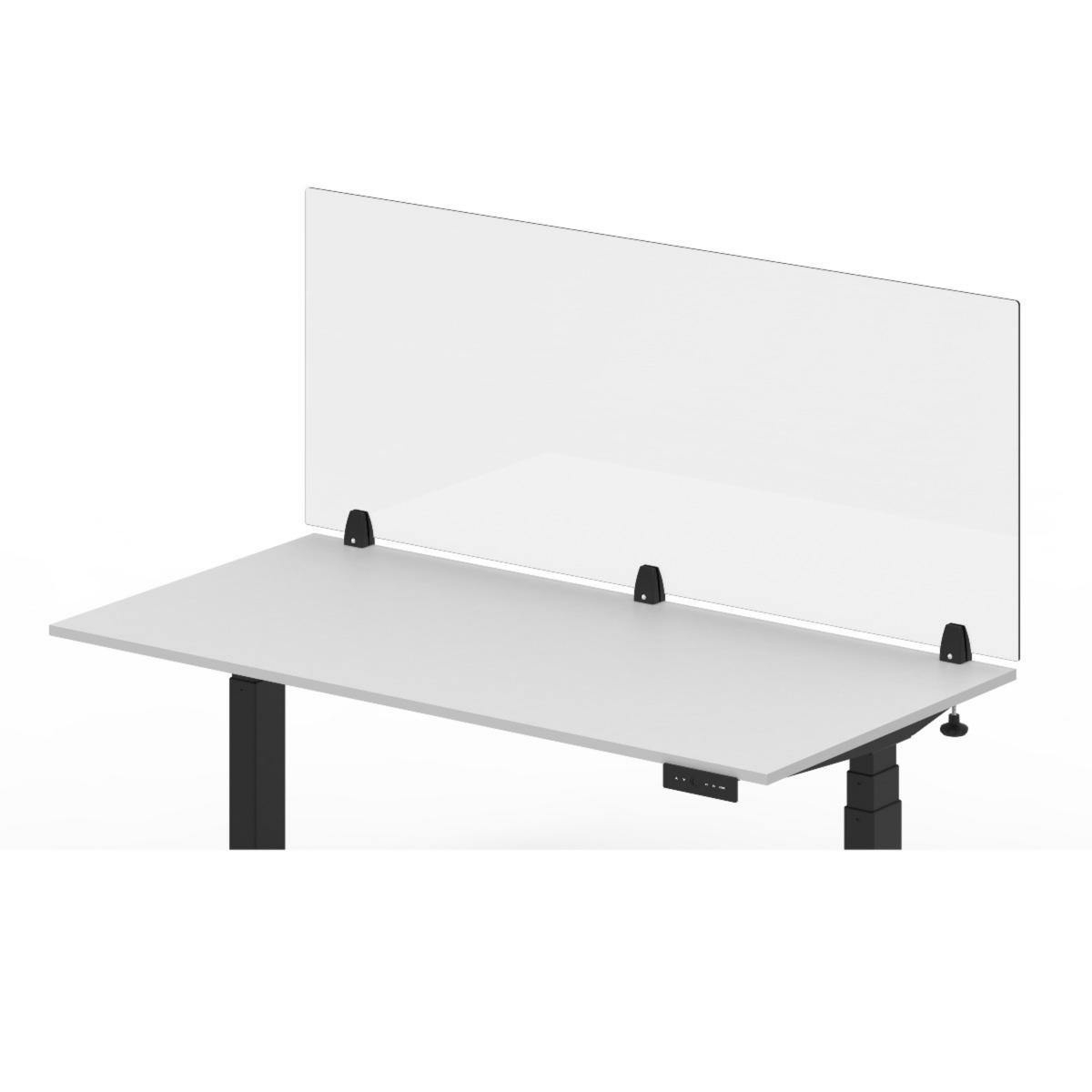
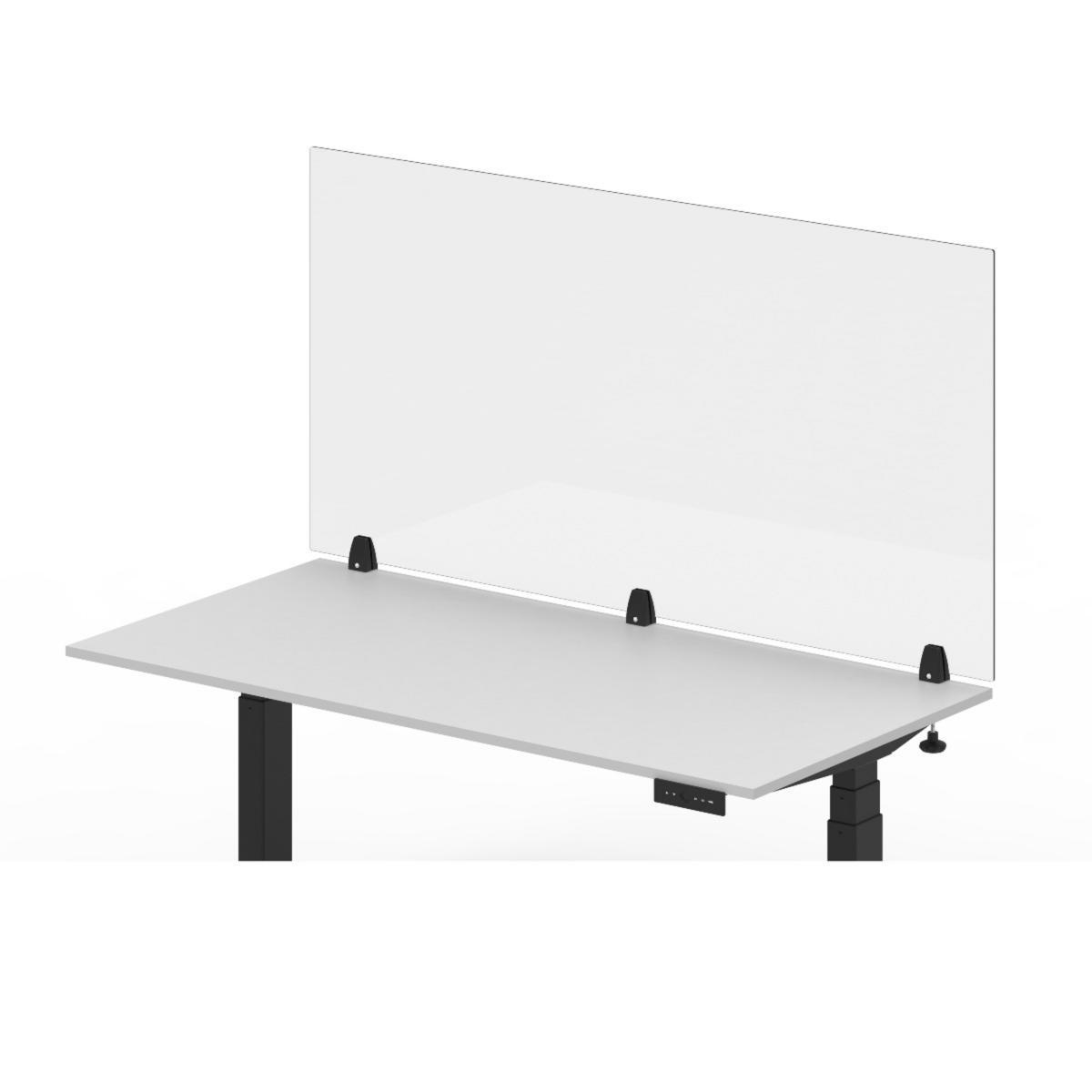
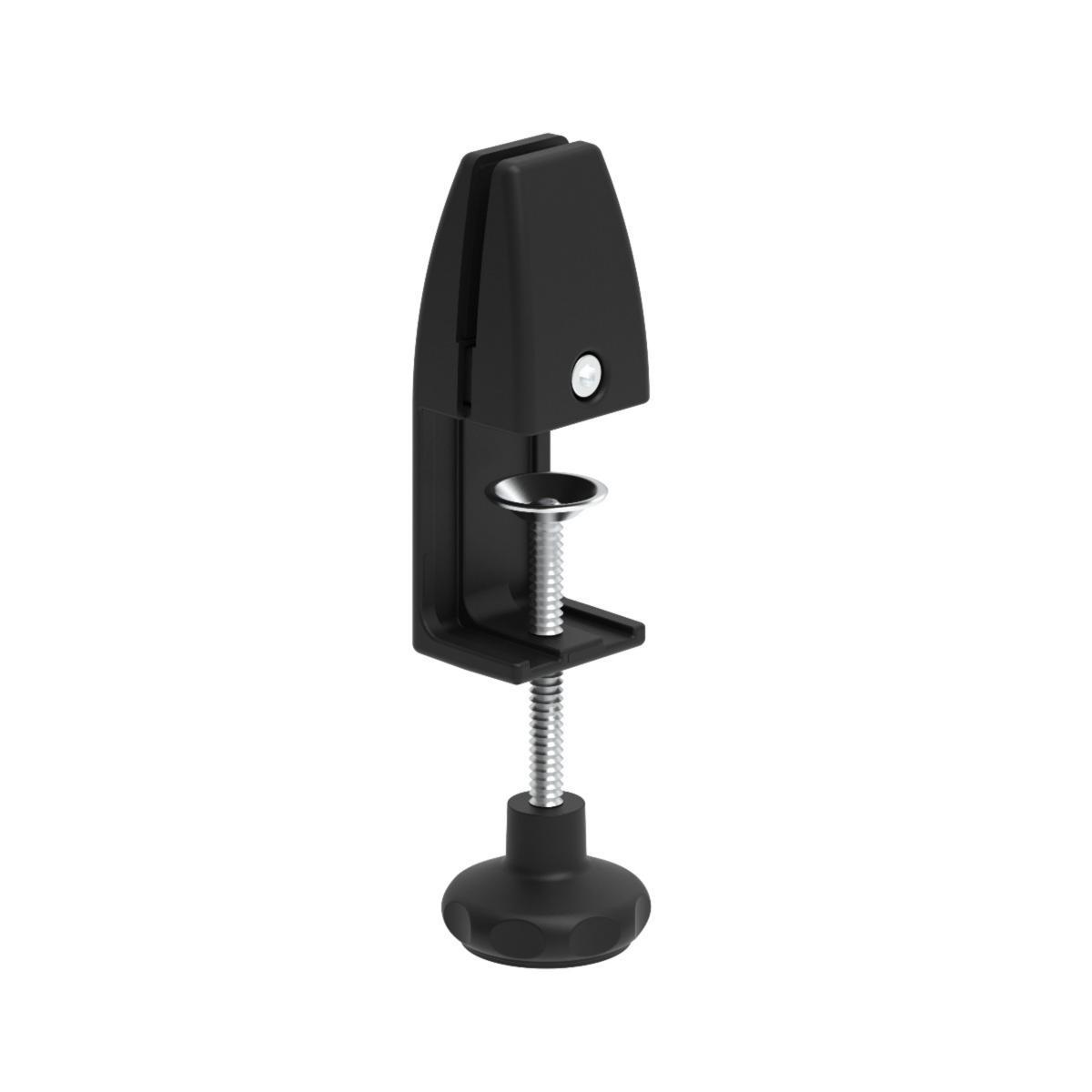
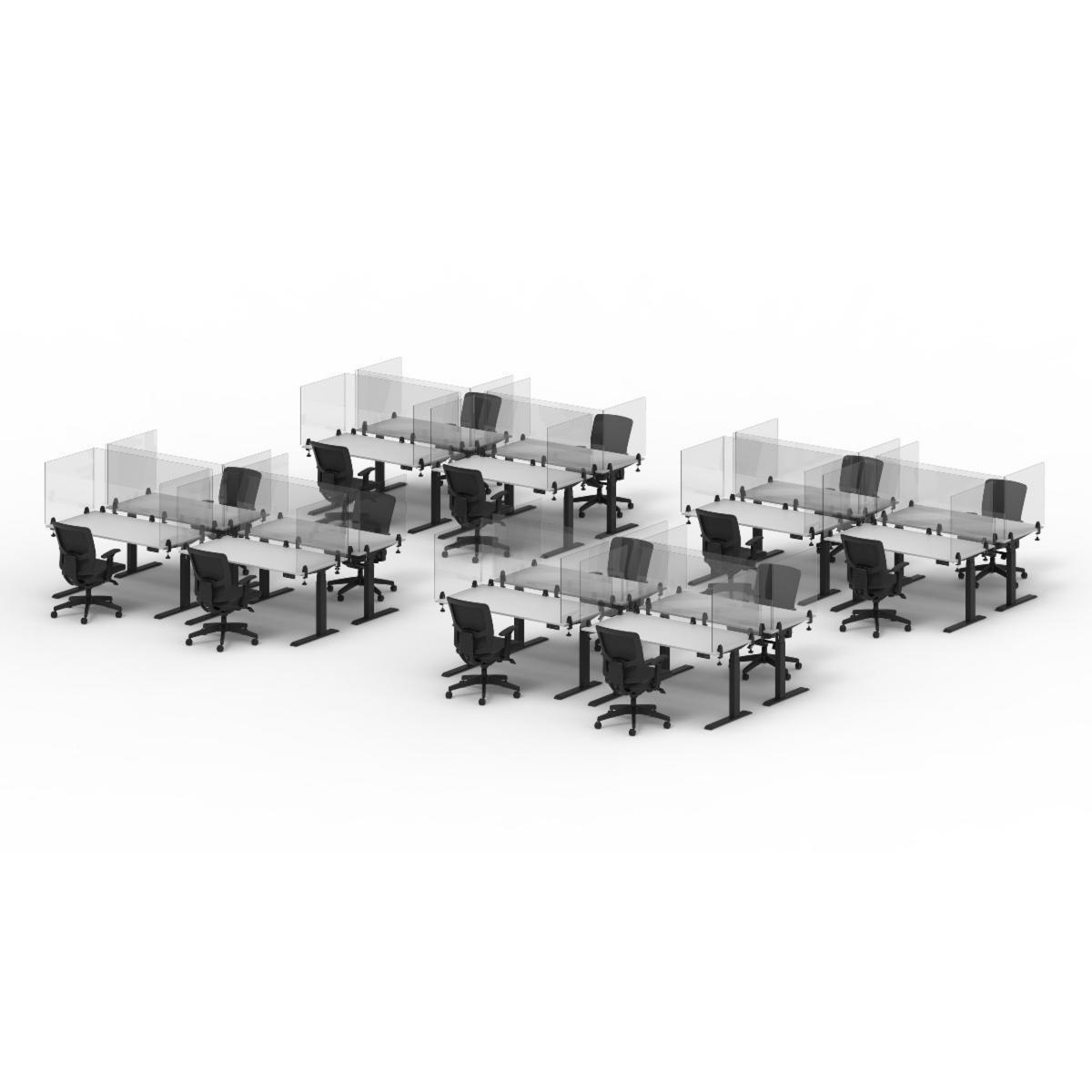
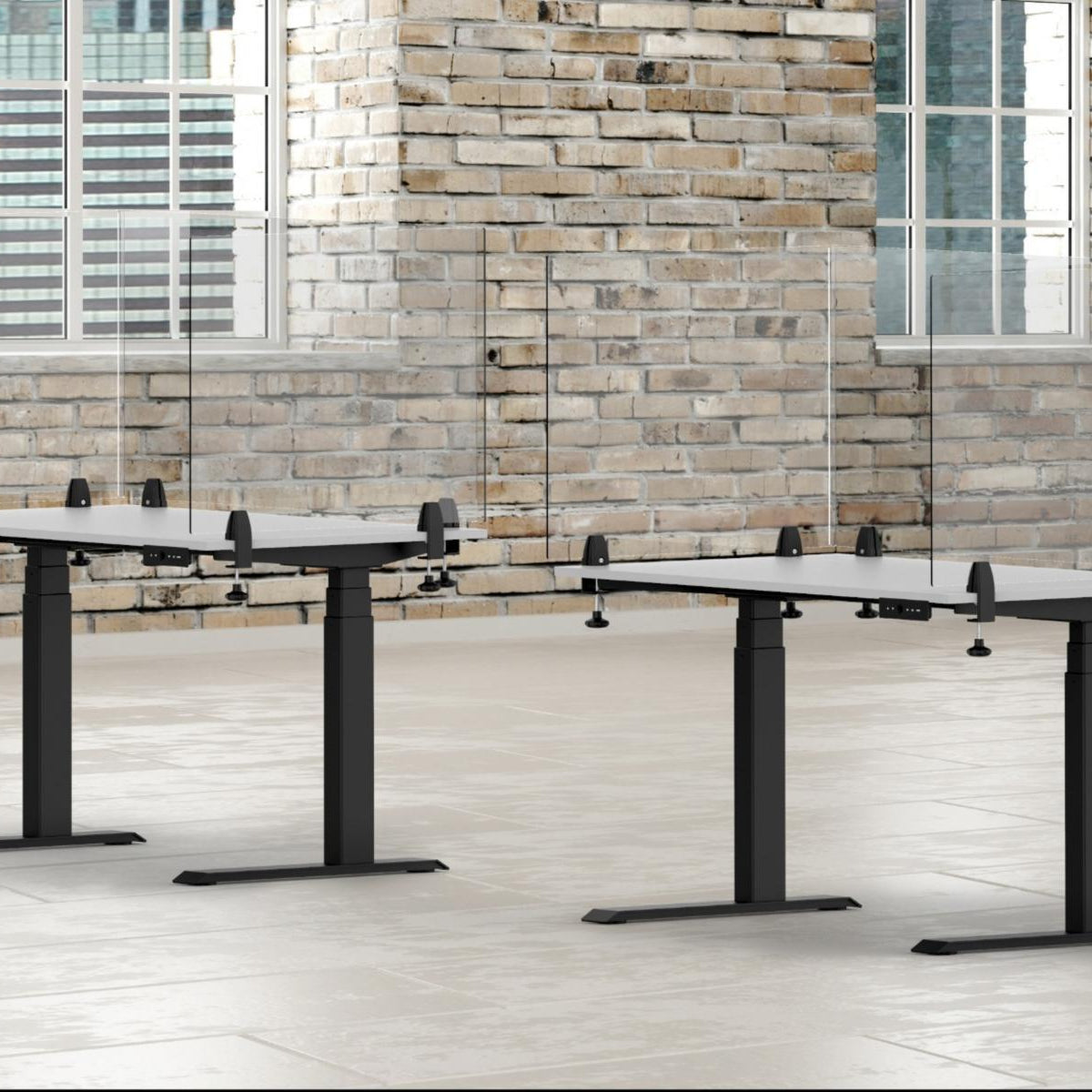
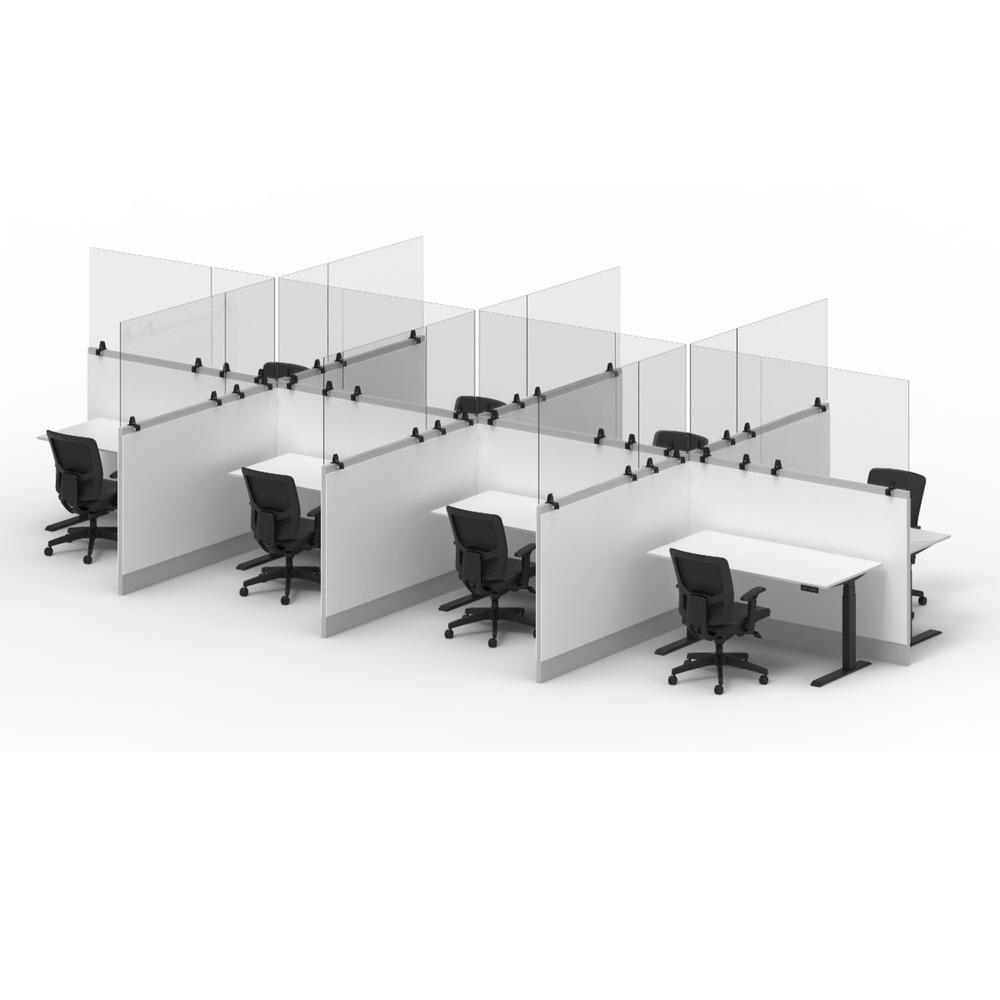
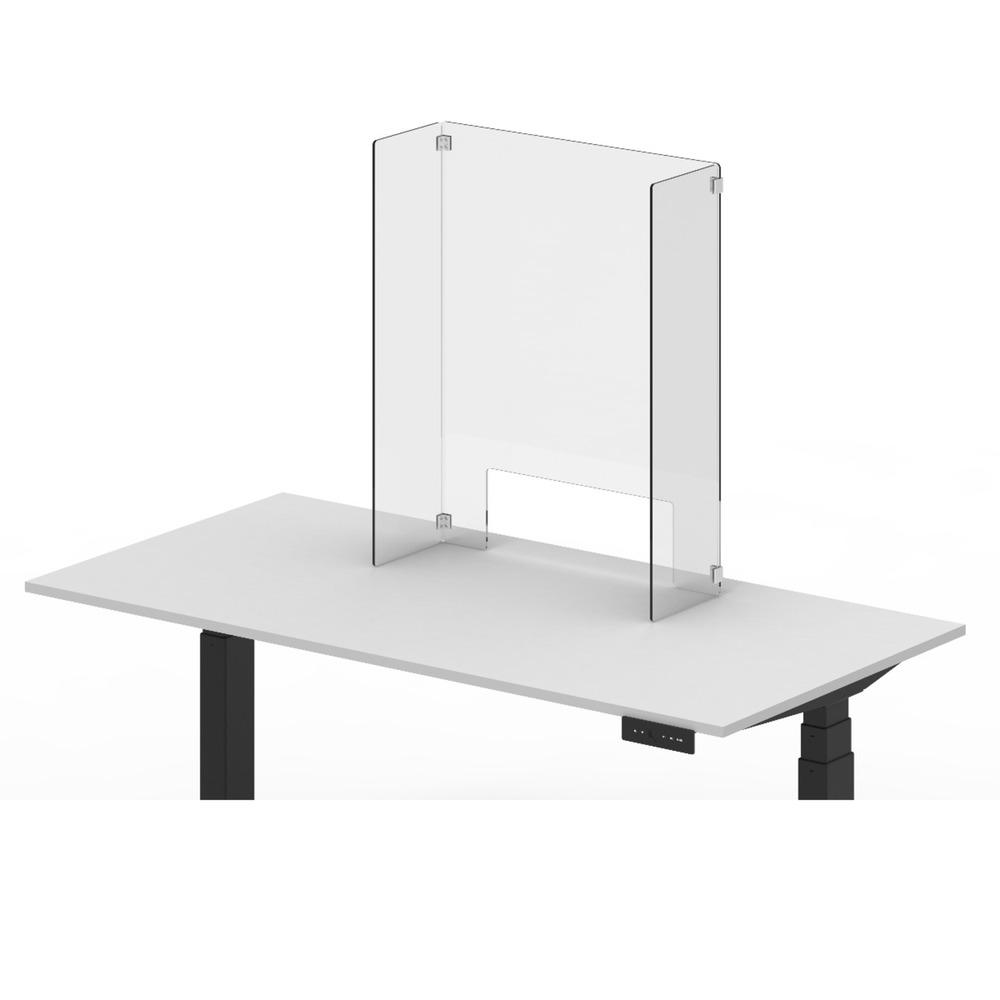
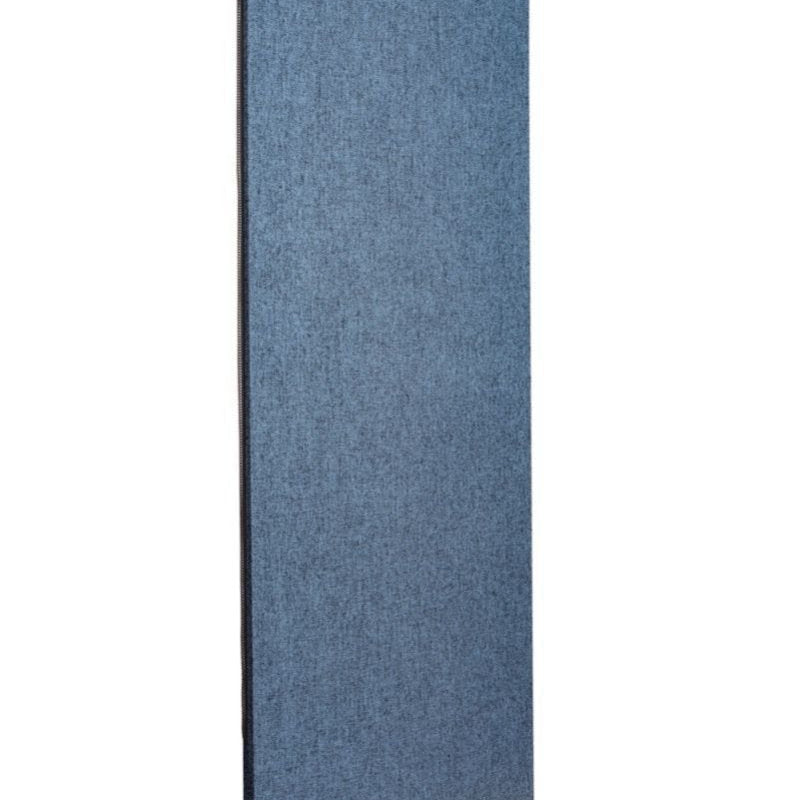
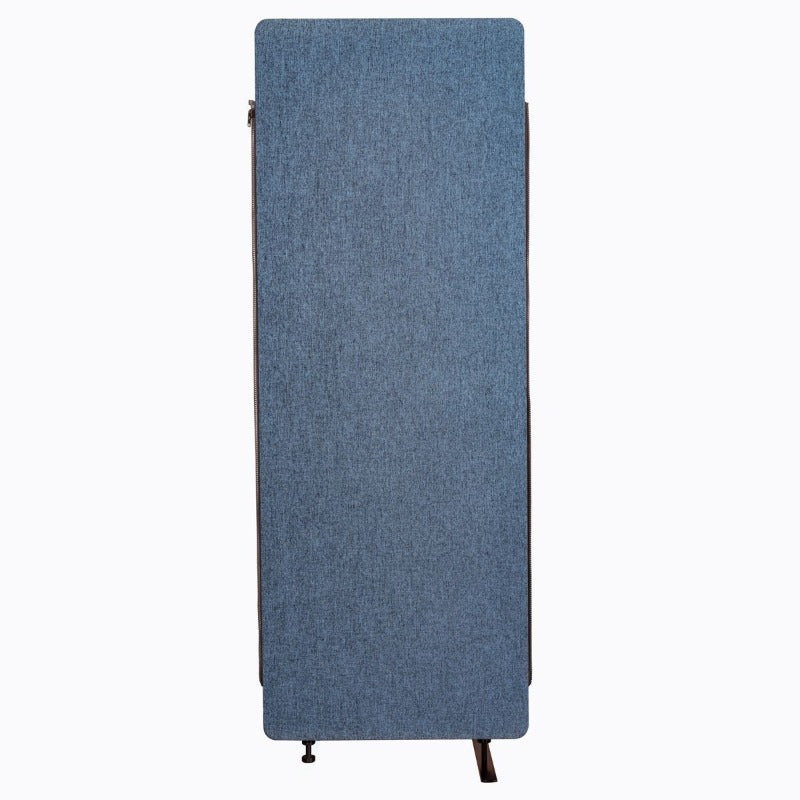
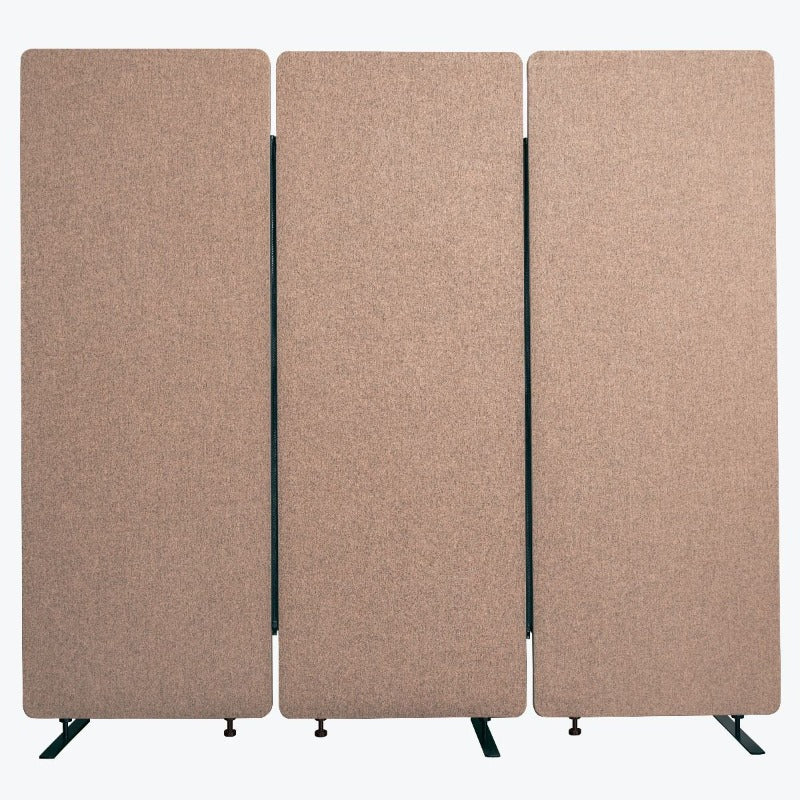
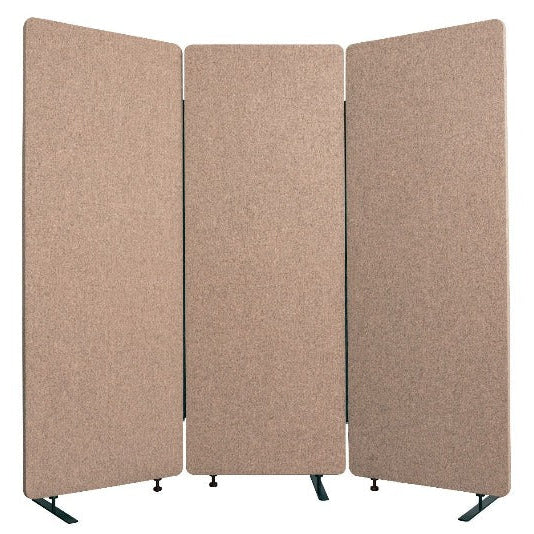
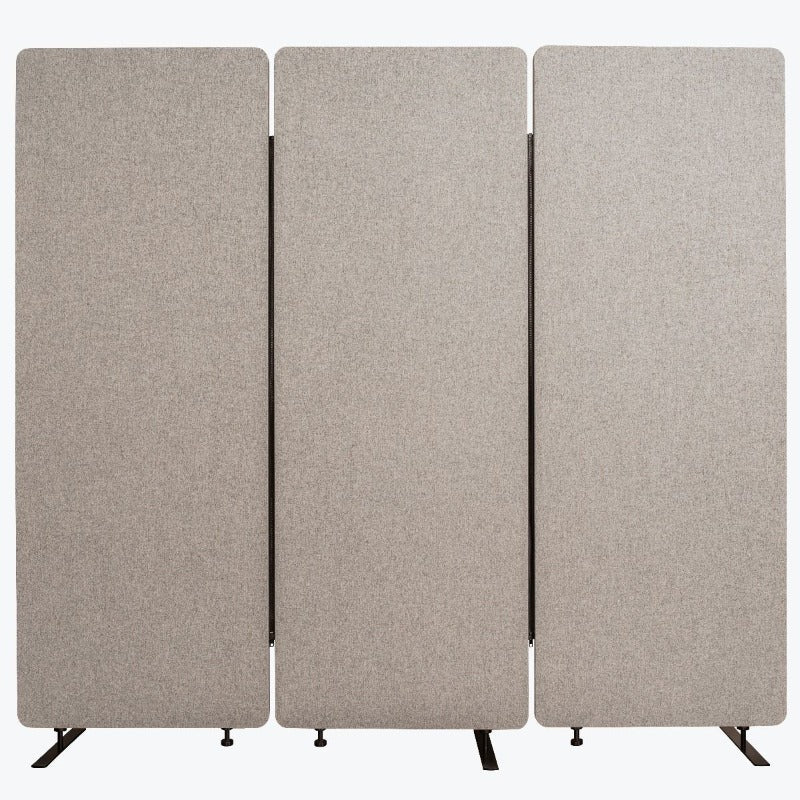
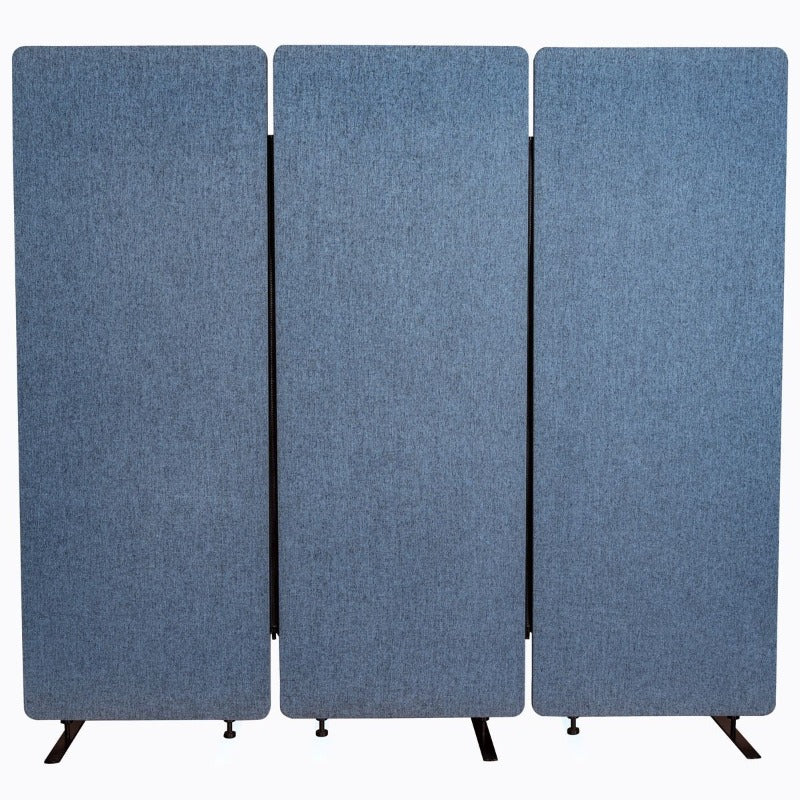
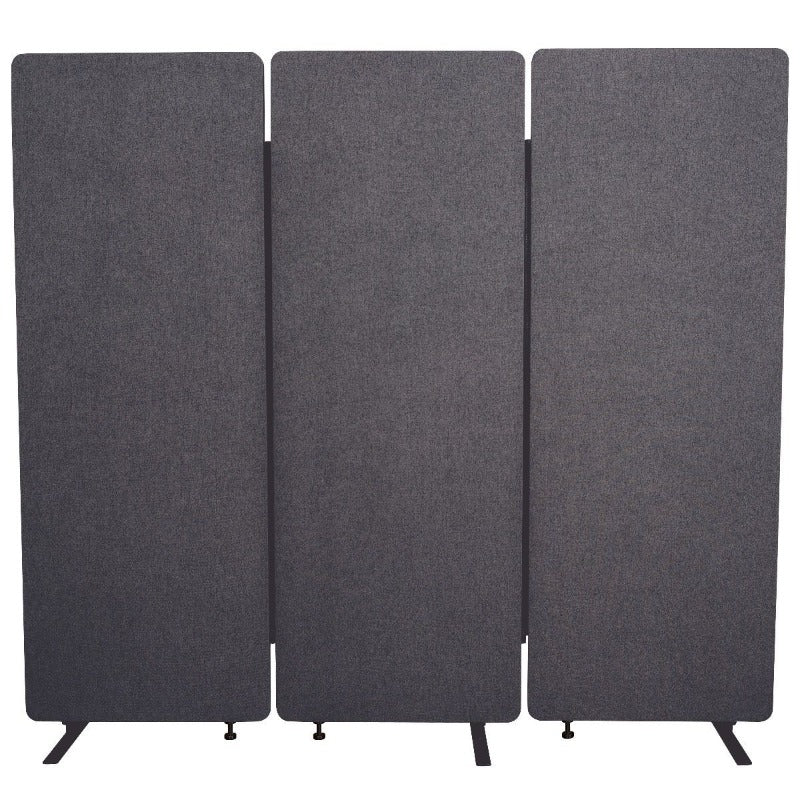
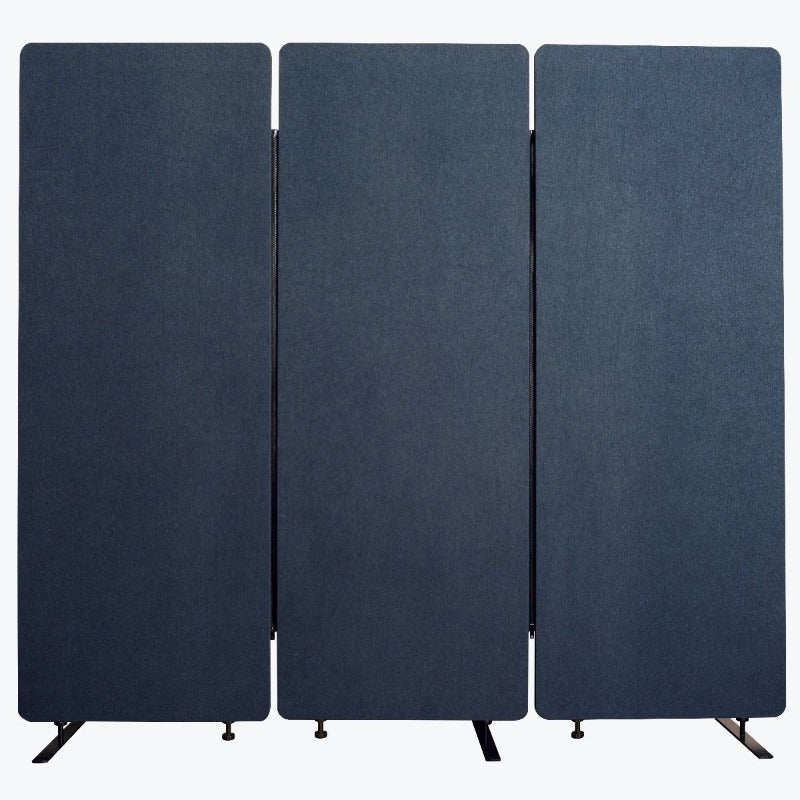
- Add dividers if the room needs them: acoustic panels and acrylic guards solve problems that show up after everything else is in place.
Standing desk or desktop converter?
The two cover the same goal from different starting points.
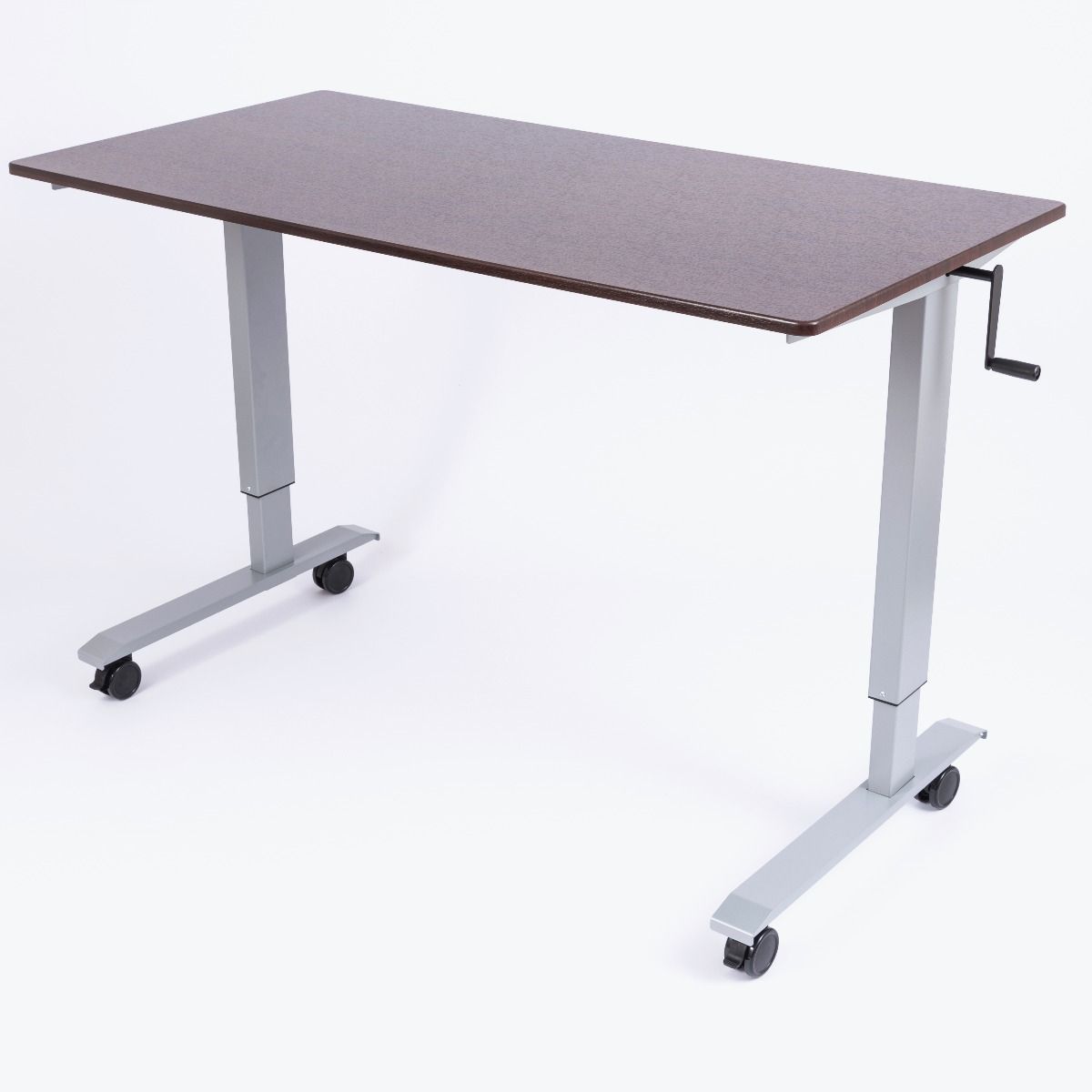
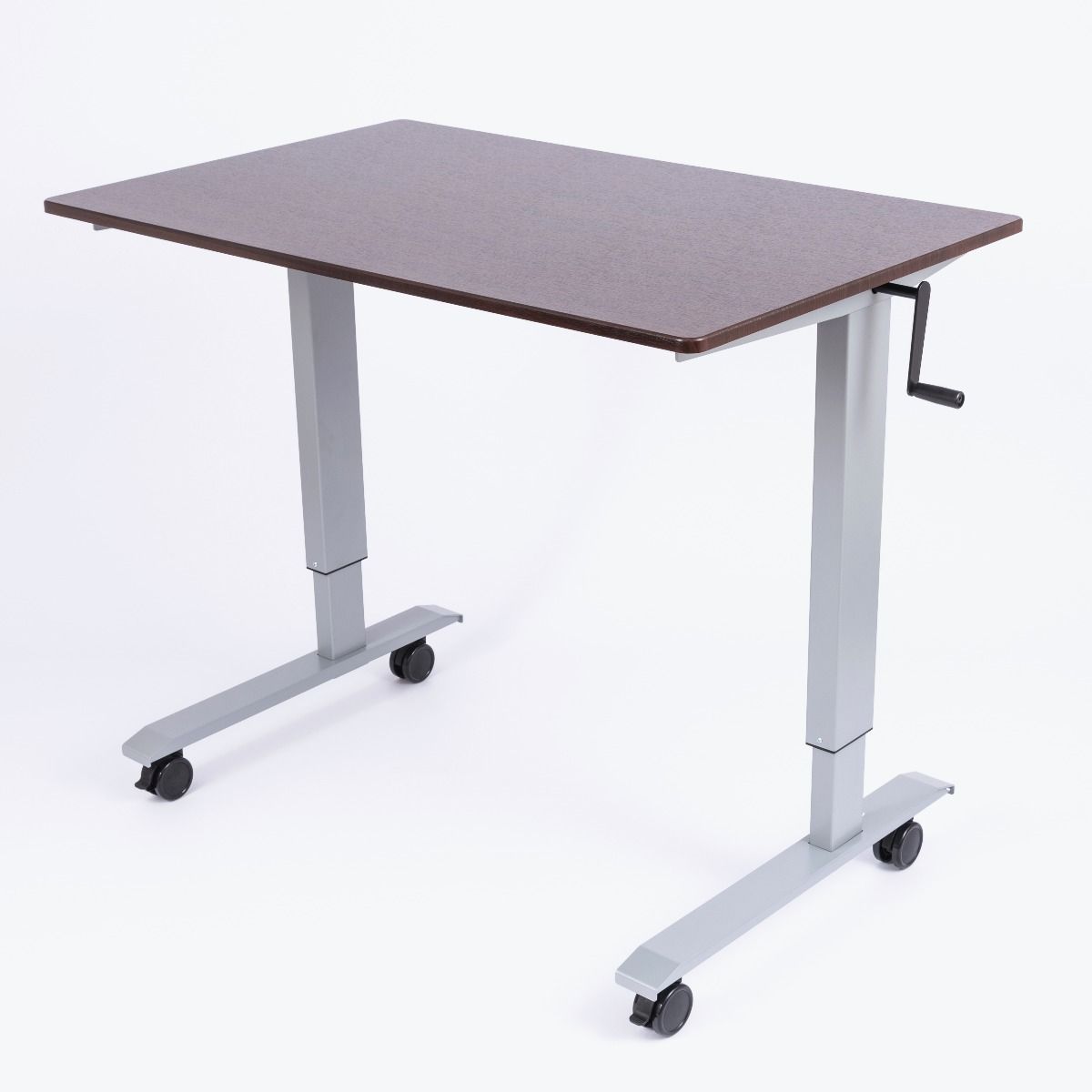
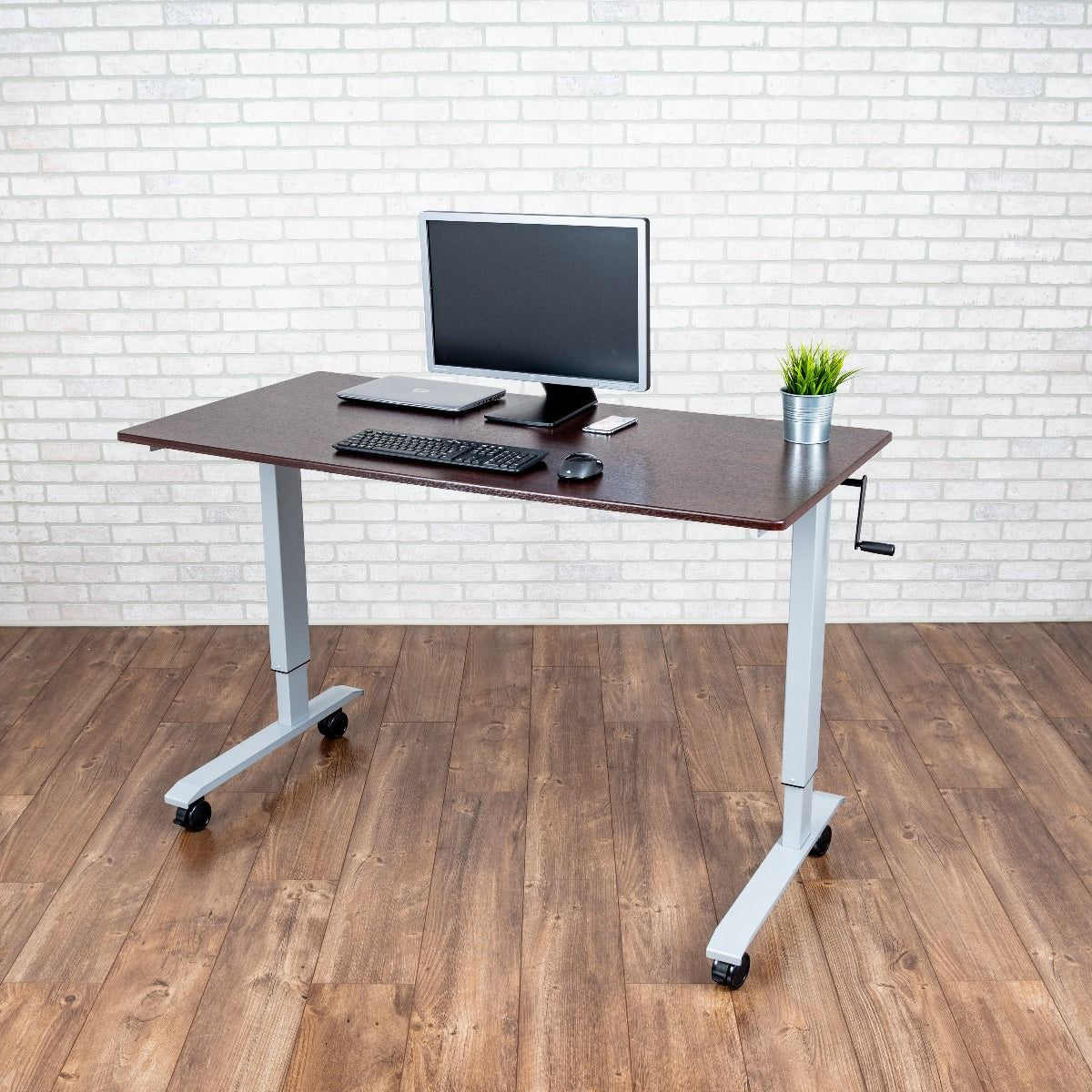
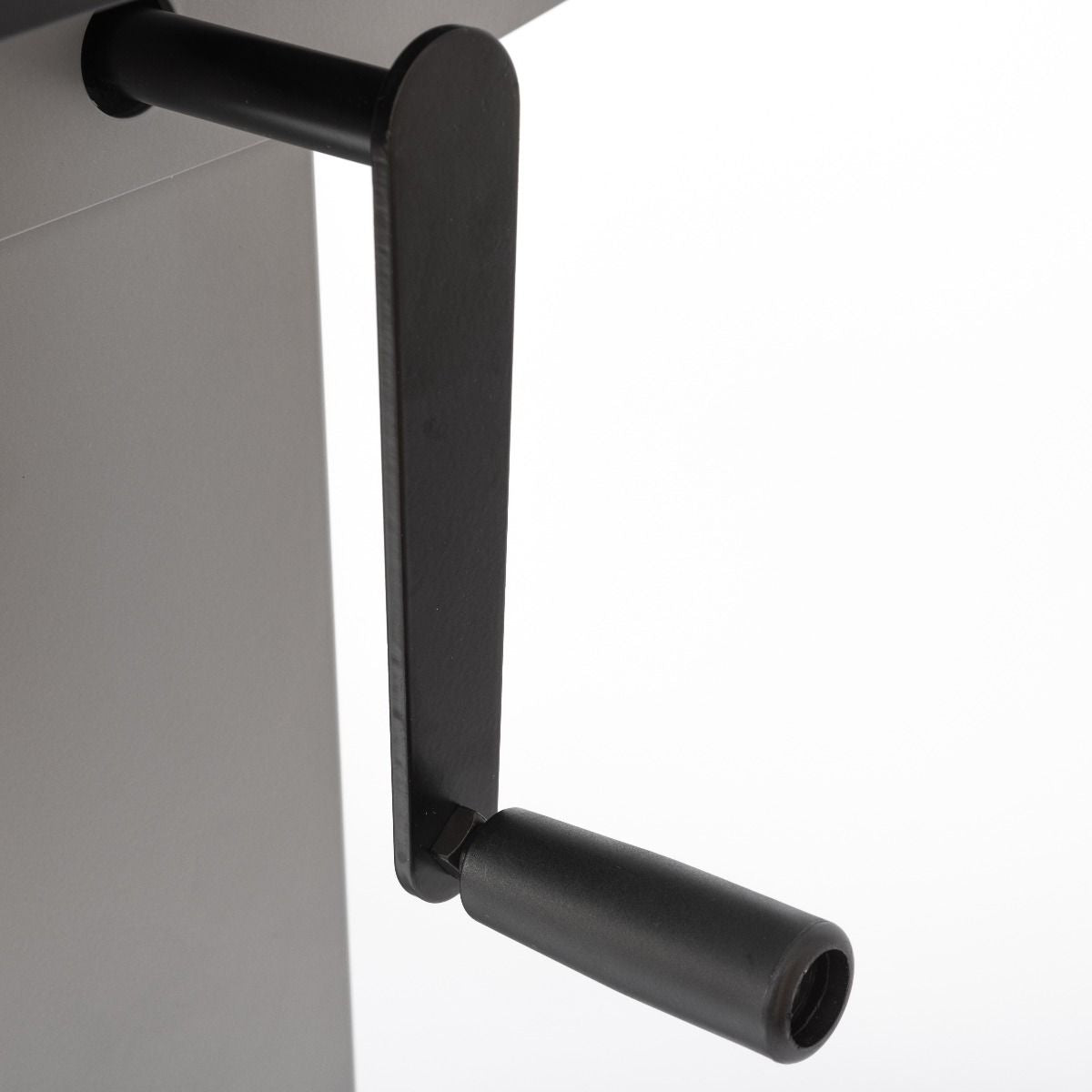
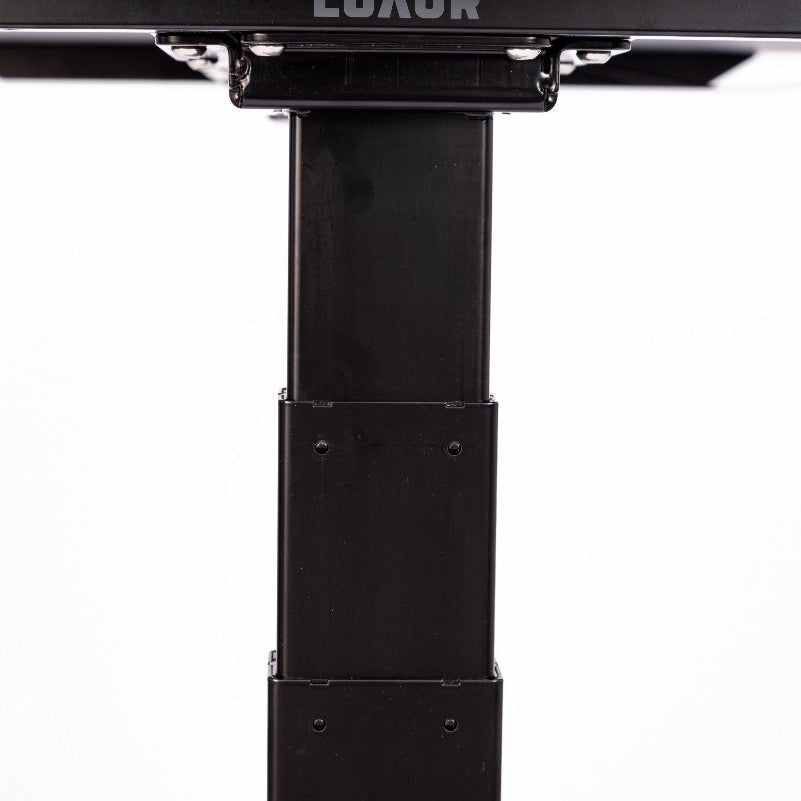
A full sit-stand desk replaces your work surface and lifts electrically, pneumatically, or with a crank. A converter sits on your current desk and lifts only the laptop or monitor area to standing height.
The converter is the easier route if you already have a desk you like, want a lower-cost way into sit-stand work, or want to try standing for a few weeks before committing. The full desk is cleaner, more stable, and easier to live with long term.
Hybrid work and small home offices
Home offices for hybrid workers usually have tighter constraints than full-time setups. The desk shares a room with other furniture, and equipment sometimes needs to fold away between sessions.
Lightweight desks, smaller-footprint chairs, and folding accessories work better in those rooms than full-scale office furniture. For dedicated full-time home offices, the constraints look closer to a workplace setup, with long-session chairs, full sit-stand desks, and proper monitor ergonomics.
Acoustic and visual privacy in shared rooms
Sound and visual interruption affect focus as much as the desk and chair do. Two layers cover most situations.
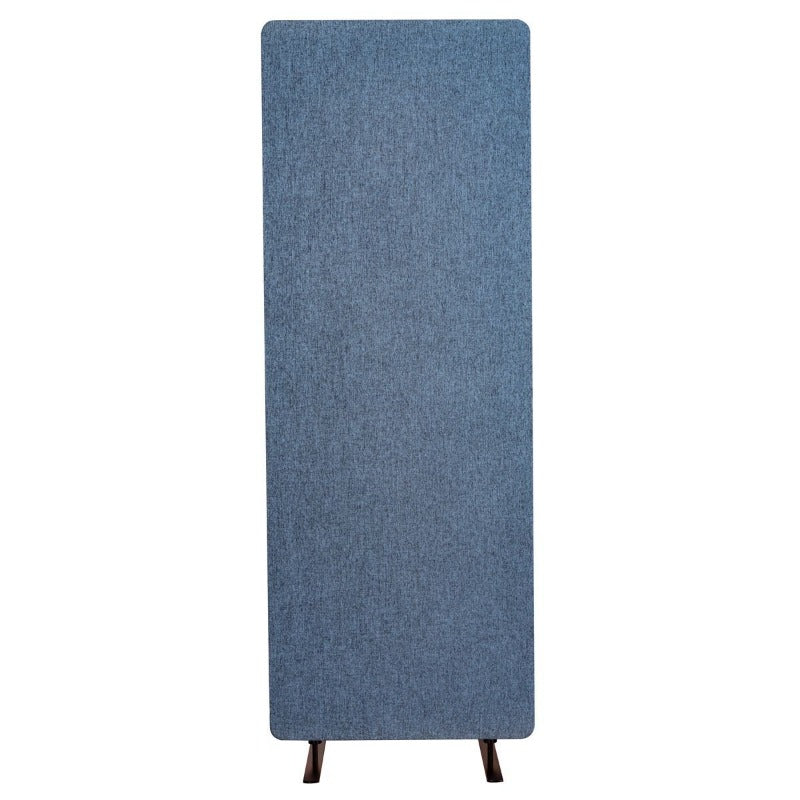
- Acoustic panels: reduce ambient noise around the workstation and double as tackable surfaces for notes.
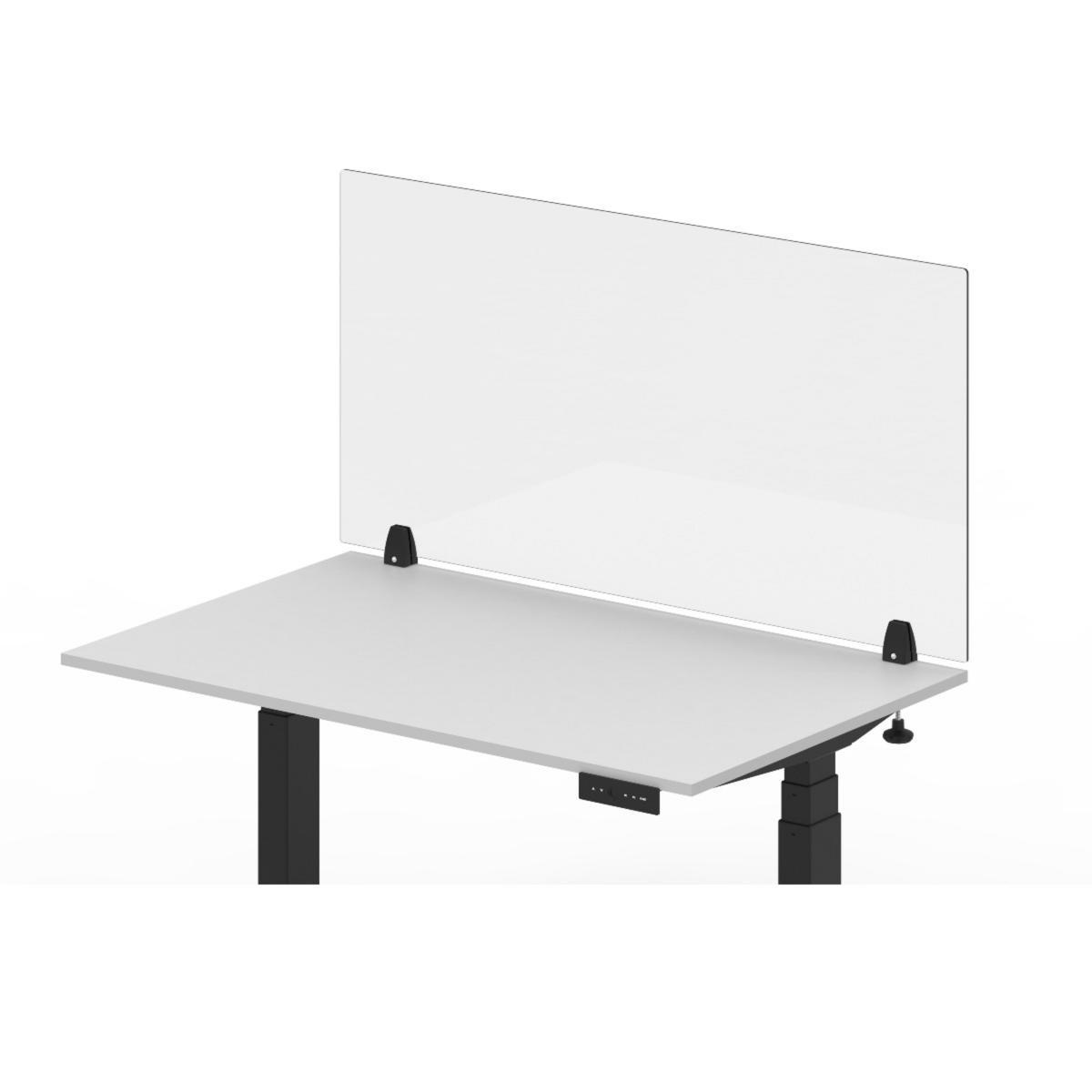
- Acrylic guards: add a visual barrier without blocking light, useful for shared counters and front-desk zones.
Concentration-heavy work benefits from acoustic absorption around the workstation. Collaborative work benefits from lower partitions that define zones without cutting off sightlines.
The right chair for your office
The seat carries most of the comfort weight in any office setup. Office Chairs covers full-workday options from Varier and CoreChair. Active Chairs covers movement-based seating across more brands and price points.
Want help with the full setup?
If you're outfitting more than a desk and a chair, contact us. We put together multi-piece quotes for home offices, multi-employee setups, and full office buildouts, often at better pricing than buying piece by piece.